

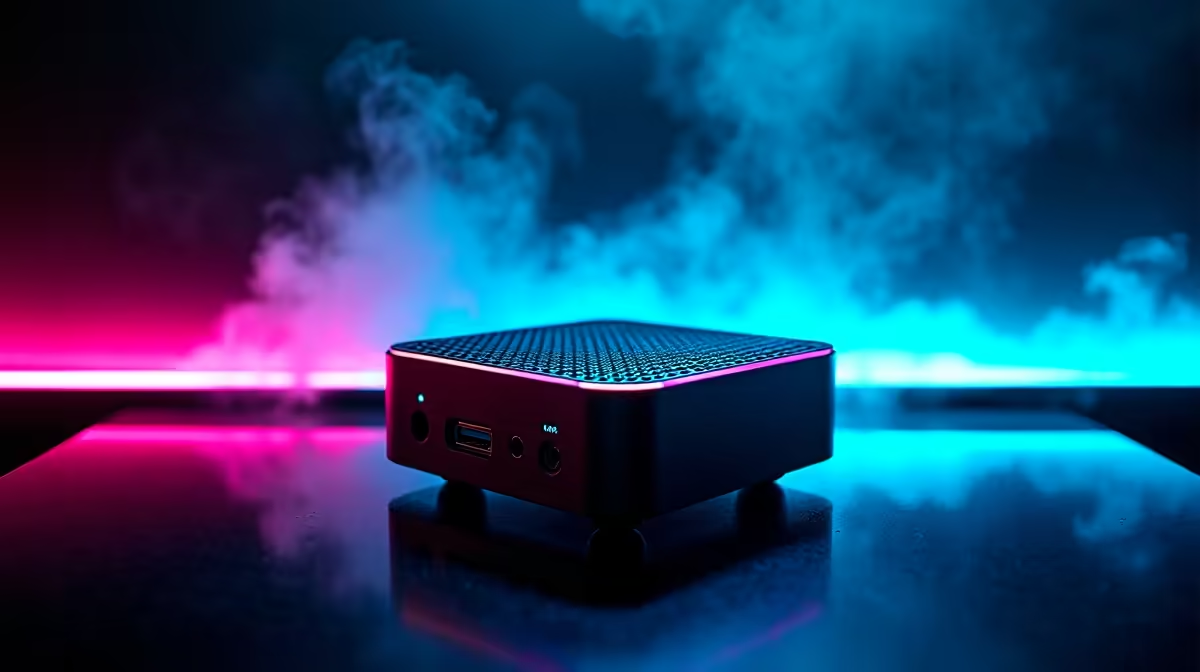
Building a small form factor (SFF) PC is a true rite of passage for any hardware enthusiast. But when you squeeze high-end components into a tiny footprint, things can get toasty... or just plain refuse to boot. Before you blame your expensive new motherboard or graphics card, you need to know how to test if your mini-ITX case is working properly. Let us make sure your compact rig runs cool and fast under the South African sun.
Checking the Front Panel I/O ⚡
The very first step to test if your mini-ITX case is working properly involves the front panel connectors. Those tiny headers are notoriously tricky to plug into your motherboard, especially in cramped spaces. If your power or reset button does not respond when pressed, double-check the F_PANEL pins on your motherboard.
Next, test every single USB port and audio jack on the front panel. Plug in a flash drive to ensure data transfers correctly, and connect your headset to check for static or audio drops. A faulty front panel is a massive headache. If the wiring is permanently damaged out of the box, you might need to explore some new gaming cases to replace the defective unit.
Monitoring Thermal Performance 🌡️
Mini-ITX builds are famous for running hot. To accurately test if your mini-ITX case is working properly under load, you must monitor your internal thermals. Download a free hardware monitor and run a basic stress test. If your CPU or GPU temperatures are rapidly spiking into the 90°C range, your case airflow is failing you.
Ensure your intake and exhaust fans are spinning up correctly and are not choked by a mess of power cables. Sometimes, SFF building is simply too much of a hassle. If you prefer a guaranteed cool system straight out of the box, browsing the best gaming PC deals can save you hours of frustrating thermal troubleshooting.
Airflow Pro Tip 🌬️
In a mini-ITX case, cable management is not just about aesthetics... it is absolutely vital for hardware survival. Use custom-length cables and zip ties to clear the path for your intake fans. A completely clear airway can drop your temperatures by up to 5°C!
Clearances and Structural Integrity
Did your massive graphics card fit properly, or is it pressing dangerously against the side panel? A working case must house your components safely without suffocating their cooling fans. If the side panel bulges or rattles when the fans spin up, your chassis isn't doing its job.
If you are tired of measuring GPU lengths to the exact millimetre, you might want to skip the DIY route entirely. Checking out reliable pre-built PC deals takes the guesswork out of component clearance. Alternatively, for true portability without the build stress, exploring notebooks for sale in South Africa offers incredible gaming power in a footprint smaller than any desktop case.
The Final Verdict on Your SFF Chassis 🔧
Thoroughly testing your chassis means ensuring the power button clicks reliably, the I/O ports connect instantly, and the airflow keeps your hardware alive during long gaming sessions. If you run through these checks and find your case lacking, it is definitely time for an upgrade. Keep a close eye on the latest Evetech specials to grab a premium SFF chassis that actually works for you, saving your hard-earned ZAR while protecting your expensive components.
Ready to Build Your Dream Compact Rig? Small form factor PCs require precision, but the results are absolutely breathtaking. If your current chassis isn't making the cut, we have the perfect upgrade waiting for you. Explore our massive range of gaming cases and find the ideal home for your next epic build.











