

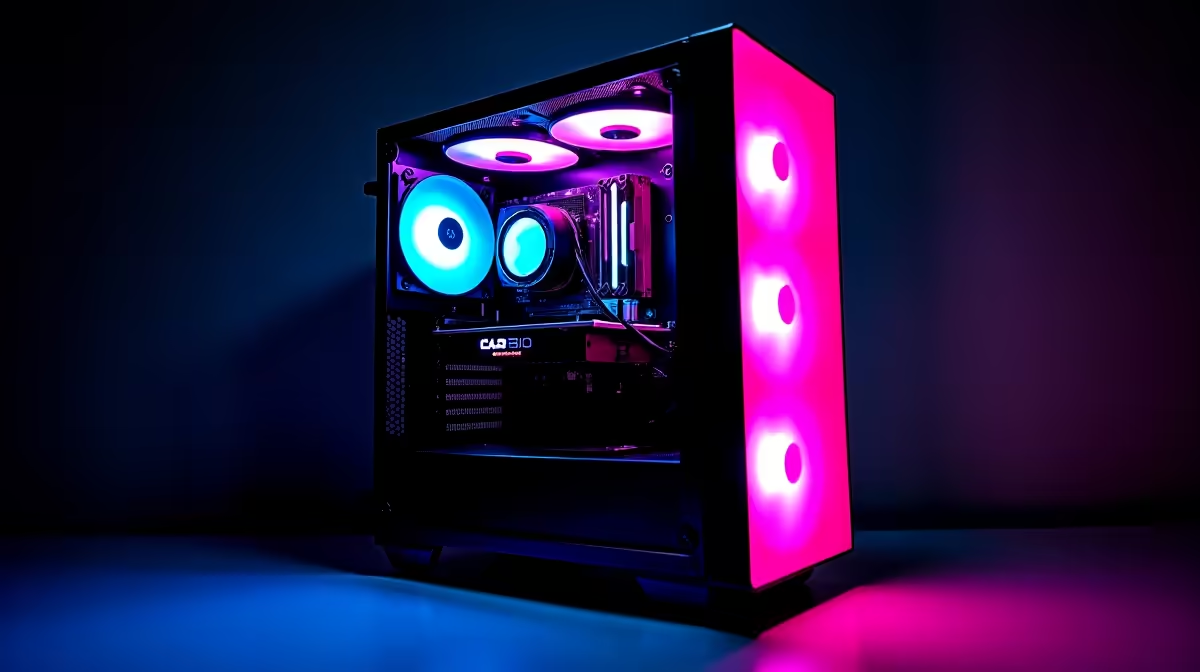
You just dropped your hard-earned ZAR on a shiny new rig. The monitor is plugged in... the RGB is glowing... but something is wrong. Games are crashing, drivers are failing, and your ping is spiking. Knowing how to troubleshoot esports PC installation issues is an essential skill for any South African gamer. Let us get your system running flawlessly so you can dominate the lobby.
Mastering the Basics of PC Setup
Before diving into complex software fixes, you must check your physical hardware. A loose cable is the most common culprit for a blank screen. Ensure your monitor is plugged directly into your dedicated GPU... not the motherboard.
If you recently decided to upgrade your graphics card, double-check that it is firmly seated in the PCIe slot. The power cables must click into place securely. Sometimes, simply reseating your RAM sticks can solve mysterious boot failures.
Tackling Software and Driver Errors ✨
Once your hardware is secure, software becomes your next hurdle. Windows updates can sometimes conflict with your graphics drivers. Always download the latest drivers directly from the official manufacturer websites.
If you are setting up a portable battle station from our premium gaming laptops range, use the built-in control centre to optimise your thermal profiles. Outdated BIOS versions can also cause major installation headaches... so check your motherboard manual for safe updating procedures.
Driver Pro Tip 🔧
Always use Display Driver Uninstaller (DDU) in Safe Mode when swapping out a GPU. It completely removes old driver files and prevents nasty software conflicts that ruin your frame rates.
Network Fixes for Competitive Gaming
South African internet infrastructure can be highly unpredictable. If your competitive games are lagging, do not rely on a standard Wi-Fi connection. A wired Ethernet cable is absolutely vital for stable latency.
Background downloads often throttle your bandwidth without warning. Open your task manager and close any unnecessary background applications. If your current machine simply cannot keep up with modern network demands, browsing some reliable pre-built PC deals is the easiest way to guarantee a smooth, plug-and-play experience.
Thermal and Power Troubleshooting ⚡
Heat is the ultimate enemy of consistent gaming performance. You must ensure your case fans are spinning and airflow remains unobstructed. If your computer shuts down mid-match, your power supply might be failing under load. Always use a quality surge protector to guard your components against sudden load shedding spikes.
If you are completely tired of having to troubleshoot esports PC installation issues on ageing hardware, treating yourself to one of the best gaming PC deals is a brilliant move. You can also keep a close eye on our weekly tech specials to upgrade your cooling setup or power supply while saving your precious Rands.
Ready to Stop Fixing and Start Gaming? 🚀 Troubleshooting old hardware is frustrating, but upgrading does not have to be. For maximum frame rates, unmatched reliability, and incredible value in South Africa, Evetech has you covered. Explore our incredible desktop specials and find the perfect machine to conquer your competitive gaming world.











