

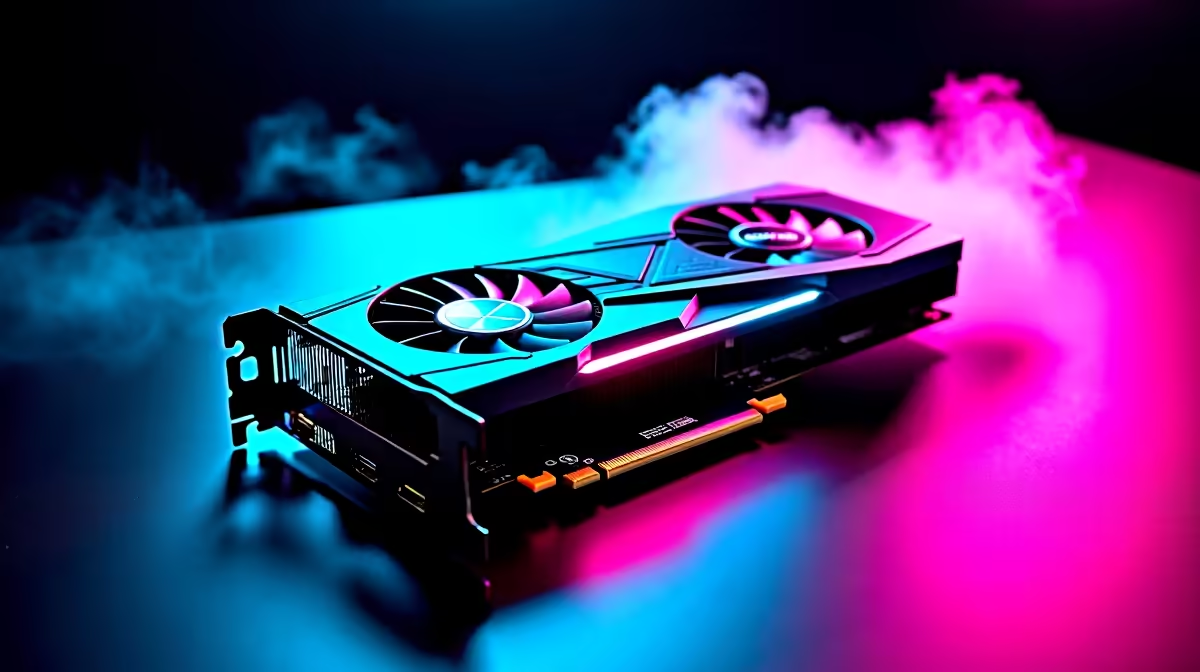
You just dropped a chunk of your hard-earned ZAR on a shiny new GPU. You slot it in, hit the power button, and... nothing. Blank screen. Panic sets in. Do not stress just yet. Knowing how to troubleshoot RTX 5060 Ti installation issues is easier than you think. Let's get your rig up and running so you can get back to grinding.
Common Culprits When You Troubleshoot RTX 5060 Ti Installation Issues
The most frequent problem is power. Modern cards draw serious juice. Make sure your power supply unit has the correct PCIe cables securely plugged in. If your PSU is looking tired, you might need an upgrade. Browse our new graphics cards and components to ensure full compatibility.
Next, check the physical seating. A heavy card can easily sag or sit slightly out of the PCIe slot. Push it down gently until you hear that satisfying click from the motherboard latch.
Fixing Display Errors and Driver Conflicts 🔧
Are you plugging your display cable into the motherboard instead of the GPU? It is a classic mistake. Always plug directly into the graphics card ports.
If you get a display but face random crashes, old drivers are likely the villain. Use Display Driver Uninstaller to wipe the slate clean. Then, install the latest NVIDIA drivers. If you are tired of doing this yourself, looking at pre-built PC deals takes the hassle out of upgrades.
Hardware Pro Tip ⚡
Always ground yourself before touching internal PC parts. Touching a metal part of your case while it is plugged in (but switched off at the wall) helps discharge static electricity that could fry your new hardware.
Motherboard Compatibility and System Upgrades 🚀
Sometimes your older motherboard simply does not recognise the new silicon. Updating your motherboard BIOS can solve deep-rooted hardware conflicts. Check your manufacturer's website for the latest version.
If your system is too old to support modern PCIe standards, a single upgrade might fail. You might want to explore the best gaming PC deals for a complete system overhaul.
Prefer gaming on the go? You could bypass desktop building entirely. Check out our notebooks for sale in South Africa for incredible portable power.
Always keep an eye on the latest Evetech specials to stretch your Rands further. Upgrading your setup should be exciting, not stressful.
Ready to Upgrade Without the Hassle? Troubleshooting hardware can be stressful, but getting maximum power and value in South Africa shouldn't be. Explore our massive range of PC components and find the perfect hardware to conquer your games.











