

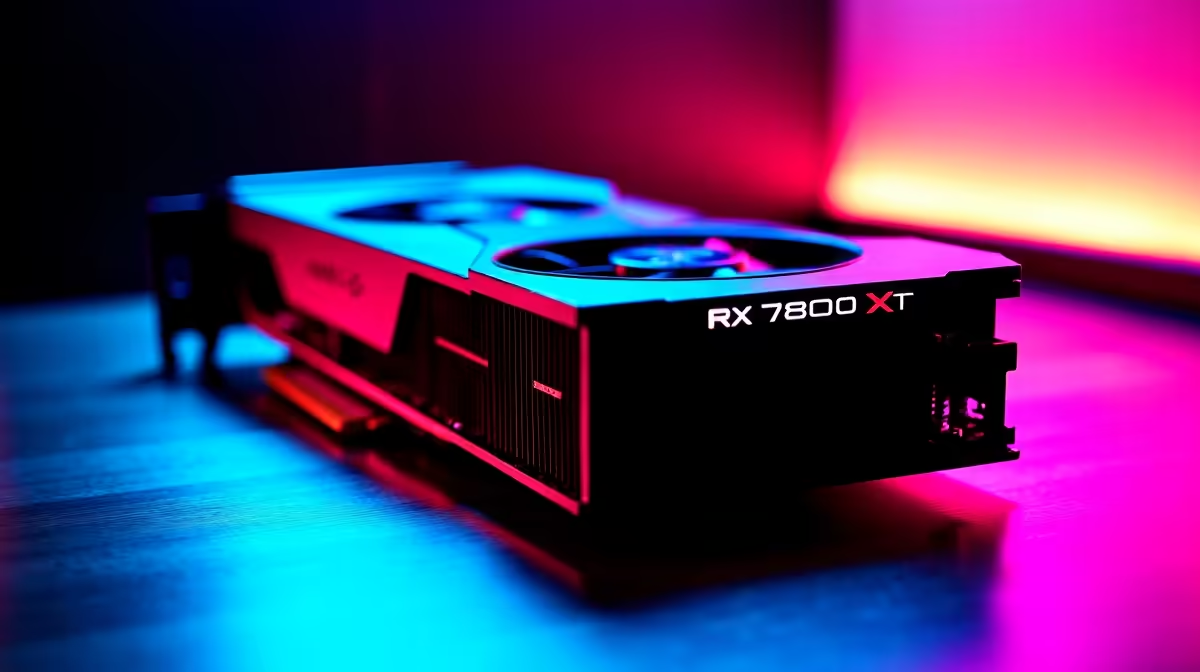
You just dropped a solid chunk of ZAR on a beastly new AMD Radeon RX 7800 XT. You slot it in, hit the power button, and... nothing. A blank screen or a motherboard beep code is every South African gamer's worst nightmare. Upgrading your PC should be an exciting experience, not a stressful one. Before you panic and assume your hardware is a dud, take a deep breath. Let's look at how to troubleshoot RX 7800 XT installation issues step by step.
Power Requirements and Cabling ⚡
The RX 7800 XT is a powerhouse, but it needs a steady flow of electricity to perform. AMD officially recommends a minimum 700W power supply for this specific card. If your system runs an older or lower-wattage PSU, you might experience sudden reboots or no display at all. Always use two separate PCIe power cables directly from the power supply instead of daisy-chaining a single cable. If you are planning a complete system overhaul to support this beast, checking out the best gaming PC deals can save you money on a rig that is perfectly balanced.
Seating the Card and Motherboard Updates
Sometimes the simplest solution is the right one. GPU sag is real, and these massive coolers can prevent the PCIe pins from making proper contact. Power down, unclip the PCIe slot, and firmly reseat the card until you hear a satisfying click.
If it is seated correctly but still giving you grief, your motherboard BIOS might need an update. Older motherboards sometimes struggle to recognise newer RDNA 3 architecture without the latest firmware. If tweaking BIOS settings sounds too risky, you could always bypass the stress entirely. Our pre-built PC deals come fully updated, tested, and ready for action.
Driver Conflicts and Display Issues 🚀
Did you upgrade from an older Nvidia or AMD card? Leftover display drivers are notorious for causing black screens and stuttering. Boot into Windows Safe Mode and use Display Driver Uninstaller to wipe the slate clean. This ensures there are no conflicting files confusing your operating system. Once rebooted, install the latest AMD Adrenalin software directly from the official website.
If you are a gamer who travels often and relies on mobile power instead of a desktop, managing drivers is just as important. Browse our range of laptops for sale in South Africa to find reliable on-the-go performance.
Troubleshooting Pro Tip 🔧
If your monitor says "No Signal", double-check that your display cable is plugged directly into the RX 7800 XT and not the motherboard IO panel. It is a common mistake that happens to the best of us!
Exploring Other Hardware Limits
Sometimes the issue is not the graphics card itself, but a bottleneck elsewhere in your system. If your CPU or RAM is faulty, it can mimic a GPU failure. A loose RAM stick is a frequent culprit for boot failures. Testing your card in a friend's PC is a great way to isolate the problem. If it turns out you need a replacement or an upgrade, keep an eye on our daily specials for massive discounts on compatible parts. Alternatively, if you decide to swap to a different tier of performance, you can easily buy graphics cards from our massive Evetech catalogue.
Ready to Upgrade Your Gaming Experience? Whether you are troubleshooting your current rig or building a brand new monster, Evetech has the hardware you need at the best prices in South Africa. Explore our massive range of PC components and find the perfect parts to conquer your favourite games.











