

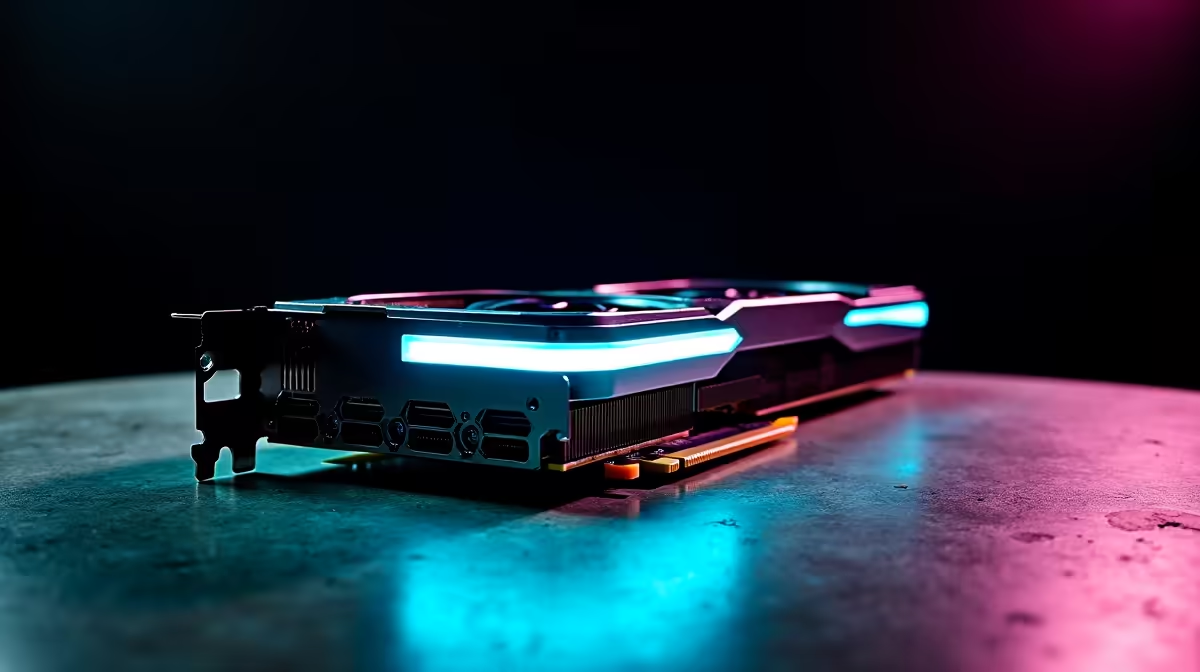
Why Updating RTX 4060 Firmware and Drivers Matters in South Africa
If you own an RTX 4060 and game in South Africa, keeping your GPU’s firmware and drivers up to date is crucial. Outdated software risks performance dips, stutters, and missed optimisation patches that can sharpen your gameplay and visuals. Whether you’re tackling Apex Legends on fibre internet or streaming on YouTube, a smooth experience depends on regular updates. Ready to power up? Let’s dive into how to update your RTX 4060 firmware and drivers the South African way ⚡.
Step-by-Step Guide to Updating Your RTX 4060 Drivers
Updating your RTX 4060 drivers is simpler than you think. Begin by heading to NVIDIA’s official website or using the GeForce Experience app. Both give you access to the latest driver versions tailored for your GPU. After installing, restart your PC to lock in the changes. For local tech buyers, Evetech offers a wide range of graphics cards if you’re considering an upgrade or replacement—check out the best graphics cards available now.
Firmware Updates: What You Need to Know
Firmware updates aren’t as frequent as driver updates but are just as important. Firmware controls the RTX 4060 hardware at its core, unlocking efficiency and stability improvements. To check if your GPU firmware needs updating, you can use third-party tools like GPU-Z or NVIDIA’s own software suite. Because updates can risk bricking your device, only proceed if official firmware updates are published and double-check compatibility.
Pro Tip for SA Gamers
Firmware updates can improve thermal management on your RTX 4060. Keep your rig cool by combining firmware updates with fine-tuned fan curves—Evetech’s pre-built gaming PCs showcase optimised cooling setups ready to handle these upgrades.
Optimising Your Entire Gaming Setup with Updated Drivers
Updating your GPU drivers unlocks compatibility with the latest game titles and graphics tech like DLSS and ray tracing. Don’t forget to pair these updates by boosting your full setup. If you're after a ready-to-play beast, explore Evetech’s pre-built PC deals designed for precision and power, or get a fresh gaming laptop that suits your mobile lifestyle via our notebooks for sale in South Africa.
South African gamers can grab fast fibre packages to complement these hardware gains. Plus, watch out for seasonal specials on peripherals and components, so you never miss an affordable upgrade opportunity.
Troubleshooting Common Update Issues 🚀
If your update stalls or fails, check these SA-specific factors:
- Internet stability: South African fibre is great but occasional drops happen.
- Antivirus interference: Temporarily disable security software during installs.
- Driver conflicts: Use ‘clean installation’ options when updating to avoid issues.
Reboot your system after every update. If problems persist, Evetech’s customer support can guide you or assist with hardware troubleshooting.
Power Up Your Gaming Rig Ready to upgrade or refresh your GPU setup? Shop now at Evetech for unbeatable deals and expert-tested gear that keeps your gameplay flawless.











