

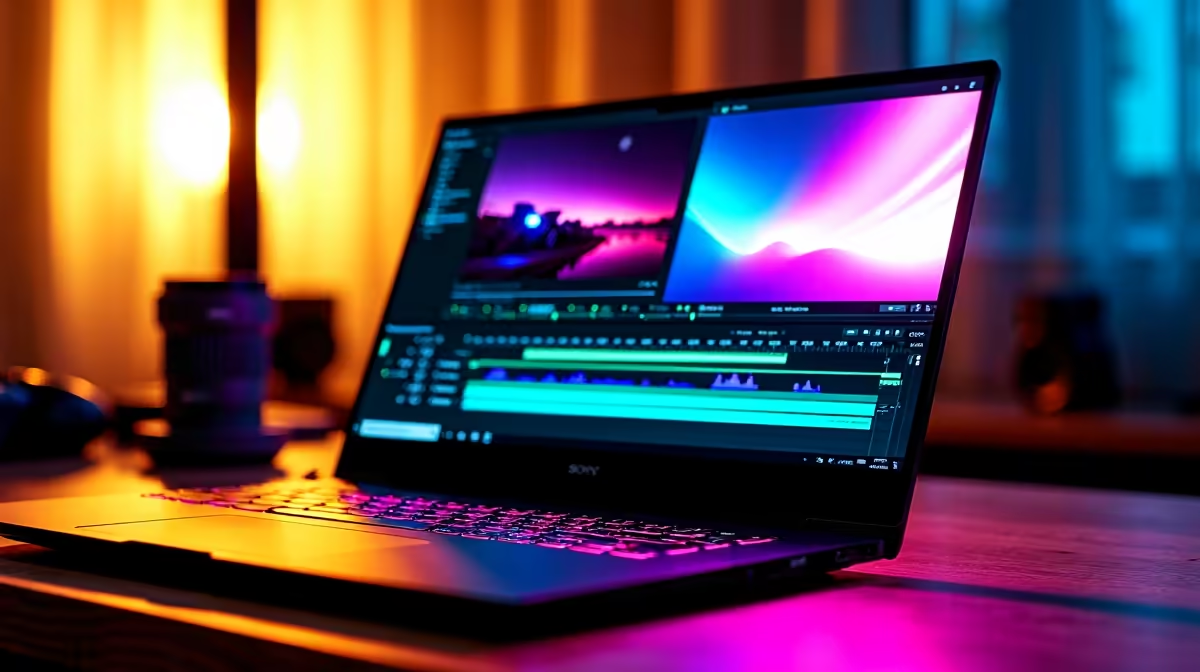
Quick Answer
Adobe Premiere Pro can be used for gaming content by editing gameplay footage, adding commentary audio, creating montages, and producing YouTube or streaming highlight reels. A capable gaming PC with a modern GPU that supports hardware encoding such as Nvidia's NVENC or AMD's VCE significantly accelerates Premiere Pro export times and enables smooth real-time preview of high-resolution timelines.
Why Adobe Premiere Pro Appeals to Gaming Content Creators
Premiere Pro occupies a specific niche in the gaming content space: it is overkill for simple clip uploads but genuinely powerful for creators who want cinematic presentation, complex colour grading, and polished audio mixing in a single application. South African gaming content creators on YouTube, TikTok, and Twitch who want to differentiate their output from the average screen-recorded upload find that Premiere Pro's toolset, particularly its Lumetri colour tools, Essential Sound panel, and sequence nesting, enables production quality that stands apart.
The workflow for gaming typically starts in a capture tool, with footage recorded from your GPU's capture overlay or a dedicated capture card if you run a dual-PC setup. That raw footage then lands in Premiere Pro's media browser, where you organise it into bins by session, game title, or clip type before cutting your timeline. Using Premiere's proxy workflow is particularly relevant for South African creators working on machines that are not fully spec'd for 4K editing, as proxies let you edit lightweight stand-in files and swap to the full-resolution originals only at export.
Hardware Requirements for Premiere Pro Gaming Workflows
Premiere Pro responds well to GPU acceleration, and Nvidia's CUDA-enabled cards deliver the fastest performance for GPU-accelerated effects, colour grading, and hardware encoding through NVENC. For a gaming PC doubling as a Premiere editing station, the RTX 4070 or RTX 4080 class cards are particularly effective because they balance gaming frame rates with editing performance without requiring a dedicated workstation GPU.
RAM matters substantially: 32GB is the practical minimum for editing 1080p60 or 1440p game footage with multiple correction layers. 64GB removes most memory bottlenecks when working with 4K capture or multiple active applications including a browser, Discord, and a DAW simultaneously. NVMe storage for your media drive is important because Premiere Pro's performance is partially bound by media read speeds, especially during multi-stream playback of high-bitrate capture files.
Loadshedding is a practical concern for South African creators using Premiere Pro. Long export renders can take 20 to 90 minutes for a finished YouTube video, and an unexpected power cut mid-export loses the entire render. A quality UPS rated for your workstation's draw is the most practical insurance. Premiere Pro does not have automatic render resumption, so protecting the power supply protects your time.
Core Premiere Pro Techniques for Gaming Videos
The most impactful skills for gaming content in Premiere Pro are: precise cut-on-action editing using the Ripple Edit tool to keep the pace tight across a montage, the Lumetri Colour panel for matching footage shot across different sessions or games, the Essential Sound panel for separating dialogue, SFX, and music on separate audio tracks to control the mix properly, and nested sequences for reusing an intro or outro across multiple videos without rebuilding it each time.
For overlay graphics such as kill counters, health bars, or animated lower thirds, Premiere integrates directly with Adobe After Effects through Dynamic Link, which allows you to create Motion Graphics Templates in After Effects and apply them in Premiere without rendering intermediates. This is the workflow used by most professional gaming channels and esports highlight productions.
Building a Premiere Pro Gaming Setup on a South African Budget
For creators at South African universities or working from student accommodation, a practical Premiere Pro gaming setup does not require the highest-end hardware. A gaming laptop with a dedicated Nvidia GPU, 32GB of RAM, and a 1TB NVMe drive handles Premiere Pro editing alongside gaming at 1080p. For a desktop setup, a Ryzen 7 or Core i7 CPU paired with an RTX 4060 or RTX 4070 GPU handles most editing workloads smoothly while still delivering strong in-game frame rates in titles you are recording content from.
Students accessing NSFAS laptop funding at the R5,200 allowance should be aware that the minimum NSFAS-approved laptop budget is unlikely to comfortably run Premiere Pro alongside gameplay capture. A self-funded upgrade or a second-hand internal RAM and SSD upgrade to an existing machine is often the practical path for student creators.
FAQ
Does Adobe Premiere Pro work well on a gaming PC?
Yes, most modern gaming PCs with a discrete Nvidia or AMD GPU, 32GB of RAM, and NVMe storage handle Premiere Pro well for 1080p and 1440p game footage editing. Nvidia GPUs with NVENC support provide the fastest export times through hardware encoding.
What is the best export format for gaming videos in Premiere Pro?
For YouTube, H.264 at the YouTube 1080p or 1440p preset using hardware encoding through NVENC is the fastest export option on Nvidia-based gaming PCs. For archival or re-editing purposes, export to DNxHR or ProRes if your storage allows for the larger file sizes.
Can Premiere Pro use my gaming GPU for editing acceleration?
Yes, Premiere Pro supports GPU acceleration through CUDA on Nvidia cards and OpenCL on AMD cards. Enable GPU acceleration in Premiere's project settings under File, Project Settings, General, and select the appropriate renderer for your card.
How much storage do I need for gaming footage editing in Premiere Pro?
High-bitrate 1080p60 capture footage runs at 10 to 50GB per hour depending on your capture settings. Budget at least 2TB of fast NVMe storage for active projects, plus a separate archive drive for completed projects and raw footage you want to keep.
Ready to Find Your Perfect Match? Find gaming PCs specced for both high frame rate gaming and smooth Premiere Pro editing performance. Shop Gaming PC Deals











