

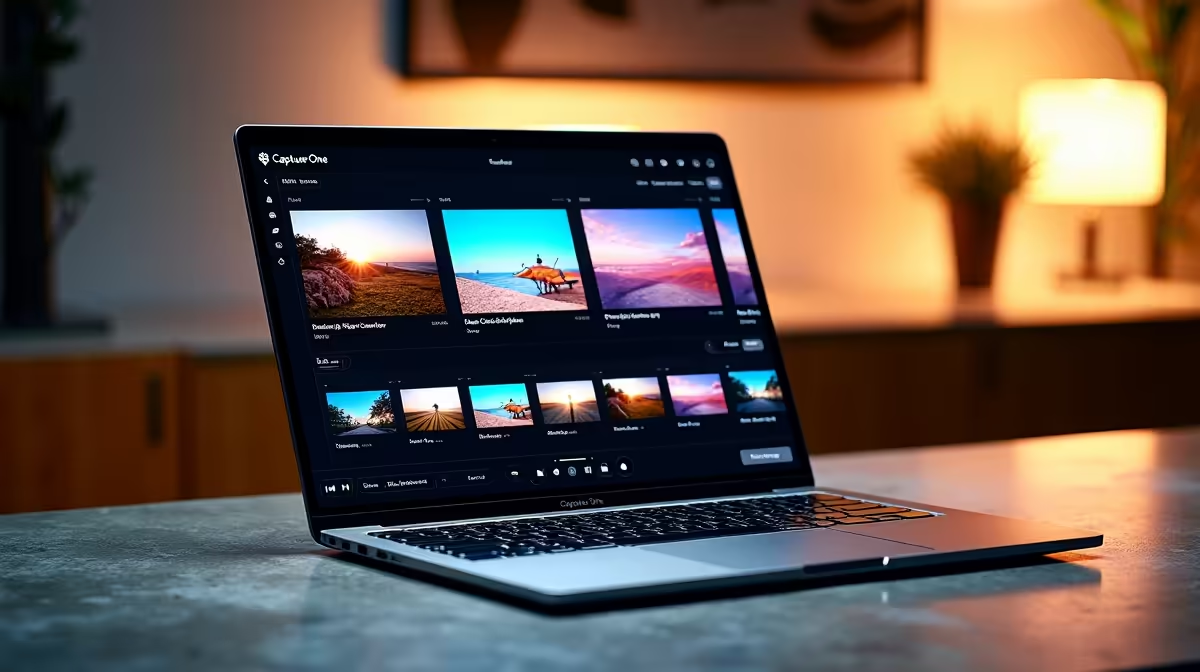
Capture One is widely regarded as the gold standard for professional photo editing, but some users wonder whether its powerful toolset extends to video editing. Understanding what Capture One can and cannot do for video saves you from setting up a workflow that hits its limits mid-project.
Quick Answer
Capture One is not a video editing application. It is a professional RAW photo processing tool. While it can apply colour grades to still images and export those grades as LUTs for use in video editors like DaVinci Resolve or Premiere Pro, it cannot edit, trim, cut, or render video files directly.
What Capture One Actually Does for Video 🔧
Capture One's connection to video editing is indirect but genuinely useful in professional workflows. Its primary value in a video context is colour grading - specifically, the ability to create a precise colour grade on a still image and export that grade as a LUT (Look Up Table) file. Video editors can then apply that LUT in DaVinci Resolve, Adobe Premiere Pro, or Final Cut Pro to match the colour science of their video footage to their stills.
This workflow is common in commercial photography and film production where stills and video are shot simultaneously and need to match in colour grade. A photographer who colour-grades their Capture One library can give their videographer a LUT so the video shares the same visual identity.
For this to work effectively, the video needs to be shot in a flat or log profile (like S-Log, C-Log, or V-Log) so the LUT has latitude to work with. Applying Capture One-derived LUTs to already-processed, contrast-heavy video yields poor results.
Using Capture One Alongside a Real Video Editor 💡
If your workflow involves both photography and videography, Capture One sits at the front of a larger pipeline rather than replacing a video editor. A practical combined workflow looks like this:
- Import and cull photos in Capture One as usual
- Develop your colour grade on a hero image from the shoot
- Export the grade as a LUT (File > Export > LUT)
- Import video footage into DaVinci Resolve or Premiere Pro
- Apply the exported LUT as an adjustment layer or LUT effect
- Fine-tune the video grade from there
DaVinci Resolve is the most natural partner here because its colour science aligns well with professional photo-style grading. The free version of Resolve handles this workflow without any paid features.
For the demanding processing work of RAW photo workflows and 4K video editing running side by side, a capable gaming or creative PC with a fast GPU accelerates both Capture One's exports and video rendering significantly.
Hardware for Capture One and Video Editing ⚡
Capture One is GPU-accelerated for its preview rendering and export pipeline, so a dedicated graphics card improves responsiveness when working on large RAW files. For video editing alongside this, you want a GPU with at least 8GB VRAM for 4K timelines.
CPU core count matters more for video encoding than for photo editing. A 12-core or higher CPU speeds up export and render times in Premiere Pro and Resolve significantly. Pair this with fast NVMe SSD storage - video timelines are read-intensive, and a slow drive creates playback lag even on powerful hardware.
32GB of RAM is the practical minimum for running Capture One and a video editor simultaneously without constant page file hits.
Frequently Asked Questions ❓
Q: Can I import video clips into Capture One to review them? A: Capture One does not import or play video files. It is strictly for still images in supported RAW and JPEG formats.
Q: Is there a Capture One plugin for Premiere Pro or Resolve? A: There is no direct plugin integration, but the LUT export workflow described above effectively bridges the two applications for colour matching purposes.
Q: Does Capture One's tethering feature work for video recording? A: No. Capture One's tethering is for still photo capture from cameras connected via USB or Wi-Fi. Video recording from a tethered camera is not supported.
Evetech stocks Graphics Card Deals and Evetech Best Sellers — shop online with fast delivery across South Africa.
Ready to Find Your Perfect Match? Explore relevant Evetech options, compare current South African pricing, and choose hardware that fits your setup. Shop now











