

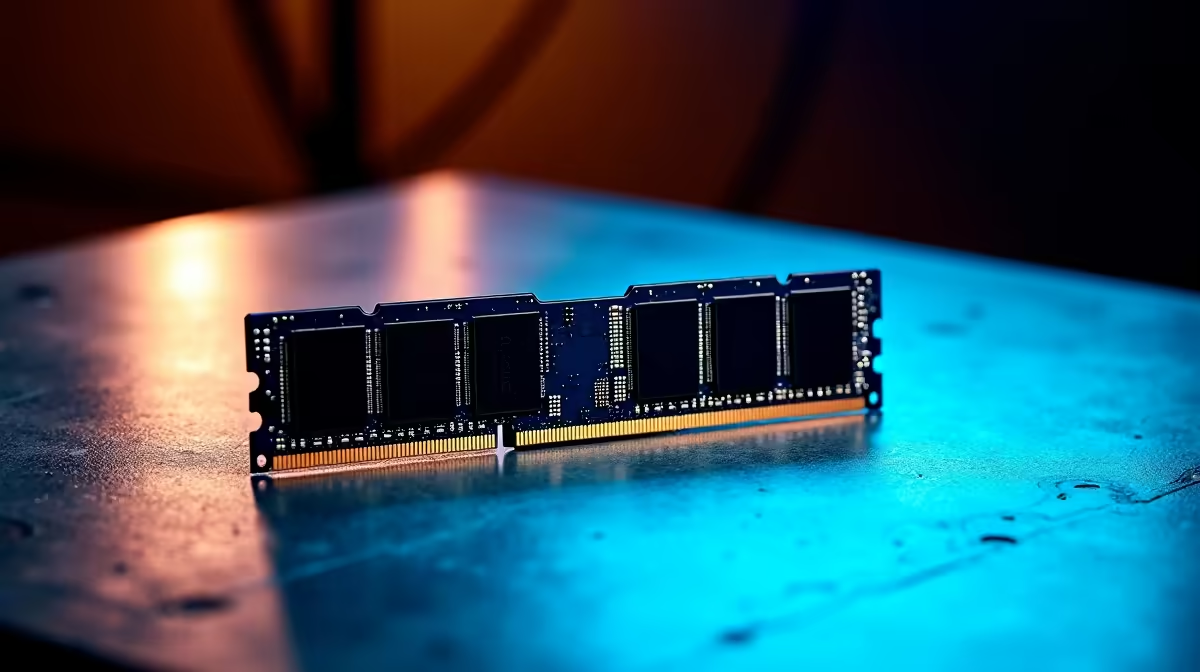
Why Every South African Gamer Needs to Test RAM with MemTest86 ⚡
Nothing kills your game mid-boss fight like random crashes or bizarre freezes. If your PC feels unstable, faulty RAM could be the culprit. That’s where MemTest86 shines — a trusted tool for anyone eager to keep their rig running smooth. Whether you’re tuning a new build or troubleshooting an old machine, knowing how to use MemTest86 for RAM testing is a skill every gamer or tech buyer should have.
Getting Started: What Is MemTest86 and Why Use It?
MemTest86 is a standalone software that runs exhaustive checks on your computer’s RAM. Unlike Windows diagnostics, it boots from USB and tests memory outside your OS environment. This ensures accurate detection of errors, which often cause blue screens or corrupted saves. Plus, its straightforward interface means even beginners can start diagnosing issues quickly.
If you’re building or upgrading your rig, testing new memory modules before installation prevents future headaches. Or maybe you bought a gaming laptop and want peace of mind. Either way, MemTest86 helps you verify your RAM’s stability so you can focus on what matters: playing your favourite titles.
Step-by-Step: How to Use MemTest86 for Accurate RAM Testing 🔧
- Download and prepare the USB: Head to the official MemTest86 site to grab the free ISO. Use a tool like Rufus to create a bootable USB stick.
- Boot your PC from USB: Insert the USB, restart, and select it as the primary boot device in BIOS.
- Start the test: MemTest86 will launch automatically and begin checking your RAM. One full pass can take hours, depending on your RAM size.
- Read the results: Zero errors means your RAM is healthy. Even a single error flags instability that could explain crashes or data loss.
- Optional settings: For deeper testing, enable “Pass Count” or stress tests to catch intermittent faults.
This process is vital if you shop for RAM upgrades in South Africa — mismatched or defective memory hurts performance. When you need to buy memory modules, check Evetech’s buy memory page for reliable options and great prices.
Save Time on Your First Run
Start with a single pass to get a quick health snapshot. If errors appear, plan for a longer overnight test.
Troubleshooting RAM Issues Revealed by MemTest86
If MemTest86 reports errors, don’t panic. This is your chance to pinpoint problem sticks or slots. Swap out RAM one module at a time and test repeatedly. Sometimes cleaning slot contacts can solve minor glitches too.
Still experiencing headaches? It might be time to consider a full system upgrade. Evetech’s pre-built PC deals include rigs optimised for high-demand gaming with stress-tested RAM and components.
Boost Your Setup with RAM Confidence and Faster Performance 🚀
Running RAM tests regularly keeps your gaming rig reliable and your work uninterrupted. And if you’re hunting for great gear, Evetech also stocks notebooks tailored for South African gamers — all tested and ready to perform from day one.
Pair your stable memory with the right CPU and GPU to maximise frame rates. For budget-conscious buyers, check out Evetech’s best gaming PC deals that balance cost and power perfectly.
For those looking to upgrade now, browsing the latest specials could nab you that RAM boost or GPU upgrade without emptying your wallet.
Knowing how to use MemTest86 for RAM testing means fewer surprises and more uptime. Your PC deserves that certainty.
Ensure RAM Reliability Today Don’t wait for crashes to slow you down. Shop now at Evetech for reliable memory and gear tuned to keep your rig flawless.











