

Quick Answer
Vertical mounting an RTX 5070 requires a compatible case with a vertical GPU bracket, a PCIe 4.0 or 5.0 riser cable of 200mm or longer, and careful attention to airflow direction. The process takes roughly 30 to 45 minutes with basic tools.
What You Need Before You Start
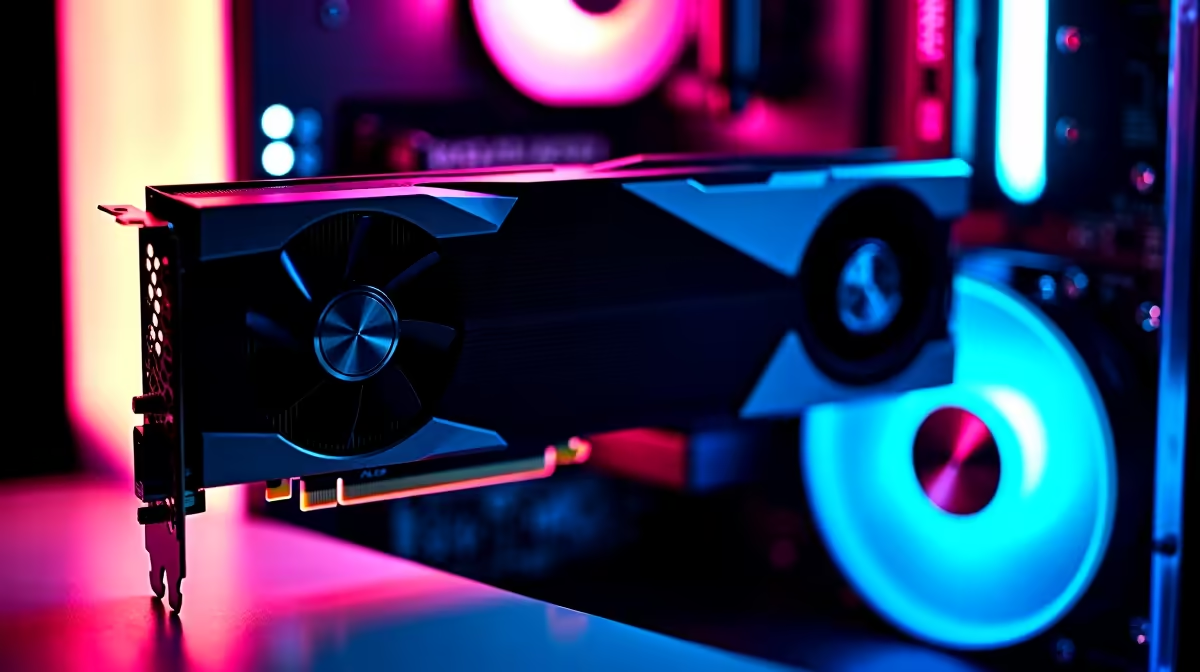
Vertical GPU mounting is a popular aesthetic choice that showcases the RTX 5070's triple-fan cooler and RGB lighting. Before touching any hardware, confirm three things. First, your case must have a vertical GPU mount or support an aftermarket bracket. Second, you need a PCIe 5.0 riser cable - the RTX 5070 runs PCIe 5.0 and a cheap PCIe 3.0 riser can throttle bandwidth and reduce performance by 5 to 10 percent. Third, check that the vertical position still allows adequate clearance between the GPU fans and the side panel glass - 40mm is the minimum comfortable gap.
Tools needed: a magnetic Phillips-head screwdriver, cable ties or velcro straps, and a non-static surface to work on.
Step-by-Step Installation Process
Step 1: Power down fully and unplug from the wall. Ground yourself by touching the case frame before handling components.
Step 2: Remove the standard GPU from the PCIe x16 slot. Hold the card at both ends and depress the retention clip at the rear of the slot before pulling.
Step 3: Install the vertical bracket into the case according to your case's manual. Most modern mid-towers use a tool-free bracket system with thumb screws.
Step 4: Seat the RTX 5070 into the vertical bracket's PCIe slot and secure it with the bracket screws. The card should click in firmly.
Step 5: Connect the PCIe riser cable from the GPU to the motherboard's primary x16 slot. Route the cable behind the motherboard tray if space allows to keep the build clean.
Step 6: Reconnect the power connectors to the GPU. The RTX 5070 uses the 16-pin 12VHPWR connector - seat it until you feel a firm click and verify no pins are bent.
Step 7: Check airflow. In a vertical mount, the GPU fans typically face the side panel. Ensure intake airflow from the panel vents reaches the fans without obstruction.
Step 8: Power on and verify the system posts. Check GPU-Z or Task Manager to confirm PCIe link speed shows x16 at PCIe 5.0.
Airflow Considerations for South African Builds
South Africa's summer temperatures can push ambient room temps well above what most international guides assume. In a vertical mount configuration, the GPU draws hot air that has already passed through the case rather than fresh intake air if your case is not optimised. Consider adding a side panel fan intake if your case supports it. During loadshedding recovery periods when rooms heat up from generators or lack of air conditioning, monitor GPU temps with HWiNFO and set a more aggressive fan curve via MSI Afterburner.
Frequently Asked Questions
Does vertical mounting reduce GPU cooling performance?
It can by 3 to 8 degrees Celsius depending on case design, side panel clearance, and airflow setup. A well-ventilated case with a side intake fan largely offsets this.
Will vertical mounting void my RTX 5070 warranty?
No. Mounting orientation does not affect the GPU warranty. Physical damage to connectors or the PCB would void warranty regardless of orientation.
What riser cable length do I need?
Measure from your motherboard PCIe slot to the vertical bracket position. Most mid-tower builds need 200 to 300mm. Always buy 50mm longer than your measurement to allow clean routing without tension on the connector.
Ready to Find Your Perfect Match? Find the RTX 5070 and compatible GPU accessories for your build. Browse graphics cards at Evetech











