

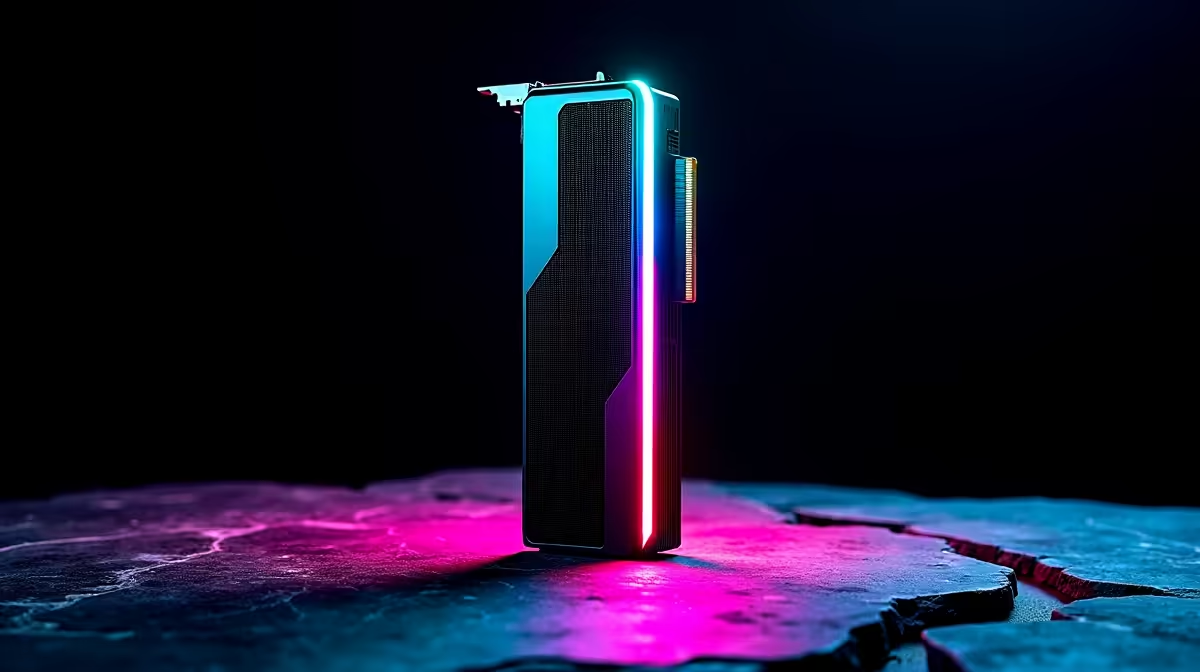
You just dropped a few thousand ZAR on a gorgeous new AMD Radeon RX 7600. It runs beautifully... but right now, all you see is its plain side profile. Show off those sleek fans and RGB colours. Learning how to vertical mount your RX 7600 is the ultimate flex. Let us walk you through this simple upgrade to make your rig look absolutely premium. ✨
What You Need for a Vertical GPU Setup
Before we dive into how to vertical mount your RX 7600, you need the right hardware. First, check your PC case. Most modern chassis support vertical slots. But you will need a vertical GPU bracket and a PCIe 4.0 riser cable. Still hunting for the perfect base to build on? Browsing our best gaming PC deals is a great start.
Using a PCIe 4.0 riser is vital. The RX 7600 uses an x8 PCIe 4.0 interface. A cheaper 3.0 cable will throttle your frame rates. Need an upgrade? You can always buy graphics cards and accessories directly from us.
Step-by-Step Guide to Vertical Mounting
Ready to build? Follow these simple steps.
Step 1: Prep the Case
Power down and unplug your PC. Remove the glass side panel. Unscrew the PCIe slot covers at the back of your case. Bought one of our pre-built PC deals? Doing this will not void your warranty if you are careful.
Step 2: Install the Riser Cable
Plug the PCIe riser cable into your motherboard's top x16 slot. Make sure it clicks securely into place. 🔧
Airflow Pro Tip ⚡
Keep your GPU at least two centimetres away from the glass side panel. If the fans are choked against the glass, your RX 7600 will overheat. If your case is too narrow, stick to standard horizontal mounting.
Step 3: Secure the Bracket and GPU
Attach your vertical bracket to the case. Next, carefully slot your RX 7600 into the riser cable base. Screw the graphics card into the bracket so it does not sag.
Step 4: Connect Power
Plug your 8-pin PCIe power cable back into the GPU. Double-check all connections before booting up.
Why Stop at Desktop Upgrades?
Vertical mounting adds instant flair to any desktop. But maybe you need portability too. Travelling across South Africa with a heavy rig is tough. That is when having a solid backup makes sense. You can browse our laptops for sale to find a mobile powerhouse.
Looking to save some ZAR on your next big upgrade? Always keep an eye on our weekly specials for massive discounts. 🚀
Ready to Build Your Dream Setup? Whether you want to vertical mount your RX 7600 or upgrade your entire rig, Evetech has the hardware you need at the best prices in South Africa. Explore our massive range of PC components and turn your gaming vision into reality today.











