

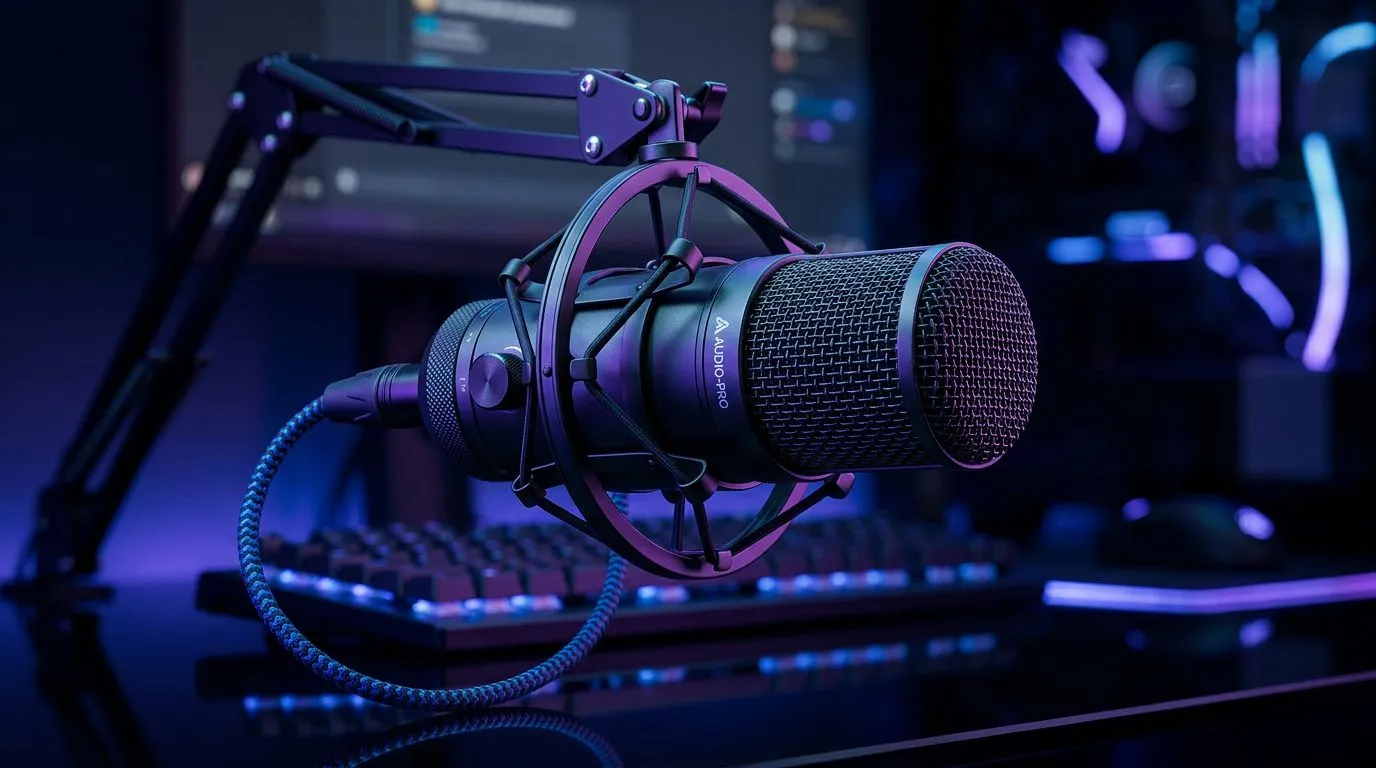
Improve Voice Quality Discord: Simple Tips for TeamSpeak — Quick fixes for SA gamers 🎧
Struggling with tinny voice chat during raids or ranked matches? South African teams depend on clear comms. Improve Voice Quality Discord: Simple Tips for TeamSpeak gives you no‑fluff, practical fixes that work on modest rigs and capped data. Read the quick checklist, try the low‑cost tweaks, then upgrade gear if needed — you'll hear the difference in minutes. 🚀
Improve Voice Quality Discord: Simple Tips for TeamSpeak — Software tweaks that actually help
First, check your input and output devices in both Discord and TeamSpeak. Set a single microphone as default in Windows Sound Settings, then select it inside TeamSpeak to avoid conflicts. Lower microphone sensitivity to remove background hiss and enable push‑to‑talk for noisy households. If you use noise suppression, test both RNNoise and Speex filters; one will suit your voice better.
For streamers or players wanting consistent levels, use a software compressor or a simple Windows mixer utility to keep peaks under control. If you're recording game audio and chat together, monitor levels in real time — it's the fastest way to spot clipping or echo.
Improve Voice Quality Discord: Simple Tips for TeamSpeak — Affordable hardware upgrades 🔧
Sometimes software isn't enough. A budget condenser or dynamic mic will instantly improve clarity. For a compact streaming setup, check out Evetech's streaming essentials for mic bundles and accessories — great for SA buyers who want value without breaking the bank: Buy streaming essentials. If you prefer branded options, browse CORSAIR kits and microphones that pair well with TeamSpeak and Discord. Corsair mics and kits
Good headset stands and a pop filter are small buys that make big differences in recordings. For ambient mood that helps focus while gaming, consider Cololight panels to reduce visual clutter and improve your vocal performance. ambient lighting
If you rely on onboard laptop mics, an external webcam with built‑in mic can sometimes be a step up; compare dedicated webcams before deciding. webcams
Voice Quality Quick Tip ✨
Keep push‑to‑talk for public lobbies and switch to voice activation for private teams. Test your levels with a teammate for 30 seconds before a match to avoid surprises.
Improve Voice Quality Discord: Simple Tips for TeamSpeak — Final checklist & habits
- Test with a friend using a recorded sample. Ask for feedback on sibilance and volume.
- Keep mic 2–4cm from your mouth and slightly off‑axis to cut plosives.
- Use wired USB or XLR solutions where possible; wireless can add jitter on congested South African networks.
- Reboot your audio drivers if you switch devices frequently.
Small changes add up. Start with the software settings, add low‑cost accessories, then scale to pro gear when you're ready.
Ready to Find Your Perfect Match? The Mac vs Windows debate is complex, but for maximum power, choice, and value in South Africa, Windows is hard to beat. Explore our massive range of laptop specials and find the perfect machine to conquer your world.











