

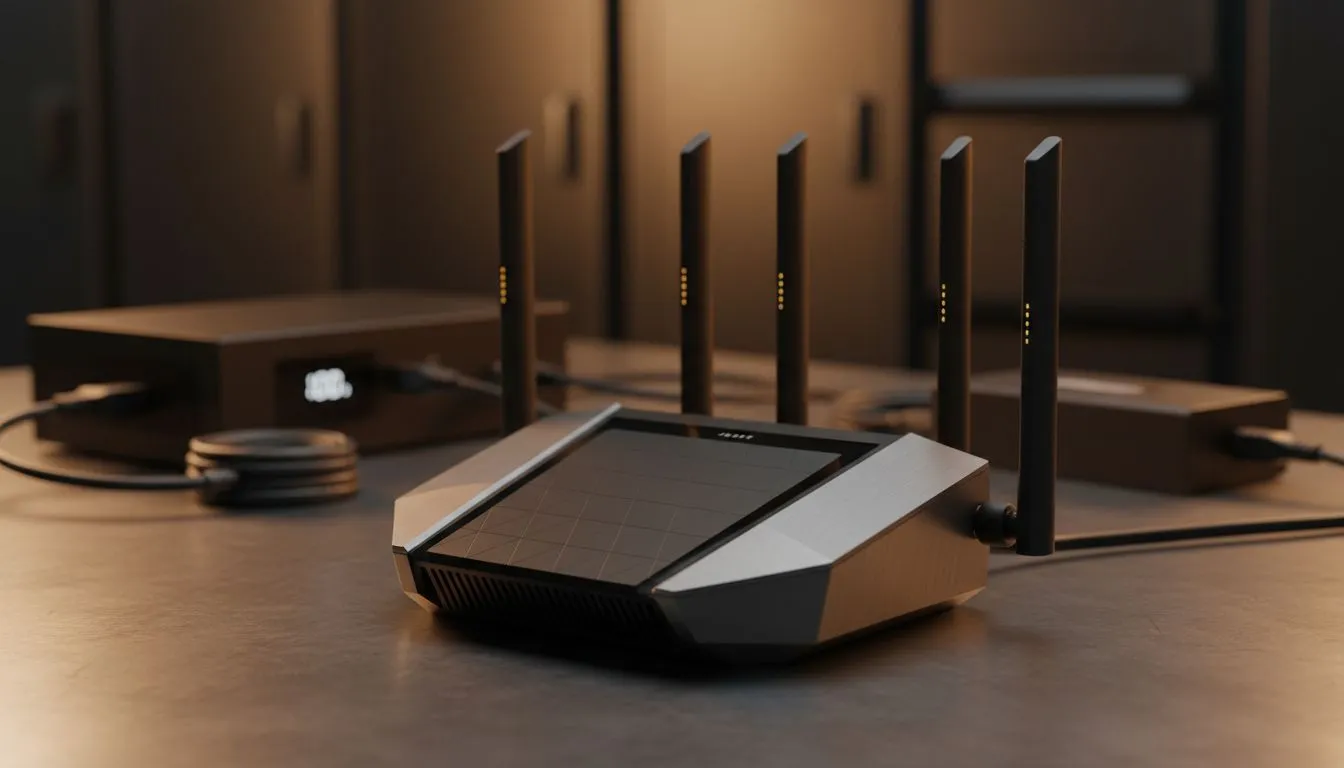
You’ve just unboxed a beast of a WiFi 7 router. The future of wireless connectivity is humming away in your home office, promising ludicrous speeds and zero lag for your next competitive match. Then, the lights flicker and die. Stage 4 loadshedding strikes again, and your multi-thousand-Rand router becomes a useless plastic box. 😤 Keeping your new WiFi 7 router running during loadshedding isn't just a convenience... it's essential for staying connected in South Africa.
Why Your WiFi 7 Router Needs a Loadshedding Plan
The latest generation of routers is packed with powerful hardware. Multiple bands, advanced processors, and wider channels all draw more power than older models. While they deliver incredible performance, they are just as vulnerable to Eskom's schedule. To truly unlock next-gen speeds, you first need a consistent and reliable power source, which is the foundation of any modern wireless networking setup. A solid plan ensures your investment continues to pay off, even when the grid lets you down.
Solutions to Keep Your WiFi 7 Router On During Loadshedding
Fortunately, keeping your internet alive is easier and more affordable than you might think. You don’t need a massive inverter system just for your router. Here are the most effective ways to power your WiFi 7 router during loadshedding.
The Mini-UPS: Your Router's Best Friend 🔋
A Mini Uninterruptible Power Supply (UPS) is a game-changer. Think of it as a dedicated power bank designed specifically for routers and fibre boxes. It sits between your router and the wall socket, instantly taking over when the power cuts. Most Mini-UPS devices provide several hours of backup, easily outlasting a typical loadshedding slot. They are the simplest, most reliable solution for uninterrupted connectivity.
Check Your Specs! ⚡
Before buying a Mini-UPS, check the power adapter of your router. Look for the voltage (V) and amperage (A) output. Most routers use 9V or 12V DC power. Your Mini-UPS must match this voltage to work correctly and avoid damaging your device. It's a small check that saves a big headache!
Power Banks: A Flexible Alternative
Can you use a standard power bank? Sometimes, but it’s tricky. Most power banks output 5V via USB, while routers often need 9V or 12V. To make it work, you'd need a special power bank with a dedicated DC output port and a step-up cable that converts the voltage. While possible, a purpose-built Mini-UPS is a far more elegant and safe solution for powering the latest wireless routers.
Optimising Your Loadshedding-Proof Network
Once you've solved the power problem, you can focus on performance. A powered-on router is great, but a strong signal across your entire home is even better. If you have dead spots upstairs or in the entertainment room, powerful wireless range extenders can blanket your space in glorious WiFi. 📶 And to ensure your gaming PC can actually use those incredible WiFi 7 speeds, you'll need the right hardware, like one of the latest PCIe wireless adapters to match your new router's capabilities.
Ready to Build Your Unstoppable Network? Don't let loadshedding dictate your online life. From powerful routers to the essential backups that keep them running, building a resilient home network is key. Explore our wide range of wireless networking gear and stay connected, no matter what.











