

There is nothing worse than lining up the perfect headshot, only to teleport into a wall. If you are tired of stuttering screens ruining your Friday night matches, you are in the right place. Welcome to our lag in games fix: complete troubleshooting guide. Whether it is a slow fibre line or outdated hardware holding you back, we will help you get back to smooth, competitive gameplay.
Identifying the Culprit: Network or Hardware?
Before we dive deep into this lag in games fix, complete troubleshooting guide style, we need to know what is actually broken. Network lag causes rubber-banding and delayed hits. Hardware lag causes low frame rates and visual stuttering.
If your old rig is struggling to render frames, it might be time to look at portable powerhouses. You can browse the latest notebooks for sale in South Africa to find a machine that handles modern titles without breaking a sweat.
Sorting Out Your Connection ⚡
South African internet can be unpredictable. Always use a wired Ethernet connection instead of Wi-Fi. Wireless signals drop packets, which immediately spikes your ping. Also, make sure no one else on your network is streaming high-definition video while you play.
Connect to local Johannesburg or Cape Town servers whenever possible. Playing on European servers guarantees a ping of 160ms or higher... which is a massive competitive disadvantage.
Ping Pro Tip 🚀
Flush your DNS cache to resolve routing issues. Open your Command Prompt as an administrator, type 'ipconfig flushdns', and hit enter. It takes ten seconds and can instantly stabilise your connection to local servers.
Tackling Hardware Bottlenecks 🔧
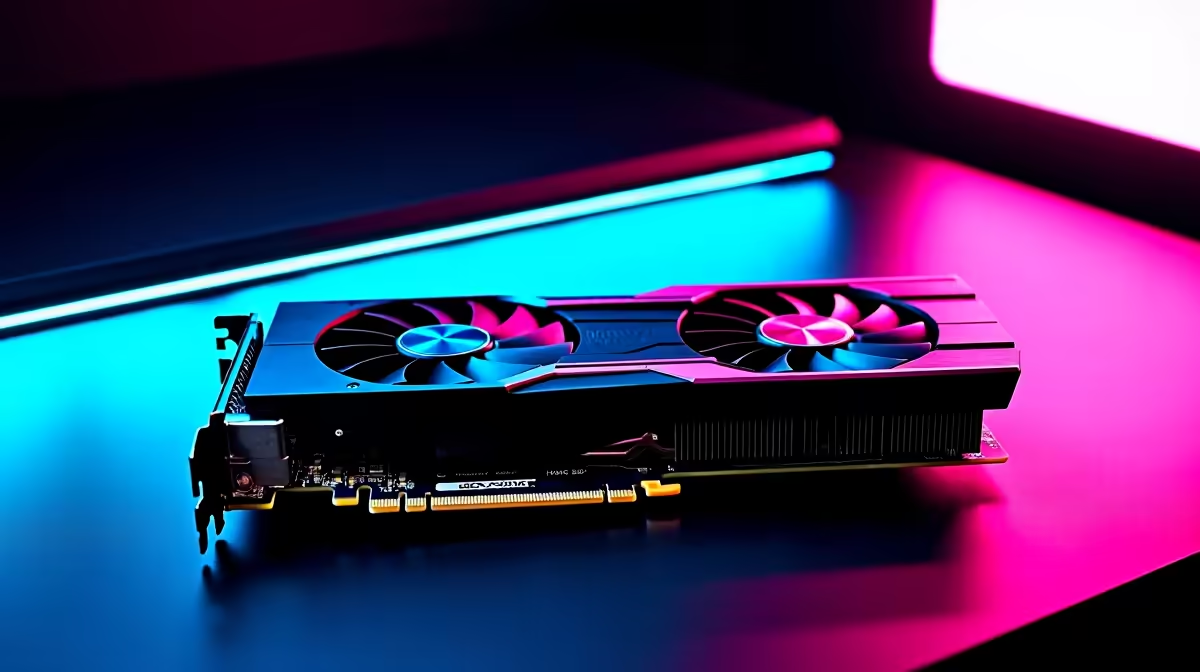
Sometimes your internet is fine, but your PC simply cannot keep up. If your frame rate drops during heavy explosions, your graphics processor is likely the bottleneck. Upgrading your GPU is the most direct way to boost performance. You can easily buy graphics cards that fit both your budget and your motherboard.
If your processor is also ancient, a single component upgrade will not fix everything. In that case, exploring the best gaming PC deals gives you a brilliantly balanced system straight out of the box.
Software Tweaks for Smoother Gameplay ✨
Do not let background applications eat your precious RAM. Close your browsers and disable unnecessary startup programs. Next, update your GPU drivers. Both NVIDIA and AMD regularly release driver updates that optimise performance for brand-new releases.
If you are still struggling, lower your in-game shadow and texture settings. If you want to skip the hassle of tweaking entirely, grabbing one of our pre-built PC deals ensures you get a system rigorously tested for optimal frame rates. You can also keep a close eye on our daily tech specials to find incredible ZAR discounts on memory and cooling solutions to keep your current rig running perfectly.
Ready to Banish Lag Forever? Fixing lag is a mix of smart troubleshooting and having the right hardware. If your current setup is holding you back from climbing the competitive ranks, it is time for an upgrade. Explore our massive range of gaming PC specials and find the perfect machine to conquer your world.











