

Quick Answer
The Lenovo Legion Go is a capable Windows handheld gaming PC that SA gamers should evaluate carefully based on its price-to-performance ratio, screen quality, and the practical challenges of handheld gaming in South Africa.
What Makes the Legion Go Stand Out
The Lenovo Legion Go runs on AMD's Ryzen Z1 Extreme APU, which offers enough GPU grunt to handle most modern games at its native 1600p resolution - though you will often want to drop to 1080p or lower for smoother framerates in demanding titles. The 8.8-inch display with a 144Hz refresh rate is genuinely impressive for a handheld, giving you a screen large enough to appreciate detail without needing to squint.
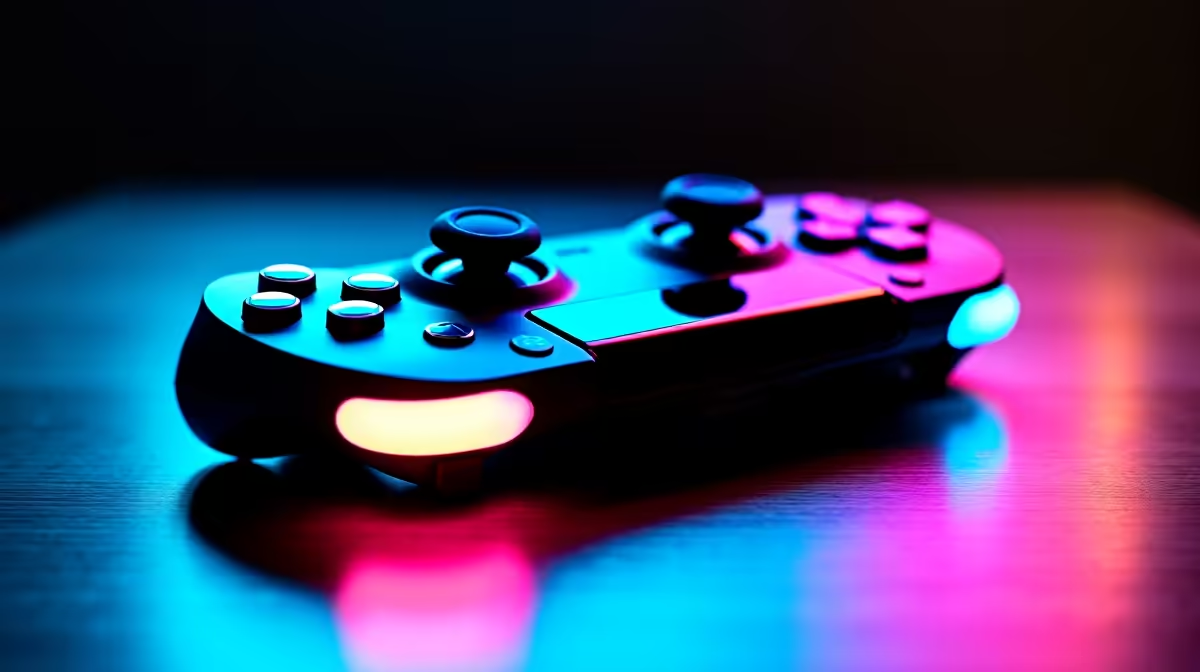
The detachable controllers are the Legion Go's most distinctive feature. They slide off the unit like Nintendo Switch Joy-Cons but include a right controller that can be stood upright in "FPS mode" to function like a small mouse. This works surprisingly well in slower-paced shooters, though competitive play still benefits from a proper mouse and keyboard.
Storage starts at 512GB and goes up to 1TB on higher-tier configurations. Given how large modern game installs have become - some exceeding 100GB - the 1TB option is worth considering if your budget allows.
Pricing and Value for SA Gamers
Imported handhelds in South Africa face exchange rate pressure and the absence of local warranty support through the original manufacturer's global channels. When evaluating the Legion Go locally, factor in the total cost of ownership: a protective carry case, a USB-C hub for TV output, and potentially a fast portable SSD to expand storage all add to the base cost.
The Legion Go competes in a price bracket where you could alternatively build a capable entry-level gaming PC desktop. For gamers who travel frequently for varsity, work, or LAN events, the portability premium makes sense. For primarily home gamers, a desktop build at a similar rand value will deliver better raw performance per rand spent.
Loadshedding is a genuine consideration - the Legion Go's built-in battery provides roughly 1.5 to 2 hours of heavy gaming, making it more of a supplemental device during Stage 4 or 6 blackouts rather than a primary power-cut gaming solution. Keep a power bank with USB-C PD charging support as a companion accessory.
Should You Buy One?
The Legion Go suits SA gamers who prioritize gaming flexibility - playing on a big screen via HDMI at home, then taking the unit to a friend's place or on a trip without compromising on game library. The full Windows OS means your entire Steam, GOG, and Xbox Game Pass PC library is accessible, which is a meaningful advantage over dedicated handheld consoles.
Hardware refresh cycles in the handheld gaming space are still rapid, so if you are not in a rush, watching for updated AMD APU generations can be worthwhile. That said, the current Legion Go generation remains a well-rounded choice with a strong display, solid build quality, and a useful controller setup that sets it apart from the competition.
Frequently Asked Questions
Q: Can the Lenovo Legion Go run AAA games at high settings?
A: It can run most AAA titles, but high settings at native 1600p will stress the APU significantly. For smooth framerates, dropping to 1080p medium settings is recommended for demanding games like Cyberpunk 2077 or Alan Wake 2.
Q: Does the Legion Go support TV or monitor output?
A: Yes, via USB-C with DisplayPort Alt Mode support. You will need a USB-C to HDMI adapter or hub, and you can pair a Bluetooth keyboard and mouse for a desktop-like setup at home.
Q: How does loadshedding affect using the Legion Go in South Africa?
A: The battery lasts roughly 1.5 to 2 hours under heavy gaming load. For extended loadshedding sessions, pair it with a USB-C PD-compatible power bank rated at 65W or higher to extend playtime significantly.
Also at Evetech: Graphics Card Deals | Evetech Best Sellers
Ready to Find Your Perfect Match? Shop at Evetech











