

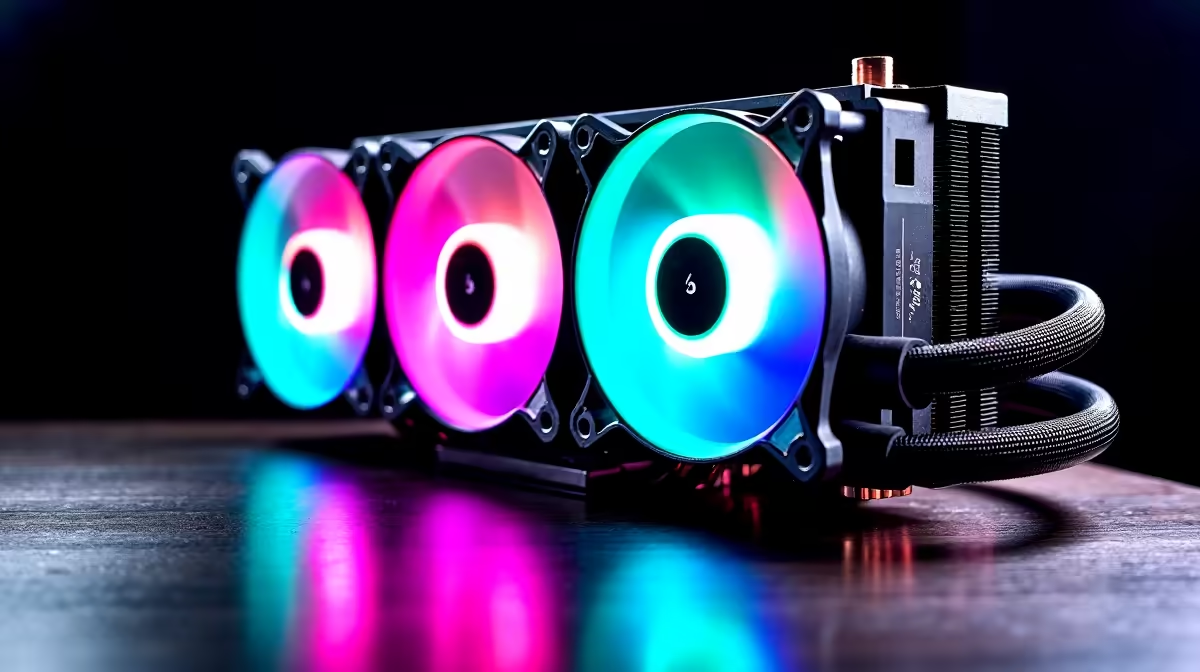
Summer in South Africa is brutal on your gaming rig. When ambient temperatures spike, your frame rates can plummet. This happens if your processor starts thermal throttling. Whether you are pushing high overclocks or want a whisper-quiet setup, upgrading is essential. Welcome to the ultimate liquid cooler buyer's checklist for South African shoppers. Let us keep those peak temperatures low and your performance incredibly high.
Why You Need a Liquid Cooler Buyer's Checklist ❄️
All-In-One liquid coolers are fantastic additions to any rig. They look incredible and move heat efficiently away from your processor. Buying one requires a bit of careful homework. You must consider radiator size, case compatibility, and your ZAR budget.
Before you browse the massive range of CPU coolers, know exactly what fits your chassis. A poorly sized cooler will cause frustrating installation headaches. You want to optimise your airflow, not restrict it.
Thermal paste application is another vital factor to consider. Most modern liquid cooling units come with pre-applied thermal paste. This saves you time and ensures an even spread. If you are an enthusiast, you might want to apply your own premium compound. Good thermal paste helps transfer heat rapidly from the CPU into the copper cold plate.
Sizing Your Radiator for Local Conditions
Radiators usually come in 120mm, 240mm, 280mm, and 360mm sizes. A 240mm radiator is the sweet spot for most mid-range processors. If you run a high-end Intel Core i9 or AMD Ryzen 9, you need a 360mm radiator.
The larger surface area dissipates heat much faster. This is crucial when our local summer heatwaves hit hard. If you prefer a system that is already stress-tested, you have options. You can easily explore the best gaming PC deals that include premium cooling out of the box.
Fan configuration also plays a massive role in cooling efficiency. You can set your fans to push air through the radiator or pull it. A push-pull configuration uses fans on both sides for maximum airflow. This setup requires extra space... so double-check your case dimensions before buying extra fans.
Compatibility Pro Tip 🔧
Always check your PC case specifications before buying a cooler. A 360mm radiator might fit in the front but clash with your graphics card. Top-mounting your radiator is usually preferred for optimal pump lifespan and quiet acoustics.
Budgeting and System Synergy ✨
You do not need to spend a fortune for great temperatures. Entry-level 240mm coolers often start around R1,200... while premium LCD-screen models can push past R4,000. It is all about balancing your overall build budget.
Sometimes it makes more sense to grab one of our pre-built PC deals. Our technicians perfectly match the liquid cooler and case synergy for you.
If you are constantly on the move, desktop liquid cooling is off the table. In that scenario, browsing laptops for sale with robust vapor chamber cooling is your best bet. Mobile tech has advanced rapidly to handle high heat loads.
Finalising Your Cooling Strategy
Let us recap your main priorities. First, measure your internal case clearance carefully. Second, match the radiator size to your specific CPU heat output. Third, decide if you want to customise your pump block with RGB lighting.
Finally, keep a close eye on our specials page. You can often score a massive discount on top-tier brands. Following this liquid cooler buyer's checklist for South African shoppers guarantees a smooth hardware upgrade.
Ready to Freeze Your Frame Drops? High temperatures should never hold back your gaming potential in South Africa. Explore our incredible range of CPU coolers and find the perfect liquid cooling solution to keep your rig running at absolute peak performance.











