

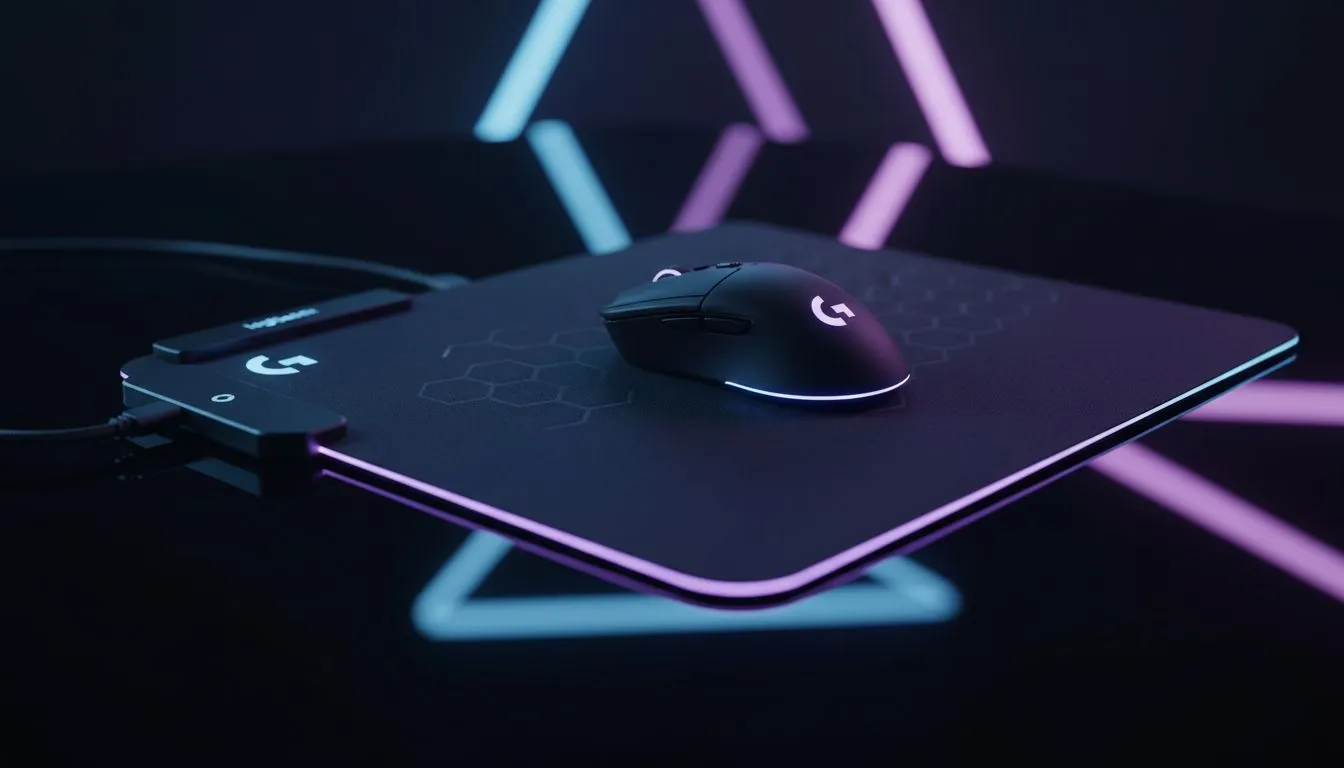
Quick hook: Get set in under five minutes ⚡
Logitech G PowerPlay 2 Setup in Minutes — yes, you can have the mat on your desk, the mouse charging and tracking slick in under five minutes. South African gamers: no fuss, no cable clutter, just a clean desk and more uptime for ranked matches. Want a fast, reliable run-through that actually saves you time? Read on. 🚀
Prepare your desk for a fast PowerPlay 2 setup
Start by clearing a surface roughly the size of an extended mouse pad. If you want context on pad sizes and materials, read Evetech’s mouse pads primer for how surfaces change glide and sensor performance: mouse pads primer. Choosing the right surface first makes setup feel instant.
Quick checklist before you power on
Lay the mat flat and place the receiver/charging puck where the manufacturer instructs. While we’re not listing specs here, it helps to pair your mat with a compatible surface. See Evetech’s curated Evetech Mousepad options if you prefer tried‑and‑tested combinations: Evetech Mousepad range. Need a brand comparison? Check SteelSeries pads for a different feel: SteelSeries pads. Or explore budget-friendly Marvo alternatives: Marvo options.
Step-by-step: from box to play
- Unpack and lay the mat on a flat desk.
- Plug the mat’s USB into your PC and let Windows detect it.
- Position the charging receiver under where your mouse rests.
- Pair via your mouse software if required. If you prefer a simple, non-illuminated look, peek at Evetech’s non-RGB mats to match your build: non-RGB mats. Want a showpiece? These RGB options are worth a look: RGB mouse pads.
PowerPlay Quick Tip ⚡
Keep a small sticky note or tape marker to mark the ideal mouse rest spot on the mat during testing. It makes aligning the receiver consistent and stops you from repeating the trial-and-error step.
Adjust for comfort and performance
Test two-handed movements and lifts to ensure the charging puck covers the usual play area. If you use large sweeping motions, consider an XXL mat for full coverage: XXL surface. For setups where keyboard and mouse share a single surface, extended pads are tidy and practical: extended pads. ✨
Final checks and local notes
Give the setup ten minutes of play to confirm charge continuity and sensor tracking. If you’re buying in South Africa, compare models and keep an eye on Evetech specials; prices and stock can shift quickly in ZAR. Small tweaks now save you lost queue time later.
Ready to Find Your Perfect Match? The Mac vs Windows debate is complex, but for maximum power, choice, and value in South Africa, Windows is hard to beat. Explore our massive range of laptop specials and find the perfect machine to conquer your world.











