

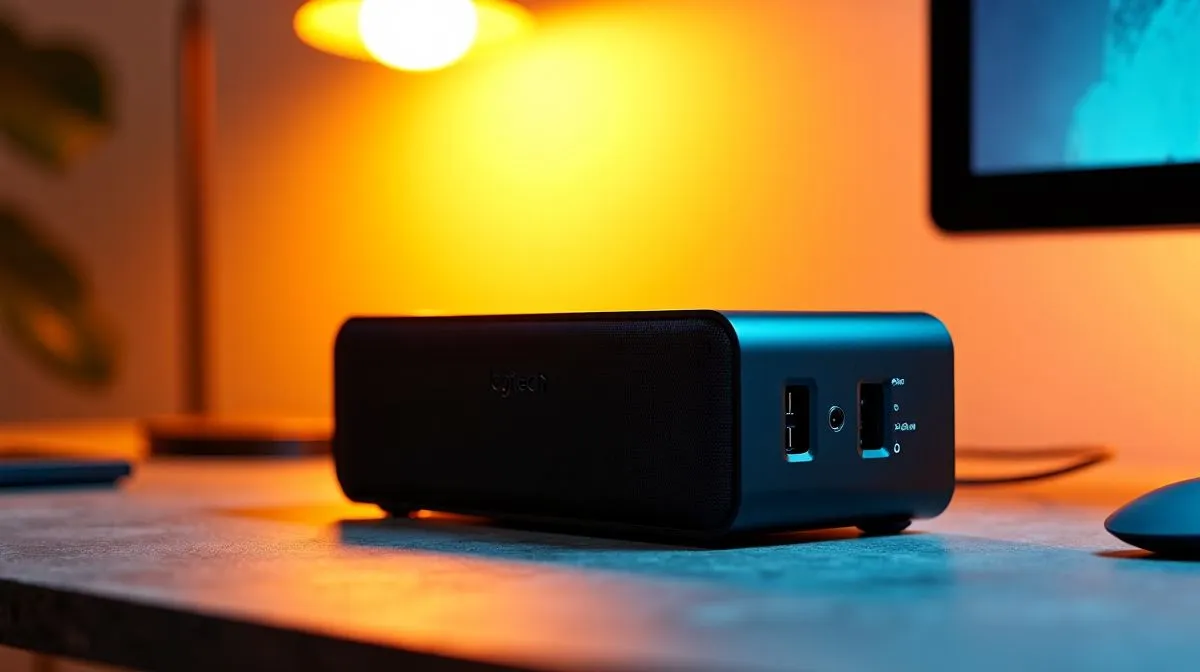
Can You Connect Two Devices at Once With the Logitech Z150 3.5mm Dual Input?
Got a party playlist on your phone and a gaming PC screaming for audio? South African gamers often ask if the Logitech Z150 3.5mm Dual Input can handle two devices at once. Short answer: not quite — but you can work around it with simple cables, a cheap switch, or a small mixer. 🔧🎧
How the Logitech Z150 3.5mm Dual Input handles two devices
The Logitech Z150 is a simple, budget desktop speaker set designed for a single 3.5mm stereo feed at a time. If you want to browse similar desktop speakers or compare models that offer extra inputs or Bluetooth, see the Evetech speakers catalogue for official listings and specs. In practice the Z150 accepts a standard AUX signal; it does not mix multiple sources internally. That means two plugged devices will compete rather than blend.
Connecting Two Devices with the Logitech Z150 3.5mm Dual Input — practical fixes
If you need both devices audible at once, here are safe, practical approaches South Africans actually use:
- Use a small analogue mixer. A two‑channel mixer gives independent volume control and clean mixing for phone and PC audio.
- Use an inline audio switch. Flip to choose the active device without unplugging cables.
- Avoid simple Y‑splitters for active sources. They can cause level and impedance problems unless the devices are output‑level compatible.
For compact branded accessories and cable options, check what Promate accessories Evetech stocks. If you prefer staying wired, explore dedicated wired speaker options to find units with multiple aux inputs. Want Bluetooth convenience instead? There are also wireless speaker options that can pair with two devices more gracefully, either via multipoint or by switching quickly. Finally, if you’re weighing stereo purity vs bass, compare 2.0 and 2.1 setups on Evetech to see which configuration suits your room and budget: 2.0 vs 2.1 speakers and 2.1 options.
Quick Setup Tip ⚡
Want both phone and PC ready to go? Hook both devices to a small mixer or a 3.5mm switch and leave levels low. That way you can instantly balance game sound and Spotify without reconnecting cables.
Final thoughts for gamers and buyers in South Africa
If you own Z150s and want two-device convenience, the cleanest path is a tiny mixer or a well-rated switch. For those who want built‑in multipoint pairing, consider Bluetooth-capable models instead. Prices for compact mixers or switches typically sit affordably in ZAR for most setups, and Evetech’s speaker pages will help you compare specs and prices directly. Want help picking the right speaker or accessory? We’ve linked speaker categories and accessories above so you can shop with confidence.
Ready to Find Your Perfect Match? The Mac vs Windows debate is complex, but for maximum power, choice, and value in South Africa, Windows is hard to beat. Explore our massive range of laptop specials and find the perfect machine to conquer your world.











