

Compatibility: TVs, PCs and phones — quick answer
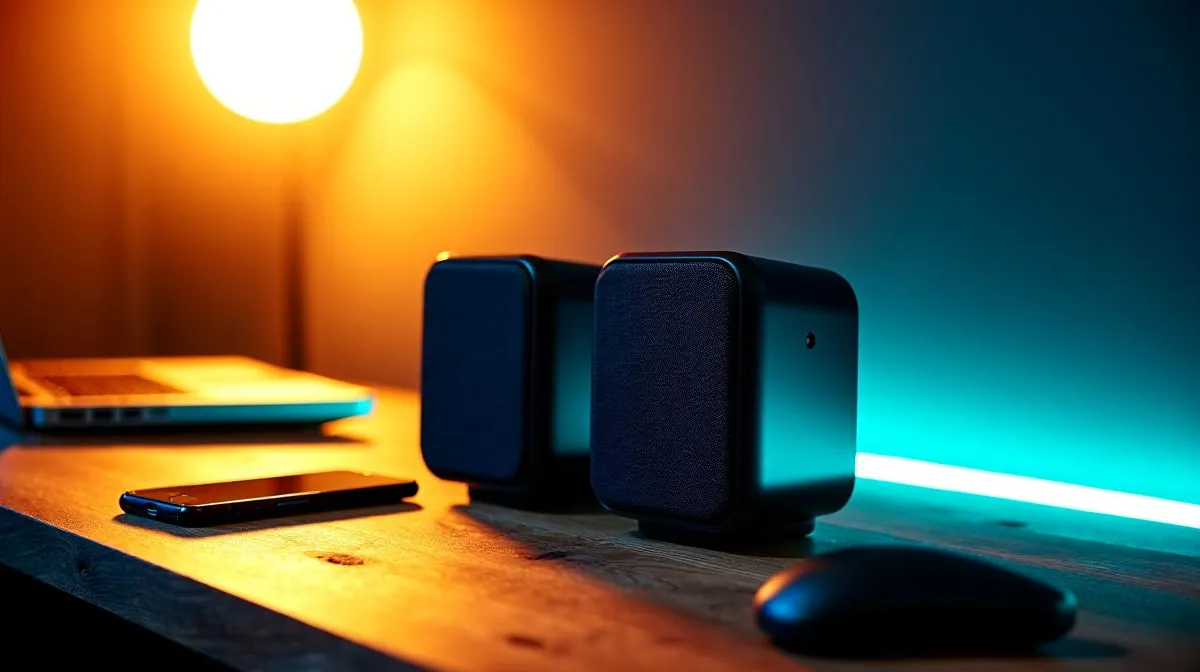
Do Logitech Z150 speakers work with TVs, PCs, and phones? Short answer: yes, but with caveats. South African gamers and media buyers who want clean, affordable sound will find the Z150s useful for desktop rigs and older phones or TVs with analogue outputs. They’re simple wired stereo speakers, so expect easy setup rather than wireless flexibility. 🔧
How they connect to PCs
On a PC the Z150s are typically plug-and-play. Use the headphone or line-out port on your desktop or laptop and power the speakers via USB if required. For Windows and Linux, set the output device in Sound Settings and adjust levels in-app. If you’re buying new, browse Evetech’s speaker selection to compare compact options and prices in ZAR: check the general Evetech speakers range for models and ratings. (https://www.evetech.co.za/components/speakers-107)
How they pair with TVs
Many modern TVs lack a dedicated headphone jack. You can still use wired Logitech speakers by converting TV audio outputs. An RCA-to-3.5mm cable or optical-to-analogue adapter will do the trick if your TV provides those outputs. For alternative speaker types — including Promate and budget stereo options — see Evetech’s filtered brand list to match connectors and room size. (https://www.evetech.co.za/components/speakers-107?brands\=Promate)
Using Z150s with phones
If your phone still has a 3.5mm jack, plug straight in and enjoy desktop-level volume. For newer smartphones without a jack, a USB-C or Lightning-to-3.5mm adapter is needed. Remember: wired speakers won’t offer Bluetooth convenience — browse Evetech’s wired speaker selection if you prefer a no-frills, low-latency setup. (https://www.evetech.co.za/components/speakers-107?attributes-connectivity\=Wired) 🎧
When wireless makes sense
If you want fewer cables or a quick TV pairing, wireless or Bluetooth speakers avoid adapters. Logitech Z150 are not Bluetooth; for wireless alternatives, see Evetech’s wireless speaker choices to compare convenience vs. audio fidelity. (https://www.evetech.co.za/components/speakers-107?attributes-connectivity\=Wireless) ✨
Configuration and room tips
Stereo 2.0 setups like the Z150 deliver clear mids and highs for gaming chat and streaming. If you crave fuller bass for movies and single-player immersion, consider a 2.1 system with a subwoofer. Evetech lists both 2.0 and 2.1 options so you can pick what suits your desk, room and wallet. (https://www.evetech.co.za/components/speakers-107?attributes-configuration\=2.0) (https://www.evetech.co.za/components/speakers-107?attributes-configuration\=2.1)
Setup Tip ⚡
Place speakers at ear height and slightly angle them inward. For TVs, place the pair either side of the screen, not behind it. Small placement tweaks improve clarity and perceived bass.
Final verdict for South African buyers
Logitech Z150 speakers work with TVs, PCs, and phones when you match the right cables or adapters. They suit gamers on a budget, content creators who need clear voice reproduction, and everyday media consumption. If you need Bluetooth or deep bass, compare 2.1 or wireless sets on Evetech. Decide on connectivity first, then budget, and you’ll land the best setup for your space and habits. 🚀
Ready to Find Your Perfect Match? The Mac vs Windows debate is complex, but for maximum power, choice, and value in South Africa, Windows is hard to beat. Explore our massive range of laptop specials and find the perfect machine to conquer your world.











