

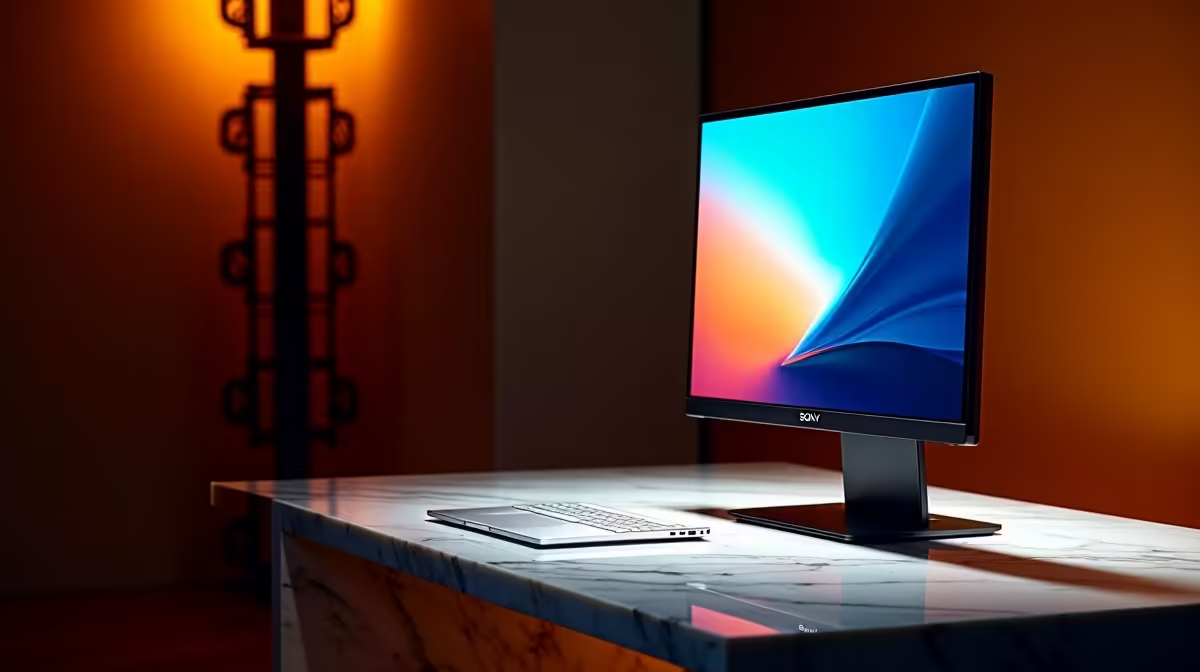
Unlocking MacBook Neo External Monitor Support in South Africa ⚡
South African gamers and tech buyers often wonder: how well does the MacBook Neo handle external monitors? Whether you’re editing videos or battling in your favourite multiplayer game, understanding what works (and what doesn’t) with the MacBook Neo’s external monitor support could save you time and frustration. Let’s unpack compatibility, ports, and solution tips to optimise your setup for smooth performance here at home.
What External Monitors Are Compatible with the MacBook Neo?
The MacBook Neo supports multiple external displays through Thunderbolt 4 (USB-C) ports. Most modern monitors with USB-C or DisplayPort inputs can connect easily. However, older monitors with HDMI or VGA might require active adapters for full resolution and refresh rate support. To get the best experience, look for monitors offering native USB-C or Thunderbolt connectivity.
For South African shoppers hunting reliable screens, our range of monitors includes options tested to work seamlessly with Apple’s latest lineups. Many come with 4K UHD at 60Hz support, ideal for both work and play.
MacBook Neo Display Limits You Should Know
While the MacBook Neo can drive up to two external monitors at 6K resolution each, this depends on your model’s GPU config. Higher resolutions mean more power draw, so battery life can take a hit. A quick way to verify your MacBook Neo’s capabilities is checking System Information under Graphics/Displays.
If your setup shows flickering or blank screens, it’s often down to an incompatible cable or insufficient bandwidth. Choosing Thunderbolt 4-certified cables helps keep things stable.
Quick cable check
Some USB-C cables only carry power, not video. Use a Thunderbolt or USB-C cable rated for DisplayPort Alternate Mode.
Practical Tips for South African Tech Buyers
One trick for smoother multi-display setups: use a powered USB-C hub with extra ports and Ethernet. South Africa’s fibre broadband can offer fast speeds, and a wired internet port can improve your streaming or online gaming without fuss.
If you’re considering a new MacBook Neo alongside an external monitor, explore the latest notebooks on sale in South Africa for tailored choices. Bundling a high-res display with a MacBook Neo optimises your workspace, whether for coding, content creation, or gaming.
For desktop users seeking a complete solution, our pre-built gaming PC deals bring power and multi-monitor support that complements your MacBook on off days. Mixing platforms has never been easier.
Pricing in ZAR for monitors ranges widely, so keep an eye on our specials to grab deals that match your budget and visual needs.
What Doesn’t Work So Well
Some users report issues with daisy-chaining older DisplayPort monitors on the MacBook Neo — the support isn’t as reliable as direct connections. Also, forced refresh-rate changes or non-standard resolutions can cause screen tearing or blank outputs.
Avoid cheap or uncertified docks—they might cause USB port failures or display lag. Stick to trusted brands and check reviews from South African users.
If gaming on MacBook Neo, optimise your setup with a dedicated external monitor instead of relying solely on daisy chains or generic adapters for the best experience.
Display settings tip
Adjust your macOS Displays preference pane to “Scaled” resolutions if native resolutions cause awkward UI scaling.
Upgrade Your Setup Today Discover our full range of monitors tailored for MacBook Neo compatibilities. Shop now at Evetech and elevate your multi-display experience with gear that delivers every time.











