

You're dropping into Warzone, your ping is finally stable, but your frame rate suddenly tanks. Sound familiar? Before you blame your fibre connection or start saving thousands of ZAR for a complete system overhaul, the fix might be completely free. Mastering MSI driver updates for South African gamers is the ultimate cheat code. It unlocks hidden performance, squashes frustrating bugs, and keeps your rig running perfectly.
Why Keeping Your MSI Drivers Fresh is Crucial 🔧
Think of drivers as the dedicated translators between your Windows operating system and your physical hardware. When these translators are outdated, communication breaks down fast. New game releases often require specific driver optimisations to run without stuttering. By staying on top of your MSI driver updates, you ensure your motherboard and peripherals are pushing maximum frames.
If you're experiencing random crashes during intense gaming sessions, an outdated chipset driver is often the hidden culprit. Of course, software can only take you so far. If your hardware is genuinely ageing, it might be time to explore some of the best gaming PC deals available locally to get back in the game.
Finding the Perfect Balance: Software Meets Hardware
Even the most perfectly optimised drivers cannot force a decade-old system to run modern AAA titles at ultra settings. Upgrading your core components is sometimes the only sensible way forward. Whether you're hunting for massive discounts on daily specials to stretch your rand, or you simply want the plug-and-play convenience of our pre-built PC deals, pairing fresh hardware with fresh software is the secret to high-tier gaming.
South African gamers know the value of a good bargain... getting your system balanced means you don't have to compromise on visual fidelity.
How to Safely Update Your MSI System ⚡
Updating doesn't have to be a daunting task. The easiest route is using the official MSI Center software. It automatically scans your system and highlights exactly which audio, chipset, or LAN drivers need a refresh.
This is especially vital for mobile gamers who rely heavily on power efficiency. If you're gaming on the go, keeping the drivers on your laptops updated ensures your battery life and thermal performance remain top-notch during those dreaded load-shedding schedules. Keeping your mobile workstation optimised means less heat generation and quieter fans.
Clean Install Pro Tip 🚀
When updating your display drivers, always select the 'Clean Install' option or use Display Driver Uninstaller (DDU). This wipes old, conflicting files from your system and prevents random crashes when you boot up your favourite competitive shooter.
Pushing Pixels: The Graphics Factor ✨
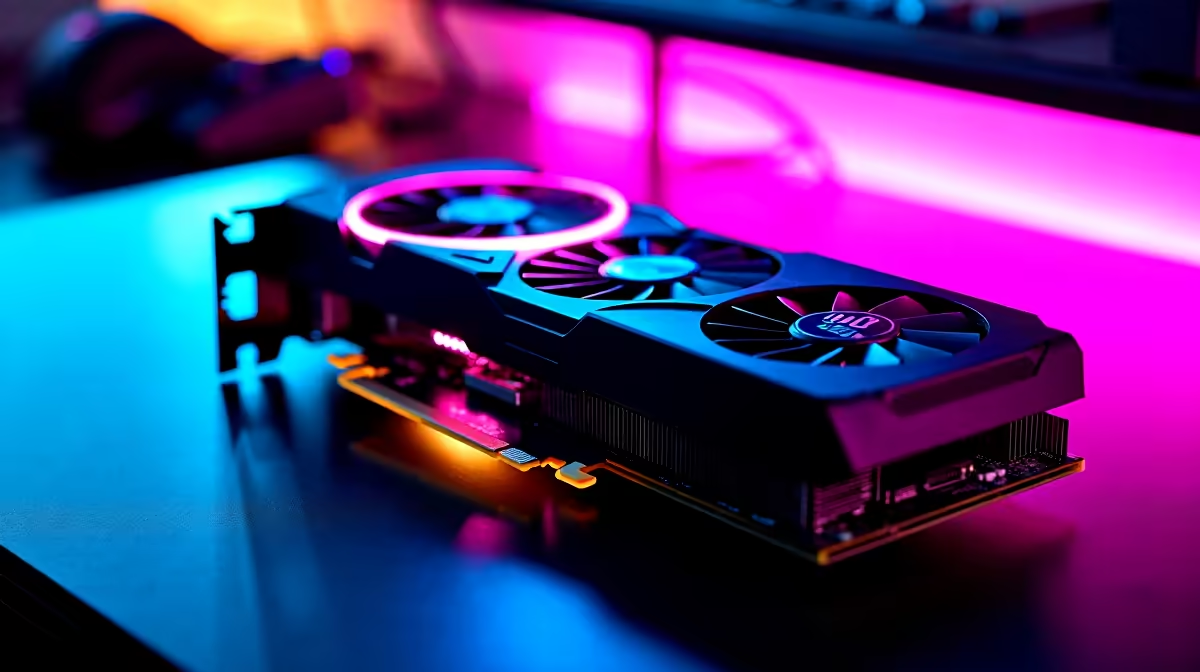
While MSI motherboards handle core system stability, your GPU is the undeniable heart of your visual experience. Driver updates frequently include crucial patches for specific graphics architectures.
If you've recently upgraded your rig and browsed the latest graphics cards, installing the newest drivers the moment you slot the card into your motherboard is non-negotiable. It ensures you get every single ounce of value out of your hard-earned ZAR. Don't let outdated software bottleneck your shiny new hardware.
Ready to Elevate Your Gaming Experience? Software updates are fantastic, but nothing beats the raw power of brand-new hardware. If your current rig is struggling to keep up with modern demands, we have exactly what you need. Explore our massive range of gaming hardware and find the perfect upgrade to dominate the leaderboards.











