

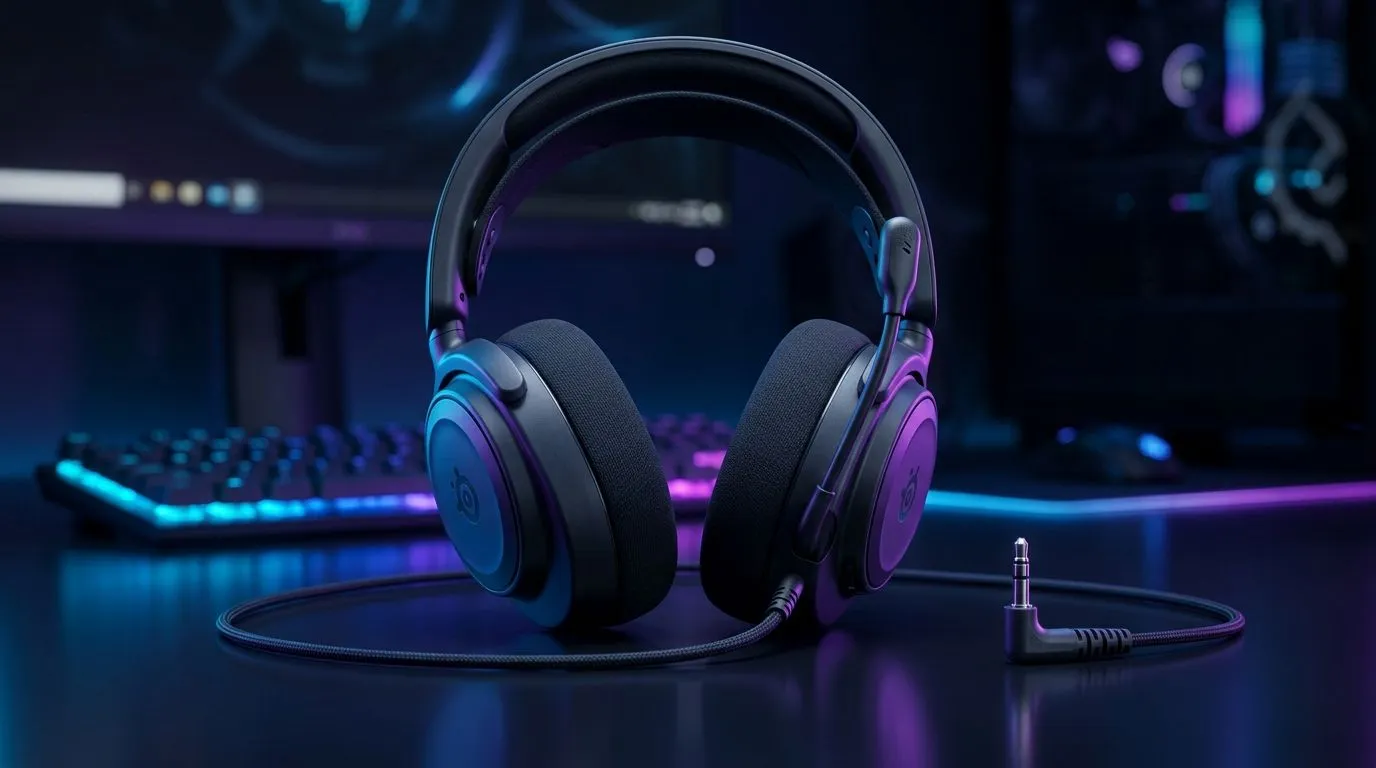
Nintendo Switch Headset Sound Too Quiet? Let’s Fix the 3.5mm Audio Fast 🔧
Ever plugged your headset into your Nintendo Switch and thought… “Why is everything so faint?” You’re not alone. In SA’s load-shedding seasons and late-night gaming sessions, the last thing you want is to crank volume just to hear footsteps. Luckily, most “quiet headset” problems on 3.5mm come down to a few simple checks. Let’s get your audio crisp again.
Nintendo Switch Headset Sound Too Quiet? Start With the Basics (Then Test Properly) ⚡
Before you blame the headset, confirm what’s actually happening. First, reseat the 3.5mm plug firmly. A slightly loose connection can reduce signal quality or level.
Next, test in a quieter environment:
- Plug into the Switch docked and handheld (if possible).
- Play the same audio source in both modes.
- Listen for whether the problem is “quiet audio” or “muted audio.”
Many players also mix up headset vs system volume. On the Switch, go to System Settings → Sound and check Headphones Volume and Headphones output settings.
Nintendo Switch Headset Sound Too Quiet? Quick A/B Test
Try your headset with another device (even a phone). If it’s loud there, your headset is fine. If it’s still quiet, it’s likely the headset (or cable) rather than the Switch.
Nintendo Switch Headset Sound Too Quiet? Fix Common 3.5mm Culprits 🎮
Here are the most common causes South African gamers run into:
- Dirty 3.5mm port: Dust and lint can block contact.
- Headset impedance mismatch: Most modern headsets work fine, but some behave quieter.
- Audio balance settings: Left/right imbalance can make it feel “too quiet” even when volume is up.
If you suspect debris, use a dry anti-static brush or compressed air. Avoid liquids. A single speck can change contact.
Productivity Pro Tip ⚡
On Windows, use the PowerToys FancyZones utility to create custom snap layouts for your windows. It's a lifesaver for managing multiple apps on an ultrawide monitor, letting you organise your timeline, preview window, and asset folders perfectly for video editing. "
Nintendo Switch Headset Sound Too Quiet? Choose a Headset Built for Clear Mixes ✨
If your headset keeps failing the “Switch test,” consider swapping to a model known for strong analog performance and consistent comfort. For example, the Razer Barracuda X Chroma is a popular option, and Evetech lists it with clear positioning and buying details here:
Shop the Razer Barracuda X Chroma Wireless Headset (Phantom White)
If you’re specifically hunting for alternatives in the Evetech ecosystem, start broader:
- Check Evetech’s headphone and headset categories for Switch-friendly options:
Browse Razer headphones and headsets - Compare general headset styles and price points:
Headphone and headset range on Evetech
Nintendo Switch Headset Sound Too Quiet? When to Stop Troubleshooting
If volume maxed out still sounds faint, and your headset is loud on a different device, the likely issue is the Switch’s 3.5mm connection quality or settings. At that point, troubleshooting won’t help much. The smart move is either cleaning the port carefully or testing another headset for confirmation.
Ready to Find Your Perfect Match? The Mac vs Windows debate is complex, but for maximum power, choice, and value in South Africa, Windows is hard to beat. Explore our massive range of laptop specials and find the perfect machine to conquer your world.











