

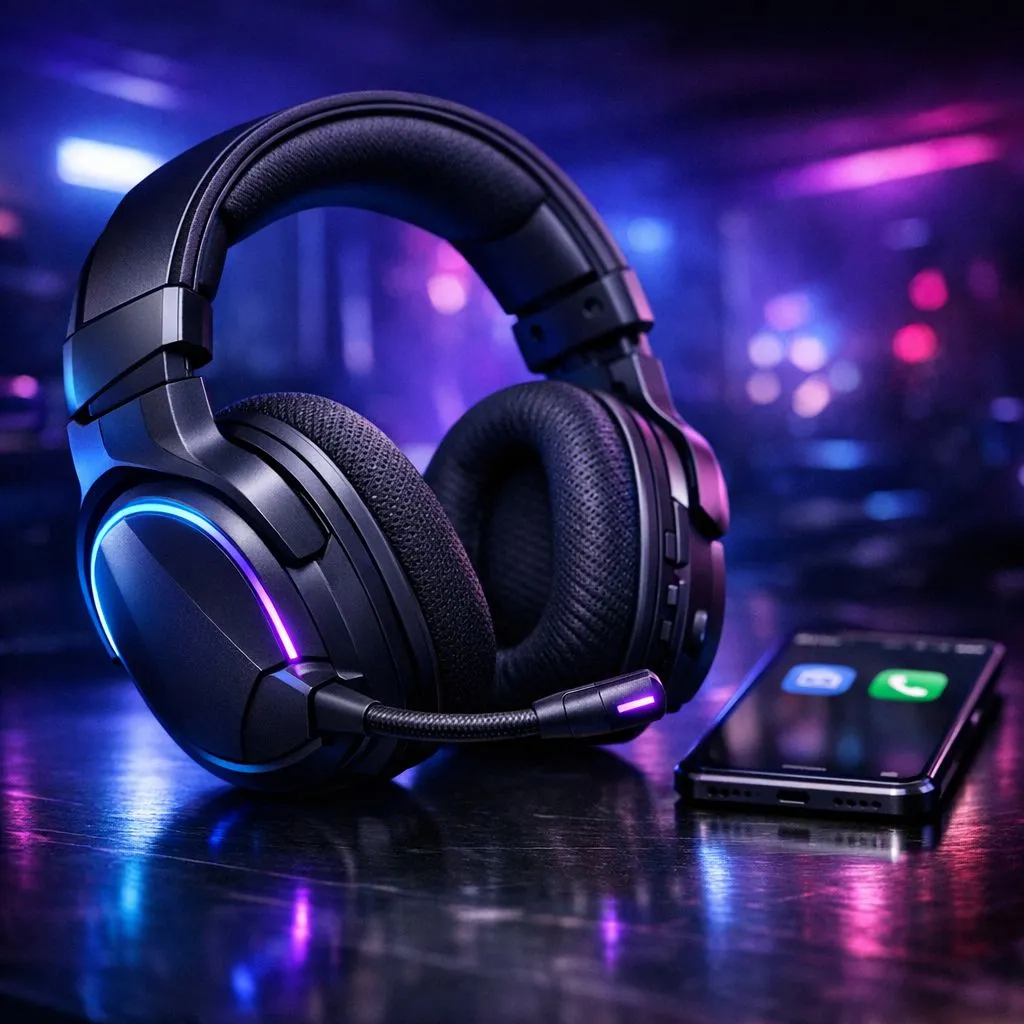
Master Your Audio Setup on the Go
Tired of fumbling with your audio settings while trying to coordinate a clutch play with your squad? Whether you are commuting in Joburg or chilling at home, knowing how to pair a Bluetooth gaming headset to your phone for Discord and chat is a skill every mobile gamer needs. It keeps your comms crisp and your focus sharp, ensuring you never miss a callout. Let’s get your gear synced up and ready for action. ⚡
Getting Your Headset Ready for Pairing
Before you dive into your phone settings, ensure your headset is in pairing mode. Most modern gear requires you to hold the power or Bluetooth button until the LED indicator flashes, usually in a rhythmic blue or white pattern. If you are looking for a reliable upgrade, the Razer Barracuda X Chroma Wireless Headset offers seamless connectivity that makes this process feel effortless.
Once your headset is broadcasting, open your phone's Bluetooth menu. Locate your device in the "Available Devices" list and tap to connect. It is that simple. If you are still weighing your options, you can browse a wide selection of Razer headphones and headsets to find the perfect fit for your mobile and desktop setup.
Optimising Discord for Mobile Chat
Once paired, open the Discord app on your phone. Head into your User Settings, tap on "Voice & Video," and ensure your Bluetooth headset is selected as the input and output device. This prevents your phone's built-in mic from taking over, which often leads to that annoying echo your teammates complain about. 🔧
Crystal Clear Comms 🚀
If you find your voice audio is clipping, check your mic sensitivity settings in Discord. Disable "Auto-determine input sensitivity" and manually adjust the slider until the bar stays in the green zone while you speak. This filters out background noise like fan whir or traffic outside your window.
Choosing the Right Gear for Your Setup
Not all headsets are created equal. When shopping for audio equipment, you want a balance of battery life, comfort, and multi-platform compatibility. Whether you need something for intense ranked matches or casual discord chats, checking out the latest headphones and headsets available at Evetech will help you find hardware that supports your specific gaming style. ✨
Ready to Find Your Perfect Match? Staying connected with your team shouldn't be a struggle. From elite wireless performance to budget-friendly essentials, explore our massive range of gaming audio gear and find the perfect headset to conquer your world. Shop our full range of headsets here.











