

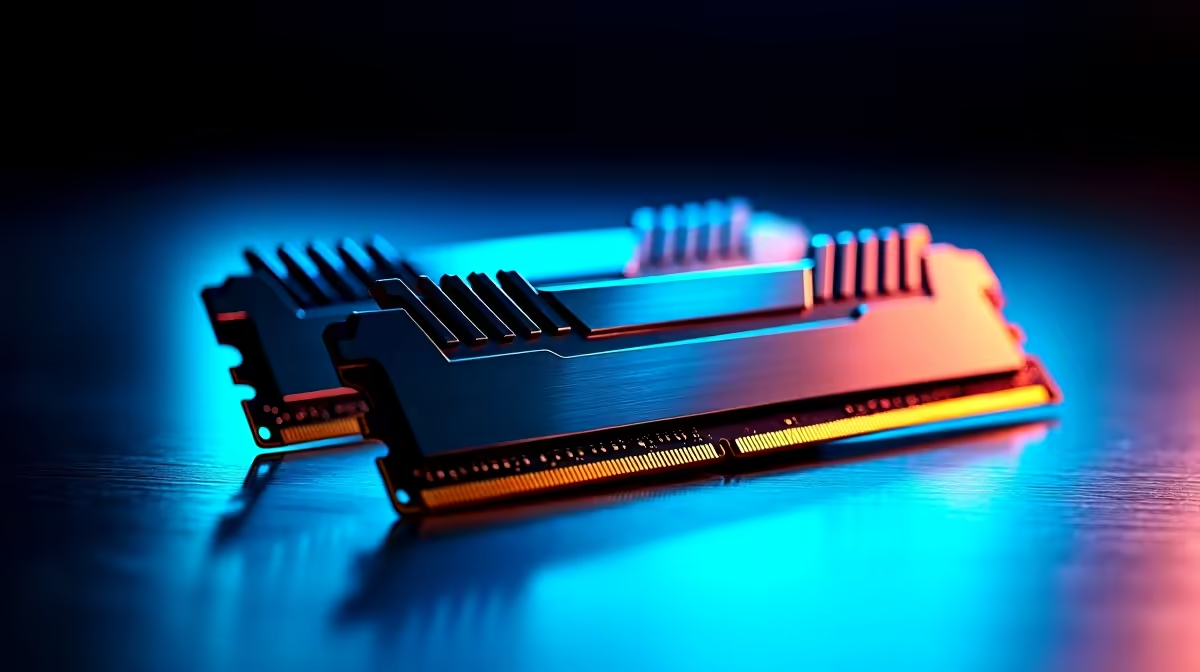
Why Your PC Might Only Be Detecting Half Your RAM
South African PC builders and gamers often hit the frustration of their system showing only half the installed memory. If your PC is only detecting half your RAM, it usually means your memory is running in single channel mode instead of dual channel. This can slow down gaming, editing, and everyday tasks 🔧. Luckily, fixing single channel issues is straightforward with some checks and tweaks.
Understanding Single Channel vs Dual Channel Memory
RAM operates on channels, which are pathways between your memory and processor. A dual channel setup uses paired sticks in matched slots to double bandwidth and boost performance. Single channel means only one stick or an incorrectly placed pair is active, halving your effective RAM speed.
Many South African PC builders accidentally insert memory sticks in the wrong slots. Others mix different brands or speeds, causing the motherboard to default to single channel. This results in your PC only detecting half your RAM capacity, even though all the RAM is physically installed.
How to Check Your RAM Channel Mode
The first step is verifying if your system runs in single or dual channel mode. Use tools like CPU-Z (downloadable on most platforms) and check the Memory tab’s “Channel #” field. If it reads “Single”, your RAM isn’t optimised.
Next, inspect your motherboard’s manual or look for colour-coded RAM slots. Usually, slot 1 and slot 3 or slot 2 and slot 4 pair up for dual channel. If you have two sticks, insert them into the correct slots to enable it.
Fixing Single Channel Issues on Your PC
Reseat Your RAM Modules ⚡
Power off, unplug, and open your rig. Remove the RAM sticks and reinstall them firmly in the recommended paired slots. A gentle but confident push ensures they click in properly.
Match Your RAM Specs
Try to use identical RAM sticks: same capacity, frequency, and brand. Mismatched RAM can cause the motherboard to operate in single channel mode, limiting your available memory.
Update BIOS and Drivers
Motherboard BIOS updates can improve memory compatibility and performance. Head to the manufacturer’s site and follow instructions carefully. Keeping your chipset drivers current is also helpful.
Boost Your Setup with Quality RAM from Evetech
Buying reliable, compatible RAM is crucial. Check out Evetech’s wide range of memory options to ensure you pick sticks optimised for dual channel setups.
If you want a brand-new gaming rig guaranteed to run memory efficiently, browse through Evetech’s best gaming PC deals – many already configured with dual channel RAM.
Already rocking a PC but want better portability? Explore notebooks for sale in South Africa that offer great memory setups for gaming and work.
Pro Tip: Manage Your RAM Budget
Buying more RAM isn’t enough. Spend your budget on matched pairs rather than a single high-capacity stick for proper dual channel performance.
What If You Need a Whole New PC?
If your current rig’s motherboard or setup doesn’t support dual channel, consider an upgrade. Evetech’s pre-built PC deals feature carefully selected components that eliminate memory detection headaches.
Don’t miss out on specials offering great discounts on RAM kits and system combos. Upgrading your memory solution can give your entire system a noticeable speed boost.
Supercharge Your Memory Setup Tired of your PC only detecting half your RAM? Explore our curated deals and quality memory kits to get your system running dual channel. Shop now at Evetech for performance that leaves lag in the dust.











