

Quick Answer
If your PC turns on but shows no display, the issue is almost always loose RAM, a dead GPU output, a faulty cable, or a wonky monitor input. Reseat your RAM and graphics card, swap the display cable, and confirm the monitor is on the right input before assuming a bigger fault.
Start With the Monitor and Cable
Before opening the case, rule out the simplest culprit. Press the monitor's input button and cycle through HDMI, DisplayPort and VGA. A frayed HDMI cable from the local Pep stationery aisle is a surprisingly common cause of a "dead" PC in Joburg households. Try a known-good cable, or borrow one off the lounge TV. If you're plugged into the motherboard's video output but your build has a discrete GPU, you'll see nothing because the BIOS is routing video to the graphics card slot only.
Reseat RAM and GPU
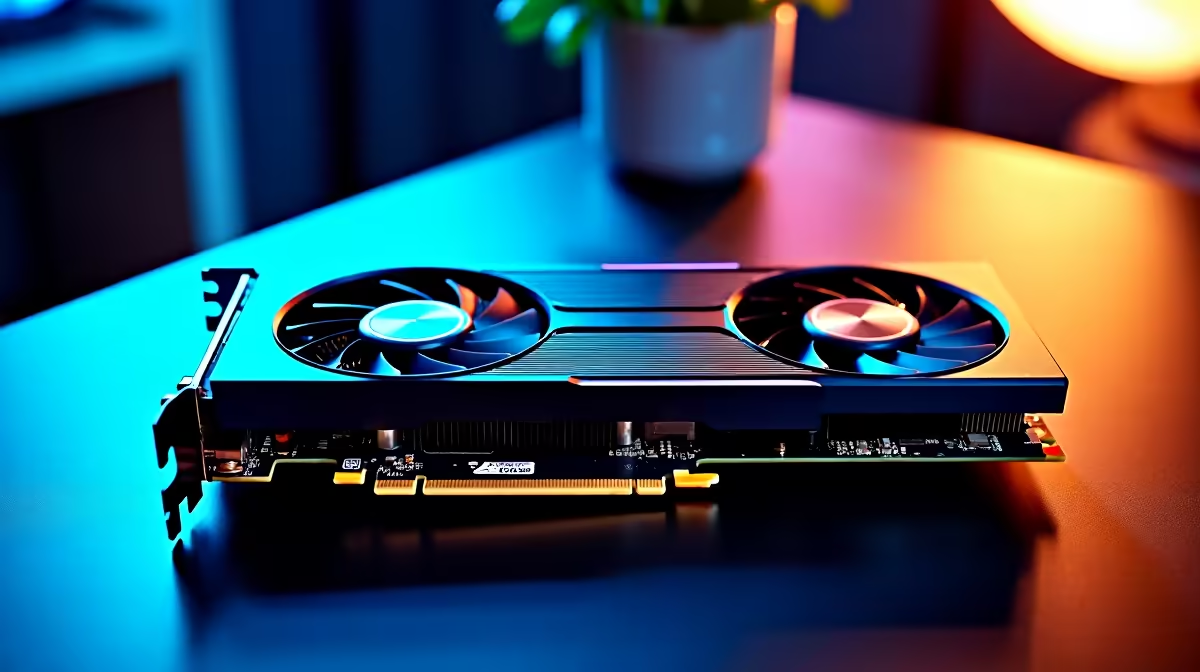
Power down, pull the plug, and open the side panel. Pop both RAM sticks out and press them firmly back in until the side clips snap. Do the same with the graphics card by releasing the PCIe latch and reseating it. Loadshedding surges and cold winter mornings in Gauteng can loosen contacts over time, so this fixes a huge percentage of black-screen calls. Boot with one RAM stick at a time to isolate a faulty module.
Check Power Delivery and Beep Codes
Listen for motherboard beeps when you switch on. One short beep usually means a healthy POST, while repeated beeps point to RAM or GPU faults. Confirm the 8-pin CPU power cable is fully clicked into the top of the board, since a half-seated EPS connector will spin fans but never post. If your PSU is older than five years, that's worth ruling out at an Evetech workshop in Centurion.
Frequently Asked Questions
Why do my fans spin but the screen stays black?
Fans run on standby power the moment you press the button, so spinning fans don't prove the CPU is alive. Check for POST beeps, reseat the RAM, and try booting with the CPU cooler power header connected to CPU_FAN, since some boards refuse to post without it.
Could a new monitor fix this issue on its own?
Sometimes yes. If your old panel has a dying backlight, the PC is fine but the screen is the problem. A fresh 1080p panel from R1,899 with ZAR pricing and Evetech delivery countrywide is an easy way to confirm before swapping pricier components.
Will loadshedding damage cause permanent black screens?
Repeated power cuts can degrade the PSU and motherboard caps. A R1,200 line-interactive UPS keeps your rig running through Stage 4 and prevents the slow damage that ends in a no-display fault.
Ready to Find Your Perfect Match? Sort the screen out today with a fresh panel from Evetech. Shop monitors











