

Plug and Play Simplicity for Your Xbox
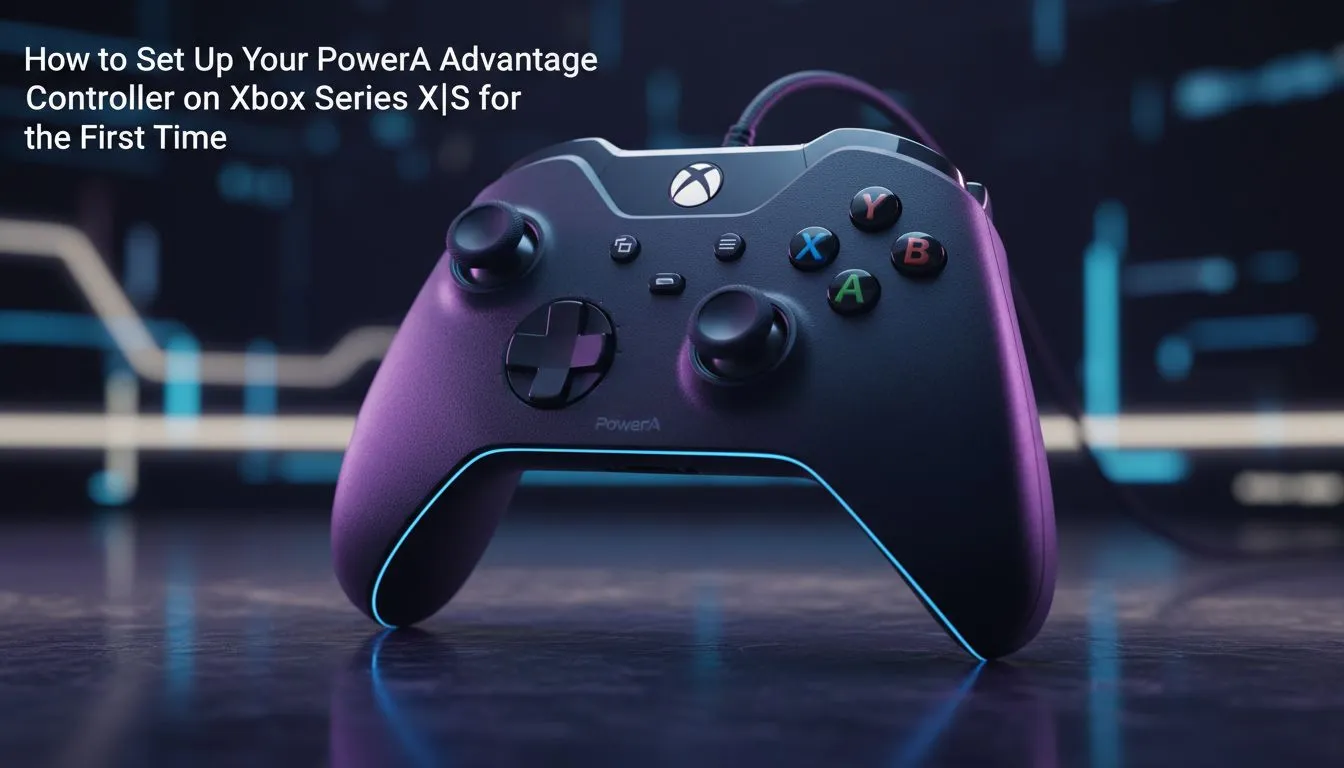
Getting your new gear ready shouldn't feel like a chore. If you have just unboxed your new pad, getting the PowerA Advantage controller setup on Xbox Series X/S is a breeze. Whether you are grinding ranks in Apex Legends or exploring the Cape in a sim, this wired powerhouse offers precision without the lag. Let's get you into the game faster with this quick guide.
To start, connect the included 3-metre USB-C cable to your console. Since this is a licensed wired controller, there is no need to worry about batteries or pairing buttons. Your Xbox will recognise the device instantly. If you are looking to expand your collection, you can always browse the latest gaming controllers to find the right fit for your playstyle.
Mapping for Victory
The real magic happens when you customise the two mappable Advanced Gaming Buttons on the back. You do not need any software for basic remapping. Simply hold the Programme Button on the back for two seconds... the LED will flash. Press the button you want to mirror, then tap the Advanced Gaming Button you want to assign it to. This allows you to keep your thumbs on the sticks during intense firefights.
Pro Mapper Tip ⚡
Use the PowerA HQ app available on the Xbox Store to fine-tune your setup. It allows you to test trigger pull depths and adjust stick deadzones. This is essential for competitive shooters where every millisecond counts towards your win rate.
Optimise Your Audio and Triggers
The PowerA Advantage features 3-way trigger locks. These are vital for South African gamers who jump between genres. Shorten the throw for rapid-fire in FPS titles... or keep it full-length for better throttle control in Forza. If you prefer a more premium feel with mechanical switches, the Razer controller lineup offers similar customisation with a different ergonomic profile.
For those who take their competitive play seriously, the Razer Wolverine V3 Tournament Edition is a fantastic step up... featuring 8K polling for near-zero input latency. However, for sheer value in ZAR, the PowerA Advantage remains a top-tier choice for daily gaming.
Maintenance and Long-term Use
Keep your firmware updated via the Xbox console to ensure the best performance. Wired controllers are robust, but treating the cable with care will prevent disconnects during clutch moments. The PowerA Advantage controller setup on Xbox Series X/S is designed to be user-friendly... letting you focus on the game rather than the hardware.
Ready to Find Your Perfect Match? Finding the right controller can transform your gaming experience from average to elite. Explore our massive range of gaming controllers and find the perfect tool to dominate the leaderboard.











