

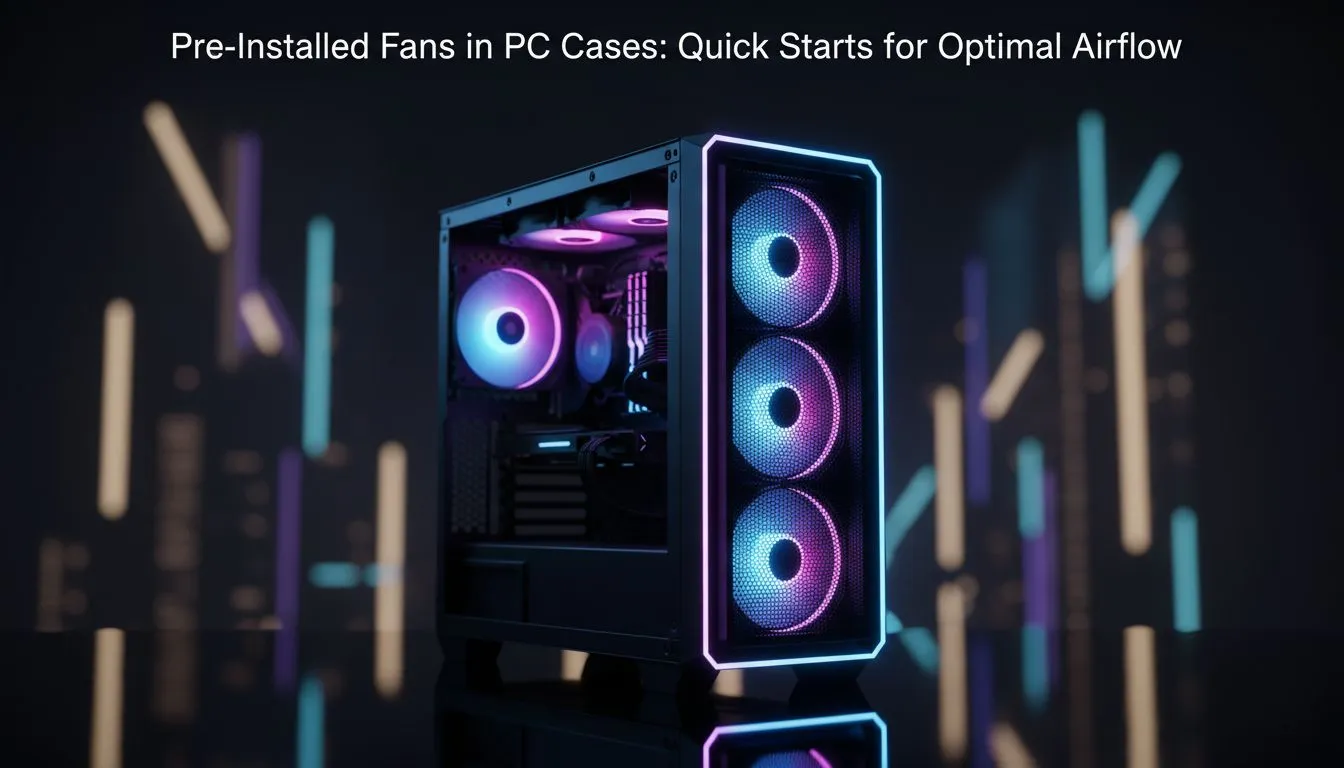
Building a new gaming rig in South Africa means battling more than just high ping... you are fighting the relentless summer heat. Choosing the right chassis is vital for longevity. Many first-time builders overlook the value of pre-installed fans in PC cases: quick starts for optimal airflow are often the difference between a cool, quiet system and one that throttles during a heated match. ⚡
The Value of Pre-installed Fans in PC Cases
When you are partitioning your budget in ZAR, every cent counts. Opting for a chassis that includes factory-fitted cooling is a smart move for both your wallet and your timeline. It eliminates the guesswork of matching fan sizes and ensures you have a baseline thermal solution from day one. If you are starting a fresh build, browsing the wide variety of computer cases available will show that many modern designs now prioritise out-of-the-box thermal performance.
These pre-installed units are typically positioned to create a clear path for air to travel over your hottest components, such as the GPU and VRMs. While enthusiasts might eventually swap them out, these stock fans provide a reliable foundation for any mid-range gaming setup.
Achieving Optimal Airflow with Premium Designs
For those looking for a more refined aesthetic and superior acoustics, certain brands stand out. High-end Fractal Design PC cases are legendary for their engineered airflow paths. These cases often come with larger, 140mm fans that move more air at lower RPMs... meaning your PC stays chilled without sounding like a vacuum cleaner.
The goal is to maintain "positive pressure" inside the chassis. This happens when you have more air being pulled in through filtered intakes than being pushed out. This setup helps keep dust from settling in the nooks and crannies of your hardware, which is a common headache in our dusty local environment. 🔧
Airflow Direction Tip ⚡
Not sure which way your fan is blowing? Look closely at the plastic frame of the fan. Almost all manufacturers include two small arrows embossed on the side. One arrow points in the direction of the blade rotation, while the other shows the direction of the airflow. Always ensure your front fans are pointing into the case and your rear fans are pointing out.
High Performance for Budget-Conscious Builders
You do not need to spend a fortune to get great cooling. Brands like Gamdias have mastered the art of including multiple RGB fans even in their entry-level models. If you are looking for maximum visual flair and decent thermals, Gamdias gaming cases often include three or more pre-installed fans as standard.
For students or gamers on a strict budget, you can find excellent cases under R1500 that do not compromise on air movement. These options ensure that even an affordable build benefits from the "quick start" philosophy... allowing you to focus on your gameplay rather than monitoring temperature graphs. ✨
Balancing Noise and Thermal Performance
While having more fans is generally better, the way they are configured is what truly matters. A single rear exhaust fan working in tandem with two front intakes is the "sweet spot" for most South African builds. This configuration creates a laminar flow that carries heat away from the CPU cooler efficiently. 🚀
Always remember to check your motherboard headers. If your case comes with four fans but your board only has two headers, you might need a simple splitter or a fan hub to get everything spinning. Getting your pre-installed fans in PC cases: quick starts for optimal airflow sorted early means less maintenance and more "GGs" in the long run.
Ready to Keep Your Cool? Don't let thermal throttling ruin your win streak. Whether you need a silent professional chassis or a high-airflow RGB powerhouse, we have the right fit for your budget. Explore our massive range of computer cases and give your hardware the cooling it deserves.











