

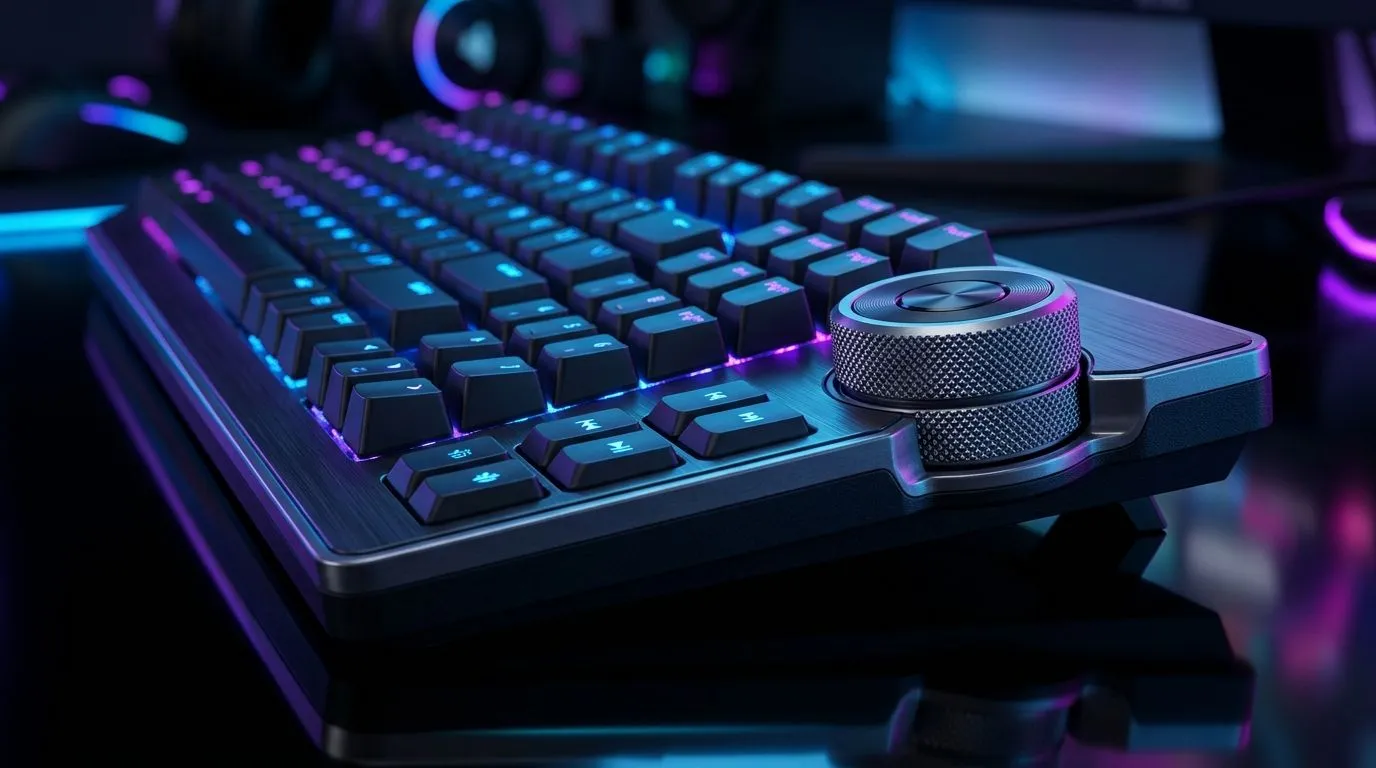
Push-to-Mute Volume Wheel: Fix Audio Control Friction in Games 🔧🎧
If your in-game comms keep getting blasted or muted by accident, you’re not alone. South African gamers are juggling ranked matches, Discord chats, and family noise at the same time… and audio controls are often the weak link. A single awkward volume wheel or “push” action can turn a clean fight into chaos. Let’s fix that friction fast, so your team hears you clearly, and you don’t miss the moment.
Push-to-Mute Volume Wheel: Why “friction” happens in the first place ⚡
“Push-to-mute volume wheel” sounds simple… but it usually fails in three common ways:
- Accidental presses: Your hand rests on the wheel while aiming, reloading, or sprinting.
- Inconsistent sensitivity: A small wheel movement changes output far more than you expect.
- No clear feedback: You don’t hear a tone or feel a noticeable click… so you only realise mid-clutch.
In ranked play, those tiny moments matter. Audio is a game of timing. When you can’t control it instantly, your focus drops.
Push-to-mute Volume Wheel: Quick settings checks (10 minutes)
Before you replace anything, do these quick checks:
- Windows volume vs game volume: Keep “master” stable and adjust game audio inside the game settings.
- Disable exclusive audio grab for Discord/voice apps if your OS or device keeps overriding levels.
- Rebind controls if possible: Some games let you move voice push-to-talk away from the most-used mouse/keyboard zones.
If you use a gaming headset with a separate mic button, avoid mapping both the wheel and the headset to the same action. Double-muting is a classic “why can’t they hear me?” moment.
Productivity Pro Tip ✨
On Windows, open Settings → System → Sound and set your headset as the Default Output. Then check App volume and device preferences to ensure Discord, your game, and your browser don’t each fight for control. This reduces random volume jumps during matches.
Push-to-Mute Volume Wheel: Choose the right keyboard setup for smoother audio 🎮
Sometimes the best fix is physical. If your current keyboard layout makes your hand “brush” the wheel, you’ll keep hitting it. Consider keyboards designed for comfortable hand placement, with dedicated or well-positioned audio controls.
If you want to tighten your grip on comms control, look at keyboard options that support your play style:
- Wired setups often feel more consistent for long sessions. Shop a reliable wired keyboard option: keyboard deals.
- Wireless can be great at the desk, but you’ll want stable connection behaviour. Start here for wireless keyboard options: cheapest gaming keyboard (Wireless).
- If you’re upgrading the whole desk, pairing can reduce setup stress. Explore a combo like this: buy a keyboard + mouse combo.
Push-to-mute Volume Wheel: Budget-friendly upgrade paths in ZAR
For South African buyers, cost matters. Evetech often has keyboard deals that make “quality of control” affordable, not just premium.
- Want to shop what’s hot in pricing? Best gaming keyboard deals.
- If you’re aiming for the best price on a full keyboard, start with this category: cheapest gaming keyboard in South Africa.
And if you’re thinking “I just need a smoother control path,” remember: comfort beats clever. Your hands should hit fire, not the mute button.
Push-to-Mute Volume Wheel: Test it like a pro before your next match 🚀
Before you queue again:
- Do a 30-second “no-look test”: with your in-game voice chat open, press mute/unmute without looking.
- Then check audio levels with a single friend in a private call.
- Finally, move your hand position slightly… and watch for accidental pushes.
If the wheel still catches, you’ve learned something valuable. Not all controls belong on a high-travel finger path.
CALLTOACTION
Ready to Find Your Perfect Match? The Mac vs Windows debate is complex, but for maximum power, choice, and value in South Africa, Windows is hard to beat. Explore our massive range of laptop specials and find the perfect machine to conquer your world.











