

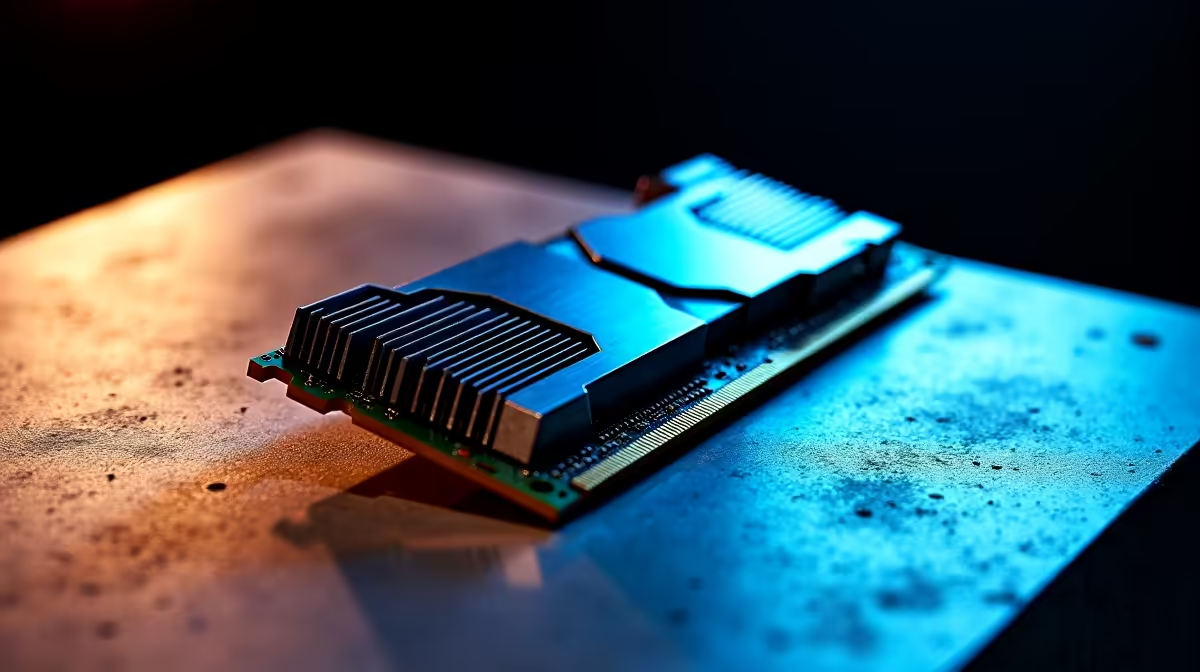
Why Your RAM Not Detected Error Could Be a PC’s Biggest Frustration
Gamers and tech buyers in South Africa know the sting of powering up only to face the dreaded “RAM not detected” message. That sudden halt means your system can’t find the memory it needs to run smoothly. Whether you’re upgrading your rig or troubleshooting an unexpected glitch, this guide will help you pinpoint what’s wrong fast and get you back into the game without fuss. Let’s dive into why RAM issues happen and how to fix them ⚡.
Common Causes When RAM Is Not Detected
When your PC says the RAM is missing, it’s often one of a few culprits:
- Improperly seated memory sticks
- Dirt or dust inside the memory slots
- Faulty RAM modules
- BIOS settings needing reset or update
- Compatibility problems with your motherboard
One South African gamer shared how cleaning his RAM slots and reseating the sticks ended his boot nightmare. It’s these small DIY fixes that save a trip to a technician—and rand.
How to Check and Reseat Your RAM Safely
- Power off and unplug your PC completely.
- Open the case (remember to discharge static electricity first!).
- Locate the RAM slots and gently release the clips holding the RAM sticks.
- Carefully remove each module, inspect for dust or debris, and blow it out or use compressed air.
- Reinstall the RAM firmly until you hear a click.
If you want reliable RAM replacements or to upgrade, explore Evetech’s wide selection of PC memory options tailored for South African gamers.
BIOS Tweaks to Detect Your Memory
Sometimes, your PC just needs a software nudge. Resetting your BIOS can help:
- Enter BIOS on boot (usually by pressing F2 or Delete).
- Look for memory settings, then reset to defaults or specifically enable “Memory Remap Feature.”
- Save changes and reboot.
Also, ensure your BIOS is updated to the latest version. This step is crucial if you’re running newer RAM on older motherboards.
When Faulty RAM Means It’s Time to Upgrade
If reseating and BIOS resets fail, a faulty RAM stick might be the problem. Testing each module individually in your rig narrows down the culprit. RAM failures can cause random crashes, blue screens, or frequent errors beyond the “not detected” warning.
Thinking of a performance boost while replacing faulty memory? Evetech offers some of the best gaming PC deals in South Africa to level up both your RAM and overall rig. Check them out here.
Pre-Built PC Options for RAM Reliability and Warranty Convenience
Sometimes, the hassle of troubleshooting isn’t worth it—especially if you're keen to get gaming quickly. Investing in a pre-built PC from trusted suppliers ensures RAM compatibility and warranty backup. South African buyers can browse Evetech’s pre-built PC deals designed for gamers craving seamless upgrades. These rigs are tested for memory stability and come with support to ease your tech worries.
Quick RAM Detection Tip
If your PC doesn’t detect new RAM, try swapping slots. Sometimes one DIMM slot can be faulty even if the RAM sticks are fine
Laptops and RAM: What South African Buyers Should Know
Laptop users in SA facing RAM detection issues have fewer upgrade paths but can still troubleshoot:
- Ensure RAM modules are compatible with your laptop model.
- Follow similar cleaning and reseating steps cautiously.
- Check your laptop’s manual or online specs to confirm RAM maximums.
For those shopping laptops, Evetech’s notebook range offers well-tested models with reliable RAM and upgrade options to keep your setup future-proof.
Catching RAM Deals in South Africa
Keeping RAM performance smooth doesn’t have to break the budget. Keep an eye on Evetech’s specials for exclusive memory and PC deals—perfect for South African gamers looking to optimise their rigs without overspending.
Upgrade or Fix Your RAM with Evetech Don’t let “RAM not detected” errors hold you back. Shop now at Evetech for top-quality memory and unbeatable deals designed to keep your gaming unstoppable.











