

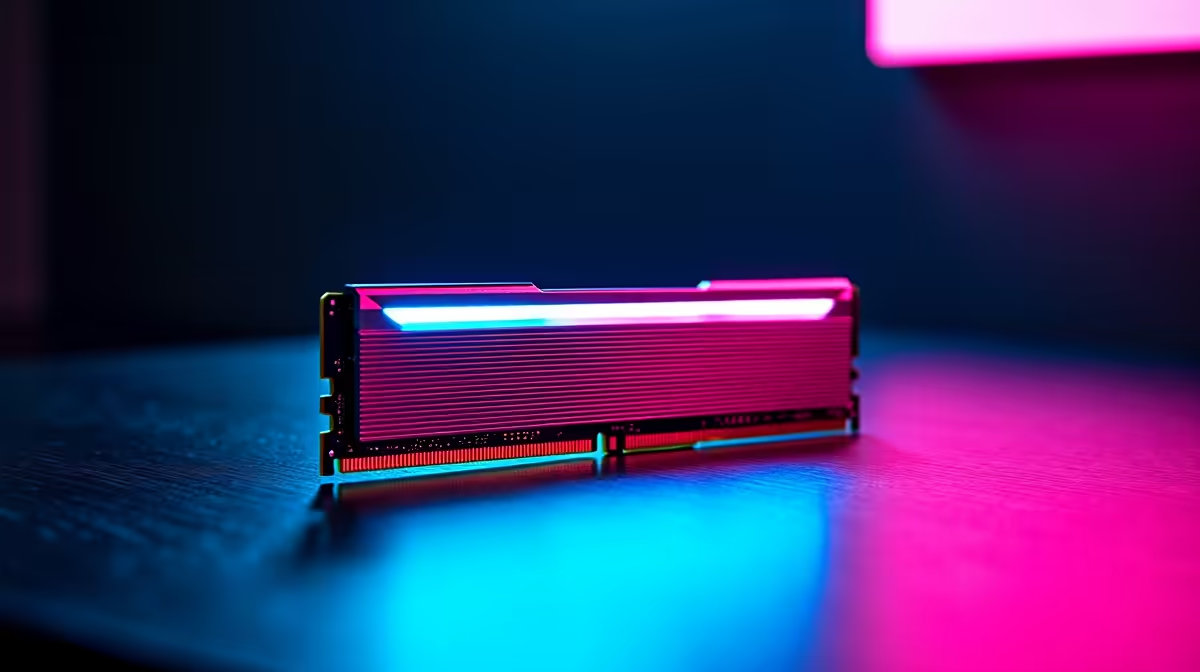
Diagnosing RAM Issues: What to Look Out For ⚡
If your PC keeps crashing or won’t boot properly, faulty RAM might be the culprit. South African gamers and tech lovers know how frustrating it is when lag isn’t caused by slow internet but hardware glitches instead. RAM not working can show as blue screens, random freezes, or failure to detect memory during startup. Getting to the root fast means less downtime and more gaming ⚔️.
Before rushing to replace parts, understanding common RAM problems saves time and rand. Let’s explore practical fixes to get your rig firing on all cylinders again!
Common Causes When RAM Isn’t Working
Several issues can cause RAM failure, from loose modules to software conflicts. The most frequent culprits include:
- Improperly seated sticks
- Dust or corrosion on contacts
- Compatibility issues with your motherboard
- Faulty RAM modules themselves
- BIOS settings that disable or limit memory
If your PC suddenly won’t recognise the installed memory, first power down and reseat your RAM sticks carefully. South African conditions with dust can affect performance, so a quick clean can help.
Testing RAM for Faults
Use built-in tools like Windows Memory Diagnostic or MemTest86. Running these tests identifies errors so you know exactly if replacement is needed.
Hardware testing ensures you’re not swapping parts blindly. If errors appear during tests, check Evetech’s range of memory for quality RAM that matches your system perfectly.
BIOS Tweaks and Compatibility Checks 🔧
Sometimes the RAM is fine, but the motherboard’s firmware needs attention. Enter your BIOS/UEFI on startup and check the memory settings:
- Enable XMP profiles for faster speeds
- Confirm memory timing and voltage match the specs
- Reset BIOS to default to clear any misconfiguration
Older PCs may need BIOS updates from the manufacturer’s site to support newer RAM models. If you plan to upgrade your machine, consider pre-built PC deals that come with tested, compatible memory already installed.
Quick RAM Seating Tip
Always power off and unplug your PC before adjusting RAM. Push modules in firmly until the side clips snap shut. This can fix most detection issues without buying new parts.
When to Upgrade RAM and Where to Buy in South Africa
If your gaming or workstation laptop struggles with modern titles or multitasking, it might be time to add more memory. South African gamers value smooth gameplay, so bumping up RAM size improves load times and frame stability.
Look for DDR4 or DDR5 sticks that match your motherboard’s supported speed. Check your laptop’s manual before buying – some models limit upgrade options.
For gaming rigs on a budget, browse best gaming PC deals or notebooks for sale tailored to local demands. You’ll find reliable products ready for South Africa’s gaming scene.
Still hunting for specials? Evetech regularly posts discounts and bundles ideal for upgrading your system without breaking the bank — visit their specials page to catch the latest offers.
Wrap-Up: Keep Your RAM Running Smoothly
RAM issues can stall your gaming or work projects, but most problems trace back to simple fixes. Reseat modules, run diagnostics, tweak BIOS settings, or upgrade wisely to match your needs.
A solid starting point is verifying your current hardware and exploring trusted suppliers like Evetech for components designed for South African PCs. With the right RAM in place and good maintenance habits, you’ll enjoy lag-free, seamless performance.
Upgrade Your RAM Today Don’t let faulty memory hold back your rig. Shop now at Evetech for reliable RAM and unbeatable deals designed for South African gamers and tech buyers.











