

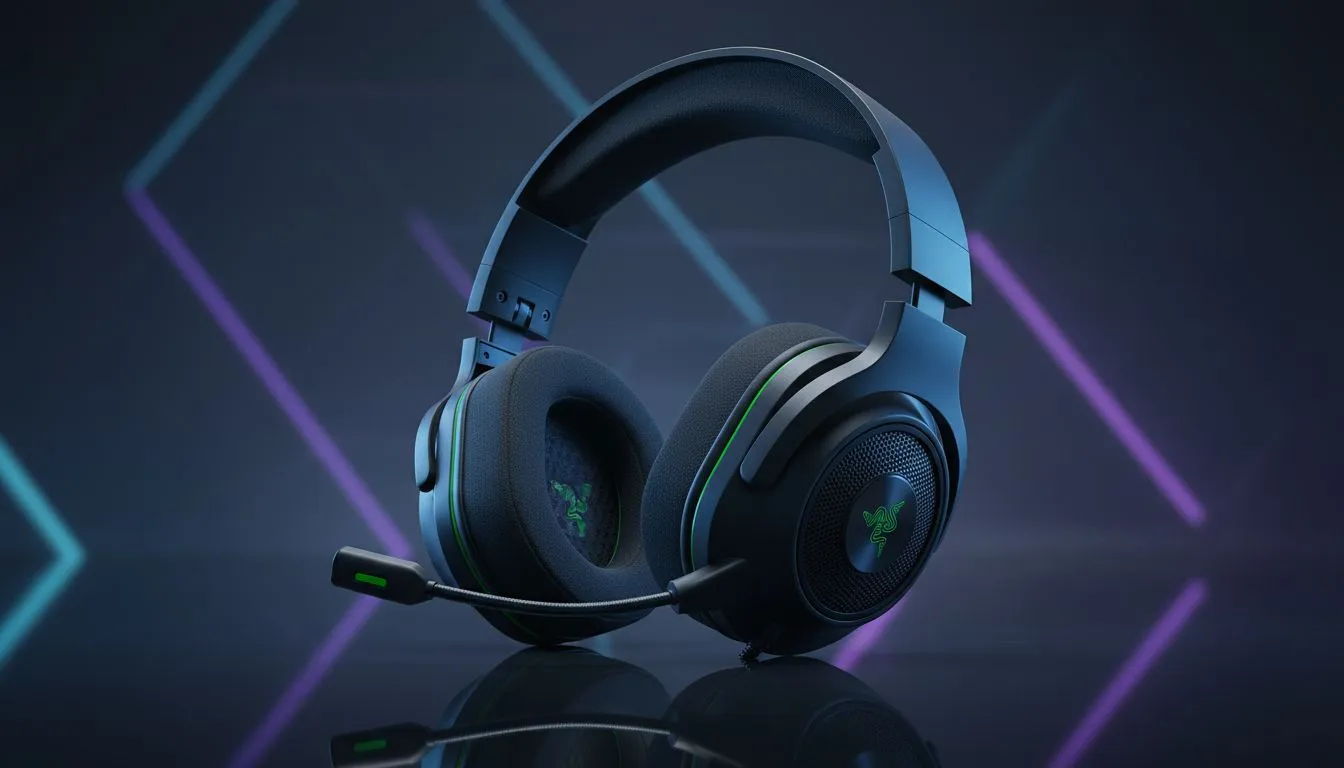
Getting Started with your Razer BlackShark V3 X HyperSpeed Wireless setup
There is nothing quite like the feeling of unboxing a new piece of kit for your battle station... especially when it finally frees you from the "cable spaghetti" nightmare. If you have just landed the latest gear, getting your Razer BlackShark V3 X HyperSpeed Wireless setup configured correctly is the first step toward total lobby domination. Let’s get you connected and ready for action 🎧.
The First Connection: Plug and Play
The beauty of the HyperSpeed protocol is its simplicity. To begin your Razer BlackShark V3 X HyperSpeed Wireless setup, locate the 2.4GHz wireless dongle included in the box. Plug this directly into a USB port on your PC or console. While Windows usually handles the drivers automatically, we always recommend a quick restart to ensure the audio stream is crisp.
If you are currently browsing for a new daily driver and want something with a bit more visual flair, you might also want to look at the Razer Barracuda X Chroma in Phantom White which offers a stunning aesthetic for any clean desk setup.
Optimising Audio via Razer Synapse
To truly unlock the potential of your headset, you must install Razer Synapse. This software allows you to toggle THX Spatial Audio... providing that crucial directional awareness needed in titles like Counter-Strike 2 or Apex Legends. Within Synapse, you can also adjust the Mic Gate and Sidetone. This ensures your teammates hear your callouts clearly without the background noise of a South African summer fan blowing in your face 🔧.
Audio Pro Tip ⚡
For the best competitive advantage, set your EQ profile to 'Game' or 'FPS' within Synapse. This boosts the frequencies associated with footsteps and reload sounds, making it much harder for enemies to sneak up on you during intense clutch moments.
Comfort and Longevity
The BlackShark V3 X is designed for those marathon sessions. The breathable memory foam ear cushions are a lifesaver when the temperature climbs. If you are looking to compare this model against other high-end options, you can browse our full collection of razer headphones and headsets to see which specs best suit your playstyle.
Remember to charge your headset fully before its first long run. Even though HyperSpeed is incredibly power-efficient, starting at 100% ensures you won't be tethered to a cable mid-match. For those on a tighter budget looking for different brands or styles, our wider range of quality gaming headsets covers everything from entry-level gear to enthusiast-grade hardware 🚀.
Ready to Upgrade Your Audio Experience? Whether you are looking for the ultra-fast HyperSpeed connection or a versatile multi-platform solution, Evetech has the best deals in South Africa. Explore our massive range of headset specials and find the perfect gear to hear every detail in your favourite games.











