

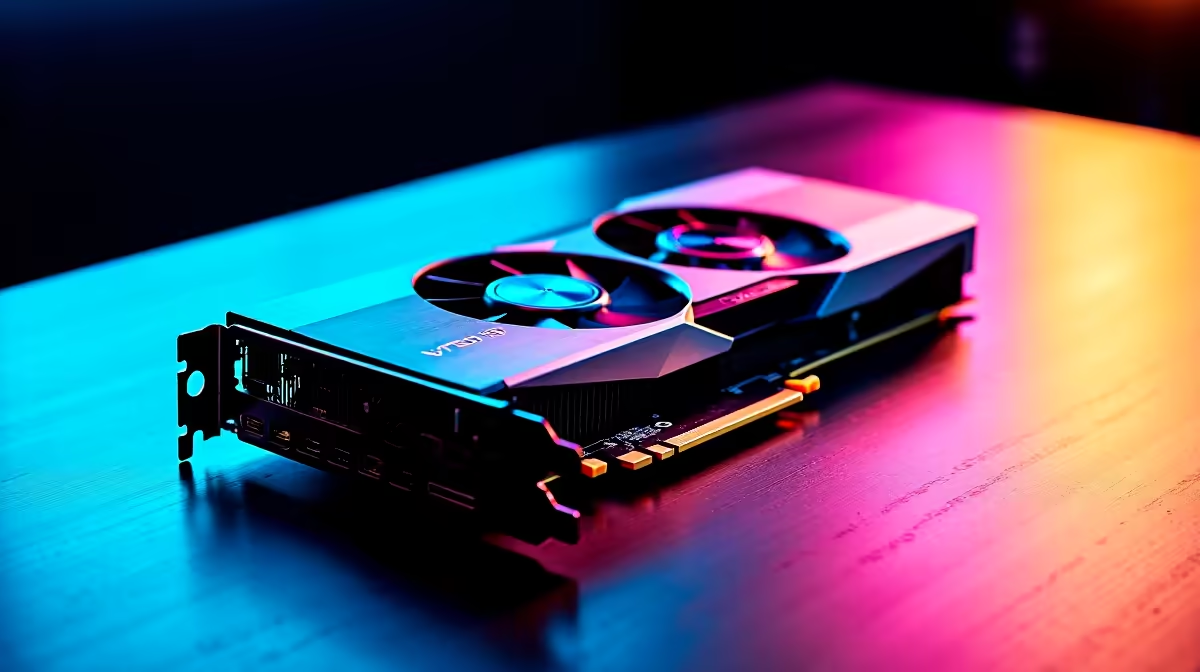
Understanding RTX 4060 Ti Temperatures: What’s Normal? 🔧
If you’re gaming hard on your new RTX 4060 Ti, you might wonder what temperatures to expect. This GPU, popular among South African gamers, handles demanding titles well but it’s crucial to know what counts as normal operating heat. Typically, idle temps hover around 35–45 °C while gaming can push temps to between 65–85 °C. Anything above that range should raise some caution flags. Keeping temperatures in check means smoother gameplay without sudden throttling or shutdowns.
For new builds or upgrades, browsing dedicated graphics cards can help you spot models with superior cooling designs tailored for intense gaming sessions. Evetech’s selection offers a range perfectly suited to South African gamers hunting the best balance between heat and performance.
How to Keep Your RTX 4060 Ti Cool: Practical Strategies
Managing your GPU’s heat is all about airflow, climate, and smart settings. South Africa’s warm climate can push hardware temps higher—especially if your setup sits close to a window with direct sunlight.
Optimise Your Case Airflow
Make sure your PC case supports good ventilation. Adding extra fans or repositioning cables for better airflow can shave off crucial degrees. Investing in a case with mesh panels or front intakes designed for airflow is a wise move.
Adjust Fan Curves & Power Settings
Using tools like MSI Afterburner, you can manually set your fan speeds to ramp up earlier, protecting your GPU from hitting dangerous temperatures. Tweaking power limits slightly can also reduce heat generation without sacrificing noticeable performance.
Environmental Considerations in South Africa
Since ambient temperature affects GPU temps, placing your rig in a cooler room away from direct sun cuts down on heat naturally. Where possible, close blinds or use a fan during hotter months to keep your gaming zone comfortable.
To get high-performance rigs that come with smart cooling solutions built-in, check out Evetech’s pre-built PC deals. These pre-configured systems take the stress out of balancing thermals yourself while guaranteeing top FPS.
Pro Tip for Cooler Gaming
Avoid overclocking on hot days—running your RTX 4060 Ti within factory settings during peak summer can prolong lifespan and keep gameplay stable.
Monitoring & Maintenance: Essentials for RTX 4060 Ti Longevity ⚡
Regularly monitoring your GPU temps and maintenance routines can prevent long-term damage. Software like GPU-Z or EVGA Precision X1 helps track your card's temperature in real time.
Cleaning dust build-up every few months is essential since clogged heatsinks or fans restrict airflow drastically. South African dust can be coarse, so frequent attention pays off.
For gamers upgrading from laptops or compact setups, consider exploring notebooks with robust GPU cooling that help keep your gaming portable but cool.
Lastly, keep an eye on special deals for cooling accessories and components on Evetech’s specials page—grab a bargain on thermal paste, fans, or cooling pads to enhance your setup without breaking the bank.
Selecting the Right Gaming PC for Thermal Efficiency
If building from scratch isn’t your thing, browsing Evetech’s best gaming PC deals can lead you to GPUs like the RTX 4060 Ti paired with cases, motherboards and cooling solutions designed specifically for efficient heat dissipation.
Picking the right combination of parts ensures your investment lasts longer and runs cooler. Plus, topping your build with quality cooling unlocks the RTX 4060 Ti’s true potential in smooth, lag-free South African gaming sessions.
Ready to game at optimal temps? Stay cool under pressure with the right gear. Shop now at Evetech for unbeatable graphics cards and cooling solutions tailored to your gaming rig.











