

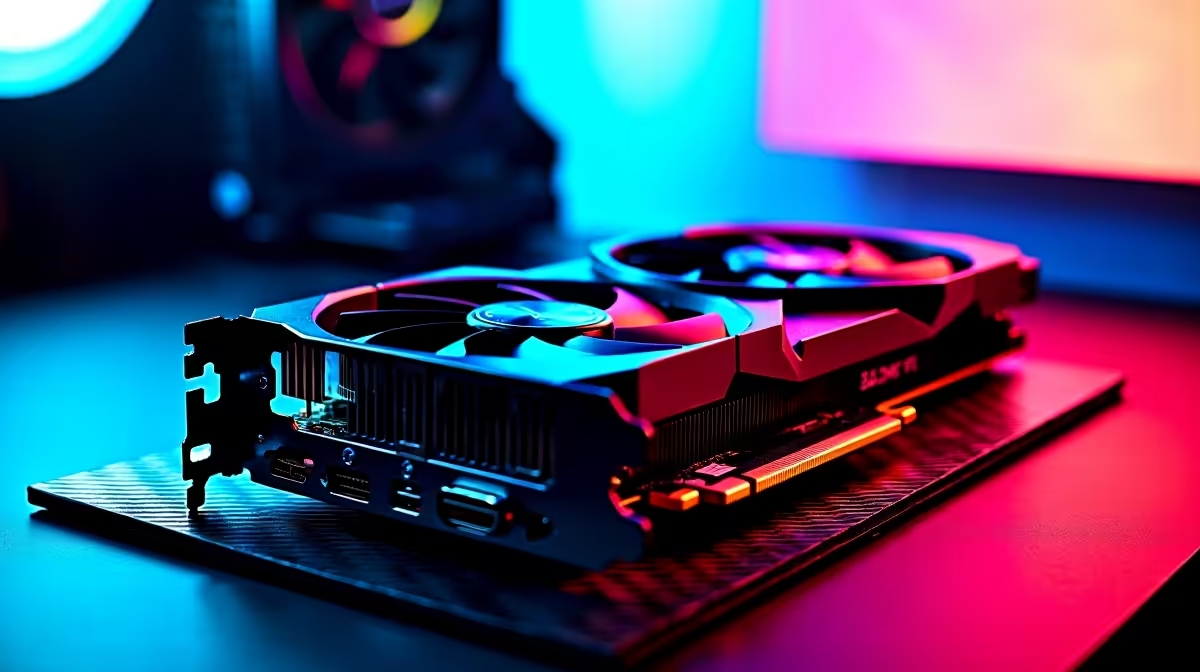
Why Your RTX 4080 Might Be Showing Lower FPS Than Expected 🎮⚡
If you’ve recently upgraded to an RTX 4080 and noticed your frame rates are falling short, you’re not alone. Many South African gamers expect peak performance but face lower FPS due to a mix of settings, drivers, or hardware quirks. The RTX 4080 is a powerful beast, but unlocking its full potential sometimes needs more than just plugging it in. Let’s break down how to troubleshoot your RTX 4080 lower FPS than expected and get your rig firing on all cylinders.
Check Your Graphics Card Drivers and Windows Updates
The foundation for smooth gaming is up-to-date drivers. NVIDIA regularly releases optimisations for cards like the RTX 4080, improving FPS and fixing bugs. Outdated or corrupted drivers can cause drop-offs in frame rates. Head to NVIDIA’s official site or use GeForce Experience to download the latest drivers.
Also, Windows updates can impact performance. A background update or an unoptimised build might silently sap your FPS. Make sure Windows is fully updated and restart your PC before testing games again.
Learn more about modern graphics card options here and why keeping your GPU updated matters.
Optimise In-Game Settings for Your RTX 4080
Raw power aside, game settings dictate real-world performance. Running ultra settings with ray tracing and DLSS on can drop FPS drastically—even on an RTX 4080. Try tweaking resolutions or switching off demanding features one at a time.
For example, lowering ray tracing detail or enabling DLSS performance mode often boosts FPS without a significant drop in visuals. Adjust shadow quality and textures as a start. Keep an eye on how each change impacts frame rate.
If you’re looking to build or upgrade your setup to support perfect performance, check out the best gaming PC deals available locally that match the RTX 4080’s needs.
Small Tweaks, Big Gains
Lowering your resolution scale slightly can boost FPS and lower GPU power draw—ideal for hot SA summers.
Ensure Your System Isn’t Bottlenecking the RTX 4080
Your GPU can only perform to its limits if paired with the right components. An older CPU, insufficient RAM, or slow storage will bottleneck the RTX 4080.
If you’re using a PC that’s more than three years old, consider whether your setup balances well. For many gamers in South Africa, a high-performance GPU combined with an older CPU leads to lower FPS than expected.
Thinking of a new rig that’s balanced and ready to handle top-tier cards? Have a look at our range of pre-built PC deals designed to eliminate bottlenecks.
Verify Your Laptop or Desktop Cooling & Power Setup
Thermal throttling can silently kill FPS. The RTX 4080 generates a lot of heat under load, and if your case airflow or laptop cooling is inadequate, the GPU will throttle performance to cool down.
Make sure your desktop has sufficient cooling—case fans, clean dust filters, and a good power supply. Laptops should be used on hard surfaces with ventilation clear.
If you’re considering a laptop option with gaming-grade cooling, explore our selection of notebooks for sale in South Africa tailored for gamers.
Keep An Eye on Ongoing Specials to Upgrade Affordably
It’s worth checking Evetech’s specials page for deals on accessories, SSDs, cooling solutions, or even GPUs that can help optimise your setup further. Small upgrades can significantly raise your FPS without the need for a full system overhaul.
Whether you want an SSD to cut load times or a better PSU to avoid throttling, there’s a deal waiting to boost your RTX 4080 performance.
Unlock True RTX 4080 Performance Don’t settle for less—Shop now at Evetech and get your gaming rig ready to smash high FPS benchmarks with the latest GPUs and build tips tailored for South African gamers.











