

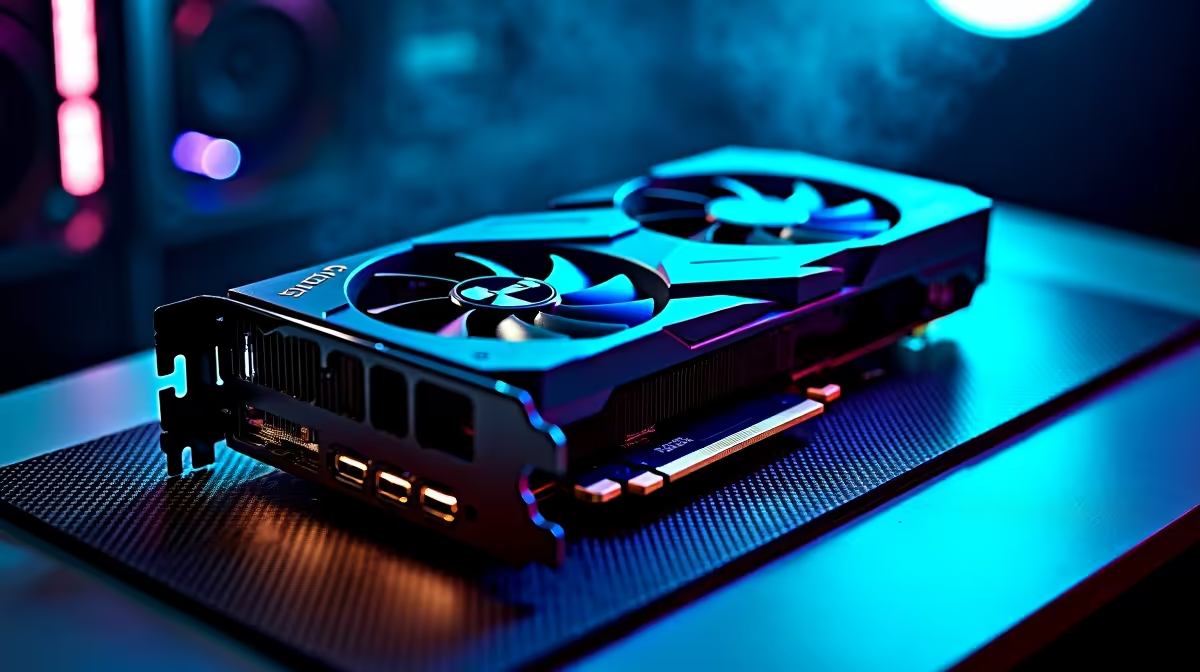
Why Your RTX 4090 Might Deliver Lower FPS Than Expected
South African gamers investing in the RTX 4090 expect top-tier performance. But what if your frame rates are lower than you thought? Whether you’re battling lag on fibre or tweaking settings at LAN, low FPS can kill the vibe. Luckily, troubleshooting this flagship GPU isn’t as daunting as it seems. Let’s unpack why your RTX 4090 might be underperforming and how to get those frames soaring again ⚡.
Common Causes of RTX 4090 Lower FPS Than Expected
Several factors can cause the RTX 4090 to deliver less-than-stellar frame rates. From driver issues to hardware bottlenecks, knowing what to check is key:
1. Drivers and Software Updates
The latest NVIDIA drivers are crucial. Outdated drivers can throttle your GPU’s capabilities. Check NVIDIA’s site or Evetech’s graphics cards section regularly for updates to keep your RTX 4090 running smoothly.
2. Bottlenecking Components
Your RTX 4090 needs a balanced system. A slower CPU or limited RAM can bottleneck performance. Many gamers underestimate how much the rest of their rig affects FPS. For balanced hardware that pairs well with high-end GPUs, browse Evetech’s pre-built PC deals to find optimised combos.
3. Thermal Throttling
If your GPU overheats, it will automatically reduce clock speeds to protect itself. Make sure your PC has adequate cooling, proper airflow, and clean fans. Don’t overlook dust build-up inside your case—it can silently drag down performance.
How to Boost RTX 4090 FPS: Practical Fixes 🎮
Adjust Graphics Settings
Don’t always max out ray tracing or DLSS without a plan. Tuning settings that leverage DLSS 3 or lowering some ultra details can improve FPS hugely without sacrificing visual fidelity.
Monitor Your GPU Usage
Use tools like MSI Afterburner or NVIDIA’s GeForce Experience to monitor GPU load and temperatures. If your RTX 4090 isn’t maxing out, something else might be limiting performance.
Optimize Your Nvidia Control Panel Settings
Try toggling “Maximum Performance” mode under Power Management in Nvidia Control Panel. This can help push your RTX 4090 to consistent top speeds in games.
Selecting the Right Gear to Match Your RTX 4090
To really unlock the RTX 4090’s power, your system must keep up.
Consider upgrading to a high-refresh-rate gaming monitor or switching to fibre internet for lower latency online. Evetech’s best gaming PC deals showcase rigs tuned for excellent FPS with top GPUs like the RTX 4090.
For gamers who want max portability without giving up performance, check out Evetech’s notebooks for sale. Perfect for gaming on the move or LAN parties.
Wrapping Up Your RTX 4090 Troubleshooting Journey
Getting the most from your RTX 4090 means steady updates, balanced components, and smart thermal management. Don’t let lower-than-expected FPS hold you back from immersive, high-speed gameplay. Keep an eye on Evetech’s specials for deals on upgrades or accessories to fine-tune your setup.
Elevate Your Gaming Experience Today Fix your FPS woes and push the limits of your RTX 4090. Shop now at Evetech for performance that leaves lag in the dust.











