

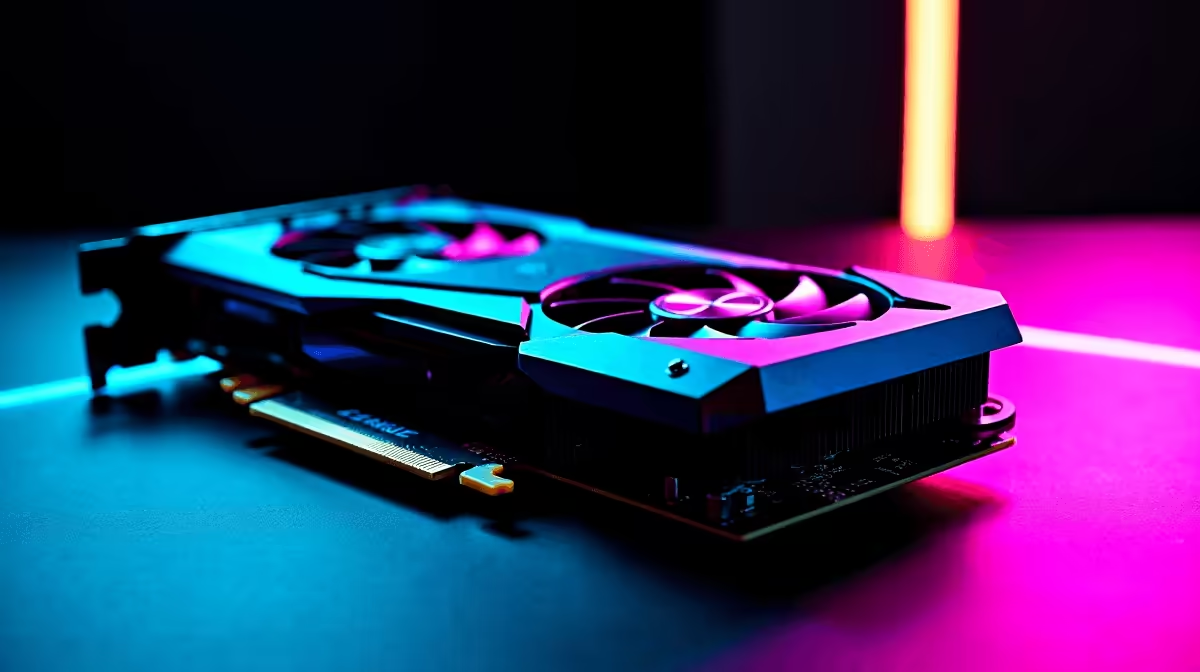
You just dropped serious ZAR on a next-gen rig. The graphics look incredible. Then... black screen. If you are experiencing your RTX 5070 crashing in games, you are not alone. Whether it is a hard reboot mid-match or a sudden desktop crash, troubleshooting hardware in South Africa requires specific steps. Let us fix your setup so you can get back to grinding without the frustration.
Why is Your RTX 5070 Crashing in Games?
The RTX 5070 is an absolute beast of a graphics card. But massive power means strict hardware requirements. When an RTX 5070 is crashing, the culprit is usually power delivery, thermal limits, or software conflicts.
South African gamers also face fluctuating grid power on a daily basis. A slight dip can trip your power supply unit. If your older PSU is too weak to handle transient spikes, you might need to browse graphics cards with lower power draws or upgrade your power supply entirely to ensure system stability.
Top Fixes for RTX 5070 Crashing Issues 🔧
Start with the basics. Use Display Driver Uninstaller to wipe your old Nvidia drivers completely. Then install the latest version fresh to remove software conflicts.
Next, check your power cables. The new 12V-2x6 power connectors must be seated completely flush. A loose cable will definitely cause your RTX 5070 crashing in games.
Sometimes the easiest fix is bypassing the headache. If your motherboard is severely outdated, it might be bottlenecking the GPU. Browsing the best gaming PC deals can often save you money compared to replacing every ageing component one by one.
Power Supply Pro Tip ⚡
If you run your PC through an inverter or UPS during load shedding, ensure it provides a pure sine wave. Modified sine wave inverters can cause micro-surges that trigger GPU safety shutdowns and system crashes.
Thermals and Airflow in the SA Heat
Summer in South Africa pushes hardware to the absolute limit. If your case lacks proper airflow, the RTX 5070 will thermal throttle and eventually crash to protect itself.
Monitor your temperatures using software like MSI Afterburner or HWiNFO. If you hit 85 degrees Celsius constantly under load, you have a serious cooling problem. Building a system with optimal airflow takes careful planning. If you want guaranteed thermal performance out of the box, our pre-built PC deals feature chassis configurations rigorously tested to withstand local climates.
Updating Your Motherboard BIOS ✨
Many players forget that the motherboard handles communication between your components. An outdated BIOS can easily result in your RTX 5070 crashing in games because it struggles to allocate PCIe bandwidth correctly.
Visit your motherboard manufacturer website. Download the latest BIOS version and flash it using a USB drive. Just make sure you do not do this during a scheduled load shedding block... a power cut during a BIOS update can permanently brick your board.
When to Consider an Alternative Setup 🚀
What if the crashing persists despite good temps and clean drivers? You might have a faulty unit requiring a return. While waiting for a replacement, many gamers rely on a solid backup machine.
Modern laptops and notebooks pack desktop-tier performance into portable frames. They are also immune to sudden blackouts thanks to built-in batteries. If you decide to pivot to a mobile setup or just need fresh peripherals to complete your rig, keep an eye on our specials for massive ZAR savings.
Ready to Upgrade Your Gaming Experience? Hardware troubleshooting is frustrating, but your gaming experience shouldn't be. Whether you need a stronger power supply, better cooling, or a whole new rig, Evetech has you covered. Explore our massive range of PC components and build the ultimate stable system today.











