

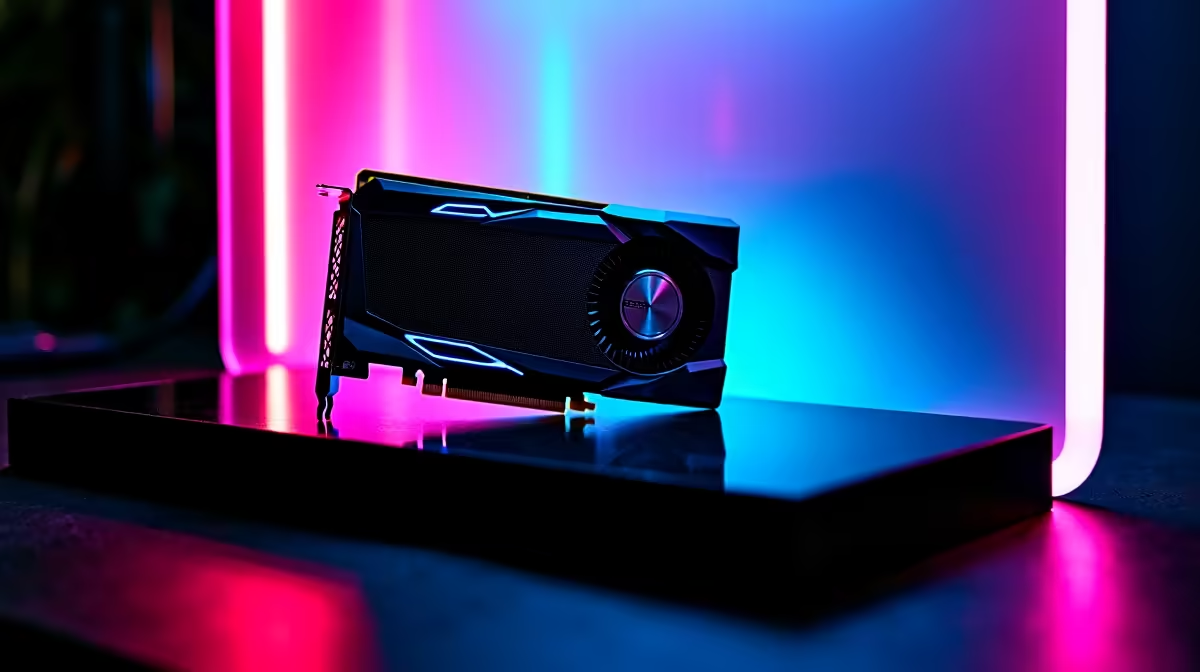
You just dropped serious ZAR on a shiny new GPU. You boot up your favourite title, ready for buttery-smooth frames... and your screen goes black. If your RTX 5070 drivers keep crashing, you are not alone. Early adoption often comes with frustrating software hiccups. Do not panic just yet. Let us walk through exactly how to fix these annoying crashes and get you back into the lobby.
Why Your RTX 5070 Drivers Keep Crashing
The RTX 5070 is an absolute powerhouse. However, brand-new architecture usually requires a few driver updates to stabilise. When you install a fresh GPU, old files often conflict with the new software. This is the most common reason why your RTX 5070 drivers keep crashing.
Windows might also try to install outdated generic versions in the background. If you recently upgraded by browsing the latest graphics cards, your system might still be confused by your old setup. Let us look at the best ways to resolve this conflict.
Step-by-Step Fixes for NVIDIA Driver Issues
First, we need to wipe the slate clean. Standard uninstalls leave messy registry files behind. You need a dedicated tool to completely remove the old display software. Once cleared, download the latest official NVIDIA package directly from their website. Do not rely on Windows Update for this step. Ensure your PCIe cables are firmly seated too... sometimes a loose connection mimics a software failure.
Clean Install Pro Tip 🔧
Boot into Windows Safe Mode before running Display Driver Uninstaller (DDU). This prevents Windows from automatically downloading outdated generic drivers while you are trying to install the official NVIDIA update.
Sometimes the issue is not software at all. The RTX 50-series cards draw intense power spikes. If your power supply is struggling, it will look exactly like a driver crash. This is why our custom gaming PCs always pair high-end GPUs with premium power supplies.
Hardware Bottlenecks and Power Surges ⚡
South African gamers face unique challenges. Constant load shedding and power surges degrade power supplies over time. A PSU that worked fine last year might fail under the sudden load of an RTX 5070. If you have tried the software fixes and your RTX 5070 drivers keep crashing... it might be time to look at your hardware.
If you are tired of troubleshooting mismatched parts, starting fresh is often easier. You can find perfectly balanced systems in our range of reliable pre-built PCs. Alternatively, if you want to dodge desktop power issues entirely, modern laptops offer incredible plug-and-play performance with built-in battery backups.
Optimise Your Setup for Maximum Stability
Heat is another silent killer. Make sure your chassis has excellent airflow. The South African summer can easily push your components past their thermal limits. Monitor your temperatures using free software. Use tools like MSI Afterburner to set custom fan curves. If your card hits 85 degrees Celsius, it will throttle and potentially crash. A stable system is a happy system.
Always keep your motherboard BIOS updated as well. Manufacturers regularly release patches to improve compatibility with newer hardware. If you need a cooling upgrade or a beefier power supply to support your rig, make sure to check out our latest specials for the best local ZAR pricing. 🚀
Ready to Find Your Perfect Match? Troubleshooting PC parts can be a headache, but upgrading your setup does not have to be. For maximum power, choice, and value in South Africa, Evetech has you covered. Explore our massive range of gaming specials and find the perfect machine to conquer your world.











