

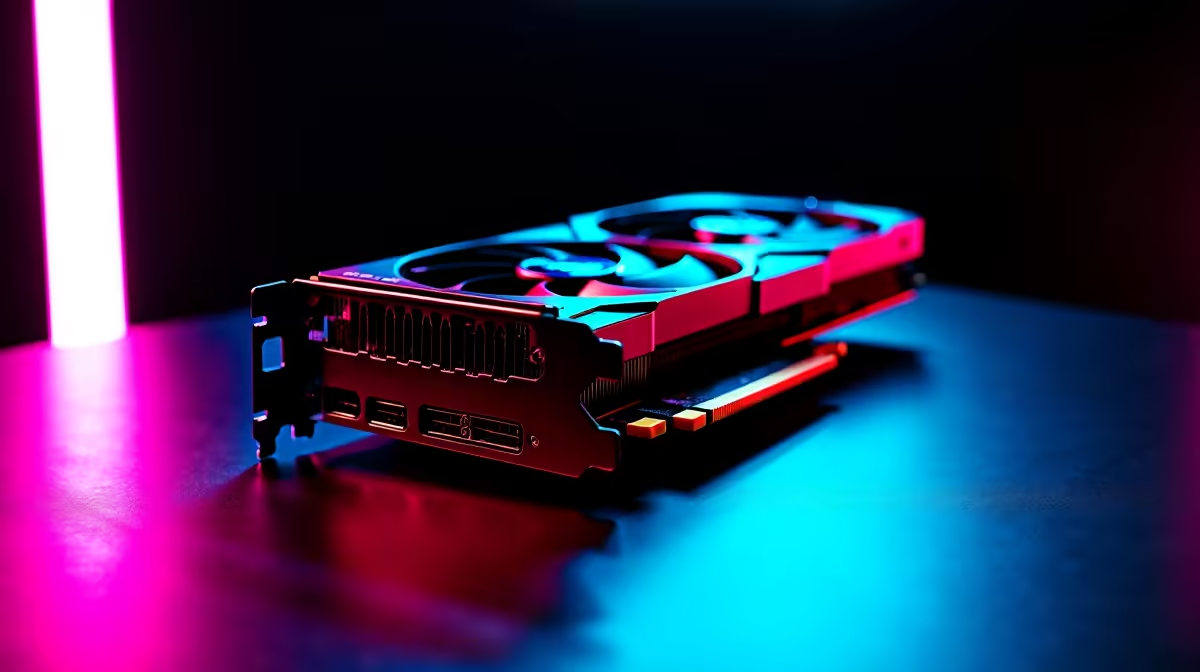
You finally dropped serious ZAR on the ultimate GPU... only to stare at a black screen. If your RTX 5080 driver keeps crashing mid-game, you are not alone. Nvidia's latest powerhouse is incredible, but early software bugs can cause frustrating system hangs. Do not stress. We have compiled the complete fix to get your rig stable and back to pushing maximum frames.
Why Your RTX 5080 Driver Keeps Crashing
When dealing with the latest graphics cards, software teething issues are common. The RTX 5080 draws serious power... and sudden spikes can trip up unstable driver installations. Windows background updates also love to overwrite Nvidia files. This creates a messy conflict that inevitably leads to a black screen.
The Complete Fix for RTX 5080 Driver Crashes 🔧
The most reliable solution is a completely clean installation. Sometimes old registry files conflict with the new update. Even on top-tier pre-built PCs, a manual clean install is the best first step.
First, download a free tool called Display Driver Uninstaller. Next, disconnect your PC from the internet. Boot Windows into Safe Mode to prevent background interference. Run the tool and select the option to clean and restart. Once rebooted, install the latest Nvidia driver manually.
Hardware Checks to Stop RTX 5080 Driver Crashing
Software is not always the culprit. Your power delivery must be absolutely flawless. Check your cables carefully. The 12V-2x6 connector needs to be seated perfectly.
Power Cable Pro Tip ⚡
Always listen for the click when plugging in your power cable. A loose connection will not just cause your RTX 5080 driver to crash... it can actually melt the connector due to uneven power delivery.
If your power supply is under 850W, it might be struggling. Upgrading your PSU is much cheaper than replacing a fried component. If your whole system is aging, it might be time for an overall upgrade. Exploring fresh gaming PC deals is often easier than chasing endless bottlenecks.
Final Steps to Stabilise Your RTX 5080 🚀
A heavily outdated motherboard BIOS can cause PCIe communication errors. Check your motherboard manufacturer's website and update to the latest version.
If you are tired of desktop hardware troubleshooting altogether... we understand. Perhaps browsing high-end gaming laptops is looking quite tempting right now.
Before giving up, always check for hotfix drivers on official Nvidia forums. They often patch specific games faster than the main software branch. Need replacement parts to stabilise your rig? Keep an eye on our weekly tech specials to save some hard-earned Rands.
Ready for a Hassle-Free Upgrade? Troubleshooting hardware can be exhausting. If you want guaranteed stability, maximum power, and incredible value in South Africa, a brand-new system is the way to go. Explore our massive range of gaming specials and find the perfect machine to conquer your world.











