

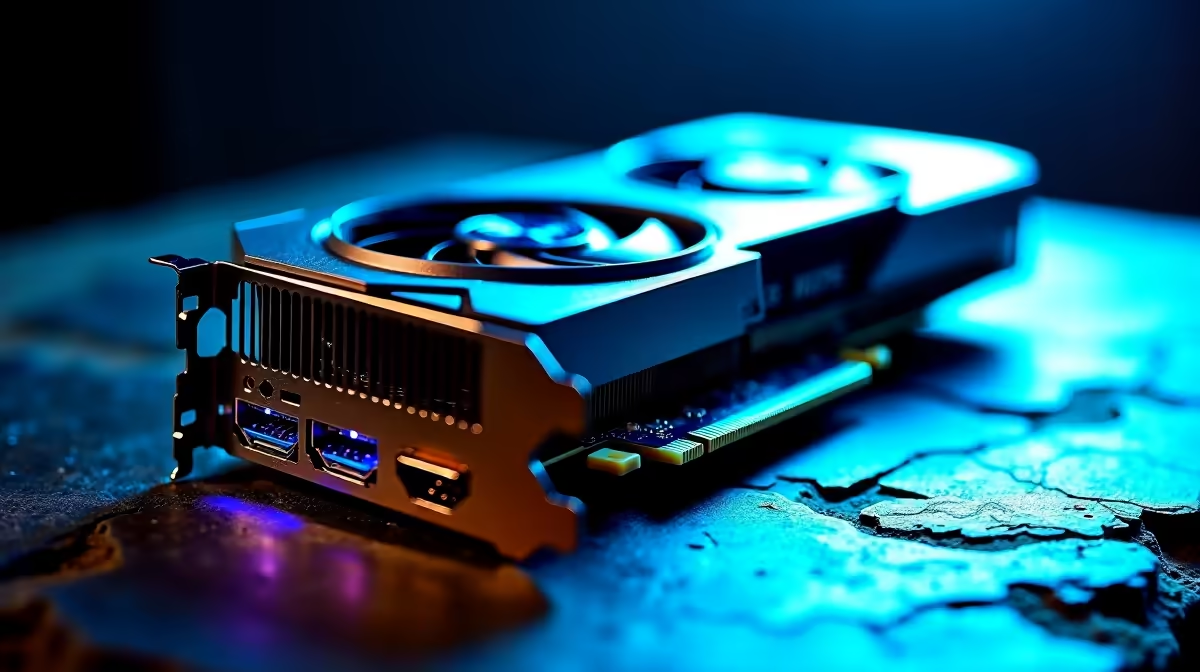
Is Your RTX 5090 Underperforming?
You just spent a massive chunk of your hard-earned ZAR on the ultimate GPU. You boot up your favourite title... and the frame rates are terrible. If your flagship card is lagging, the frustration is real. Do not panic just yet. This RTX 5090 underperforming diagnostic guide will help you find the culprit. Let us restore your rig to its glorious, high-framerate potential.
Power Supply and Cable Diagnostics ⚡
The RTX 5090 is a power-hungry beast. If it does not get enough juice, it will throttle heavily. Check your power supply unit. You need a high-wattage, ATX 3.0 compliant PSU to handle massive power spikes.
Are you using the correct 12VHPWR cables? Loose connections limit power delivery and cause crashes. If your PSU is outdated, it might be time to browse our graphics cards and components to find a proper power supply match.
Thermal Throttling and Airflow 🔧
South African summers are brutal on PC hardware. If your GPU hits its thermal limit, it slows down to protect itself. Check your case airflow immediately. Ensure intake fans feed fresh air directly into the GPU coolers.
If your current chassis is a hotbox, browsing through excellent pre-built PC deals might inspire a better airflow layout. Sometimes a complete case swap is the best cooling solution.
Cooling Pro Tip ❄️
Use software like MSI Afterburner to monitor your GPU temperatures while gaming. If you consistently hit above 80 degrees Celsius, adjust your custom fan curve to ramp up much earlier.
CPU Bottlenecks in Modern Rigs
Pairing a flagship GPU with an older processor is a recipe for disaster. Your graphics card only renders frames as fast as your CPU prepares them. Playing at 1080p with this card will almost always cause a CPU bottleneck... you should be gaming at 4K.
If your processor hits 100 percent while your GPU sits at 50 percent, you have a severe bottleneck. Exploring the best gaming PC deals gives you a baseline for what a balanced high-end system looks like. Alternatively, if you need extreme power on the move, high-end gaming laptops now pack incredible desktop-class performance without the bottleneck worries.
Driver and Software Optimisation 🚀
Sometimes the hardware is perfect... but the software is a mess. Always use Display Driver Uninstaller when installing a massive upgrade. Wipe the old drivers completely before installing the latest Nvidia package.
Check your Windows power settings. Ensure your PC is set to High Performance. Do not forget to enable Resizable BAR in your motherboard BIOS. It gives your CPU full access to the GPU memory. Need to stretch your budget further while upgrading? Keep an eye on our daily component specials to grab crucial extra parts at a steal.
Ready to Maximise Your Frame Rates? Fixing an underperforming rig can be stressful, but building a perfectly balanced system from the start guarantees maximum performance. Explore our massive range of gaming PC specials and find the ultimate machine to conquer your favourite titles.











