

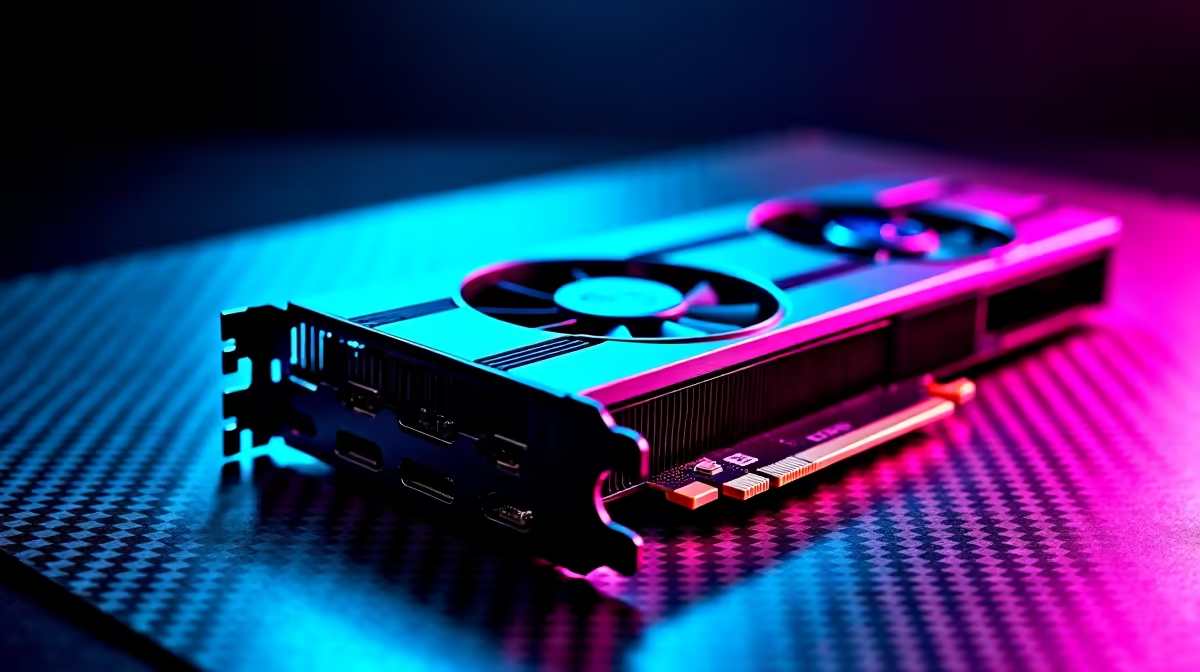
South African summers are unforgiving... and when ambient temperatures spike, your gaming rig feels the heat. If you recently picked up an AMD Radeon GPU, you might be watching those performance metrics closely. Let us dive into this RX 7700 XT temperature guide to explore normal temps and how to keep it cool during those marathon gaming sessions.
Understanding Normal RX 7700 XT Temperatures ⚡
According to AMD specifications, the RX 7700 XT is engineered to handle heavy workloads safely. But what exactly is considered normal?
- Idle Temperatures: When browsing the web or watching YouTube, expect your card to sit comfortably between 35°C and 45°C.
- Under Load (Gaming): Pushing high frame rates in modern titles will push the core temperature to between 65°C and 75°C.
- Junction (Hotspot): This is the hottest sensor on the silicon. Hotspot temperatures hitting 90°C to 100°C are perfectly within safe operating limits, though lower is always better.
When browsing for new graphics cards, many gamers forget to check the cooler design. A robust triple-fan cooler will naturally run quieter and cooler than a compact dual-fan model.
Why Your GPU Might Be Running Hot
A graphics card rarely overheats on its own. Often, the real culprit is poor chassis airflow. If your case lacks decent intake fans, hot air simply recirculates... baking your components over time. This is exactly why our best gaming PC deals feature cases specifically chosen for their superior airflow and thermal dynamics.
Additionally, local ambient temperatures play a massive role. A 30°C afternoon in Pretoria will naturally raise your baseline PC temperatures compared to a chilly winter night. Dust is another silent killer. In South Africa, dry and dusty conditions mean your PC intakes act like vacuum cleaners, clogging up heatsinks and choking airflow.
How to Keep Your RX 7700 XT Cool 🔧
You do not need to spend thousands of ZAR to drop those temperatures. Start by cleaning your dust filters with compressed air. A quick wipe down every few months works wonders for your thermal performance.
Cooling Pro Tip ✨
AMD's Adrenalin software makes it incredibly easy to undervolt your RX 7700 XT. Dropping the voltage slightly can reduce temperatures by 3°C to 5°C without losing any frame rates in your favourite titles.
If you are tired of battling desktop airflow and dust, you might consider switching to mobile gaming. Modern cooling tech has improved massively, making notebooks for sale in South Africa a highly viable option for cool, quiet, and portable performance.
However, if you want to stick to a desktop, ensure your cable management is tidy. Cluttered cables block fresh air from reaching your GPU fans. If you prefer to skip the hassle of building and cable routing entirely, exploring pre-built PC deals guarantees you get a rig assembled by professionals who optimise airflow from day one.
Finally, upgrading your case fans is a cheap and highly effective fix. Keep an eye on our weekly specials to grab high-performance cooling fans or larger airflow chassis options at heavily discounted prices.
Ready to Upgrade Your Gaming Experience? 🚀 Keeping your hardware cool means better performance and a longer lifespan. Whether you need a fresh set of fans, a high-airflow chassis, or a completely new setup, Evetech has the gear you need. Explore our massive range of PC components and find the perfect hardware to keep your frame rates high and your temperatures low.











