Quick Answer
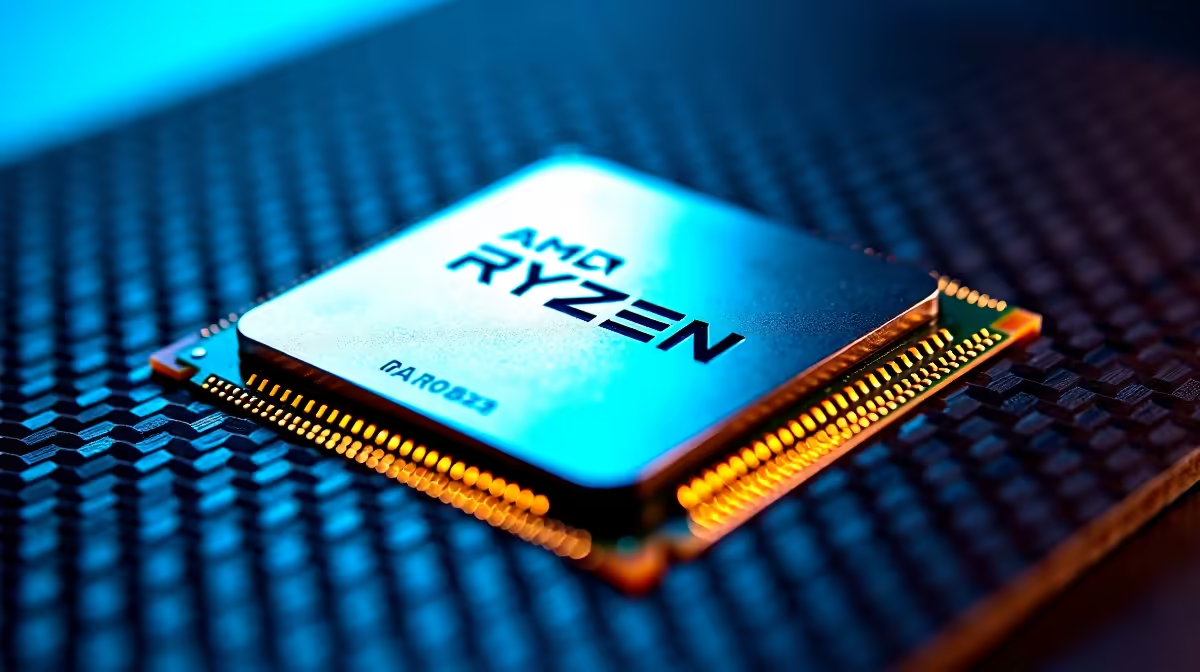
If your Ryzen 5 5600X won't post or boots unstable with XMP/DOCP enabled, the fix is usually a BIOS update, manually relaxing memory timings, or stepping down from 3600MHz to 3200MHz. The 5600X memory controller on AM4 has a known sweet spot around DDR4-3600 CL16, so anything faster often needs voltage and timing tweaks.
Why DOCP Fails on the 5600X in 2026
The Ryzen 5 5600X uses the Zen 3 memory controller, which targets DDR4-3600 as its native sweet spot when running synced with Infinity Fabric (FCLK). DOCP (the ASUS naming for AMD's XMP equivalent, also called EXPO on AM5 boards) tries to apply the memory kit's rated profile, but if your kit is rated 3800MHz or higher, the FCLK can't always run 1:1, causing instability or no-post. Boards with older AGESA firmware also misread XMP profiles and either fail to apply them or hang at memory training.
Step-by-Step Fix Walkthrough
Start with a BIOS update. Visit your motherboard maker's support page, download the latest BIOS for your model, and flash via BIOS Flashback or in-BIOS update tool. Boot into BIOS, load optimised defaults, then enable DOCP / XMP profile 1. If the system fails to boot, clear CMOS (jumper or battery pull), and try profile 2 if available. Still failing? Set DRAM speed manually to 3200MHz, voltage 1.35V, and apply. Once stable, work upward in 200MHz steps testing each with MemTest86 or TestMem5.
Common Mistakes That Make XMP/DOCP Worse
Mixing memory kits. Two 16GB kits bought separately rarely run at advertised speeds together, even if they look identical. Buy a matched 2x16GB or 2x8GB kit. Pushing 4000MHz+ on the 5600X without manually setting FCLK to 1900MHz, this almost always fails because the memory controller can't sync. Forgetting to enable XMP after a CMOS clear, your RAM defaults to 2133 or 2400MHz which feels sluggish but boots fine. Buying low-bin memory rated only to 3000MHz and expecting 3600 stability.
SA-Specific Buying and Troubleshooting Tips
When buying replacement memory in SA, stick to known-good kits like Kingston Fury, G.Skill Trident Z, or Corsair Vengeance rated 3600 CL16 or CL18. ZAR pricing for a 2x16GB DDR4-3600 kit typically lands between R1,299 and R2,199 depending on heatspreader and brand. If you're nearing a CPU upgrade anyway and considering AM5, a Ryzen 5 7600 or 7600X plus DDR5 sidesteps the entire DOCP issue. Local warranties matter: SA-stocked memory means same-region RMA if a stick dies.
Frequently Asked Questions
How do I know if it's a memory issue or a CPU issue?
Boot into Windows with XMP/DOCP off at JEDEC speeds. If the system is stable, your CPU and RAM are fine and the issue is purely XMP profile compatibility. If you still get crashes at JEDEC speeds, suspect the CPU or motherboard before blaming the memory.
What's the most common DOCP setup mistake on Ryzen 5000?
Leaving FCLK on auto when running 3800MHz or faster memory. The auto setting often picks 1900 or 1933MHz, which can cause WHEA errors. Manually set FCLK to half your memory speed up to 1900MHz max, and lock it in.
Do I need any special tools to fix this in SA?
No special tools, just a screwdriver to clear CMOS if needed and a USB stick for MemTest86. All software is free download. If you'd rather skip the headache entirely, an upgrade to AM5 with EXPO solves most legacy memory training drama.