

Quick Answer
The Ryzen 7 9800X3D runs hotter and louder than most Ryzen processors because its 3D V-Cache stacks SRAM directly on the CPU die, limiting heat dissipation options. Reducing fan noise while keeping temperatures safe requires a quality cooler, optimised fan curves, and proper airflow in your case. South African builders also need to account for ambient temperatures that can spike seasonally.
Why the Ryzen 7 9800X3D Runs Loud by Default
The 9800X3D has a 120W TDP but the stacked 3D V-Cache limits AMD's ability to spread heat across a traditional IHS (integrated heat spreader) the way conventional dies allow. This means heat concentrates in a smaller area, causing coolers to ramp their fans harder to maintain safe temperatures. Under gaming load the chip sustains higher temperatures than a standard Ryzen 7 9700X despite similar TDP ratings, because the V-Cache die is more temperature-sensitive than conventional silicon.
AMD set the maximum operating temperature for the 9800X3D at 89 degrees Celsius. The chip will throttle above this. Most stock cooler-paired builds see fans ramping aggressively above 60-70 degrees to stay within this ceiling, producing audible noise particularly in mid-tower cases with poor airflow.
For South African gamers, ambient temperatures compound this. During summer in Gauteng, Limpopo, or the Western Cape, room temperatures of 28-32 degrees push case internal temperatures up 5-10 degrees compared to winter conditions, requiring fans to work harder for the same CPU temperature outcome.
Choosing the Right Cooler for Quiet Operation
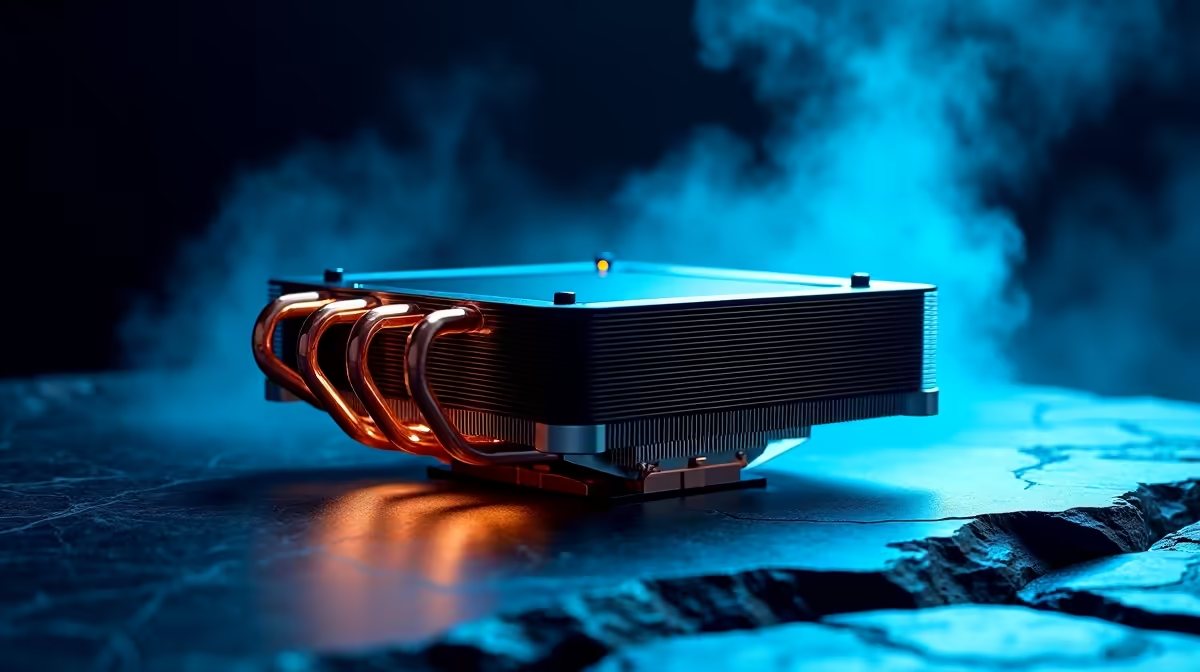
The 9800X3D responds best to coolers with large contact surfaces and direct contact heatpipes that maximise heat transfer away from the CPU IHS. A 240mm or 360mm AIO liquid cooler is the most effective solution for quiet operation because the radiator fan can run at low RPM while still dissipating heat efficiently.
For air cooling, a dual-tower air cooler with 140mm fans is the next best option. Models in this category move significant airflow at low RPM, keeping fan noise below perceptible levels in a normal room at typical gaming loads. Single-tower 120mm coolers are insufficient for quiet 9800X3D operation and will audibly ramp under sustained load.
Thermal paste quality matters more on the 9800X3D than most CPUs because the concentrated heat zone benefits from every fraction of thermal conductivity improvement. High-quality thermal compound (not the pre-applied paste on many coolers) can reduce peak temperatures by 3-6 degrees, which directly translates to lower fan speeds required to maintain safe temps.
Optimising Fan Curves in BIOS and Software
The fastest path to quieter operation without upgrading your cooler is adjusting your fan curve in BIOS. Access your motherboard UEFI (typically by pressing Delete or F2 at boot). Navigate to the fan control section, which is labelled Q-Fan Control on ASUS, Smart Fan 6 on Gigabyte, or Fan Tuning on MSI.
Set your CPU fan to ramp gradually rather than aggressively. Target settings:
- Below 60 degrees: 30-40% fan speed (near silent)
- 60-75 degrees: ramp linearly to 60% fan speed
- 75-85 degrees: ramp to 85-100% fan speed
- Above 85 degrees: 100% (temperature protection mode)
This curve keeps the system quiet during light workloads and web browsing while allowing full fan speed when the 9800X3D needs it under heavy gaming load. Most users find the CPU sits between 65-80 degrees under gaming, making the 60-85 degree range the most important part of the curve to tune.
AMD's Ryzen Master software allows additional control over the 9800X3D. Setting a Power Package Limit (PPT) reduction from the stock 142W to something like 88-95W reduces heat output at the cost of a small percentage of peak performance, which is virtually imperceptible in gaming given the 9800X3D's cache-assisted performance lead.
Case Airflow and SA-Specific Considerations
A quiet cooler in a poorly ventilated case will still run loud because restricted airflow forces fans to spin faster to compensate. For the 9800X3D specifically, ensure:
- At least two front intake fans and one rear exhaust fan as a minimum
- Positive pressure airflow (more intake than exhaust) reduces dust accumulation which is particularly relevant in SA where dust levels can be high in drier regions like Johannesburg
- Cable management is clean and does not obstruct airflow over the motherboard VRM area
During loadshedding, UPS devices under load generate additional heat in your gaming space. If you run your PC on a UPS during outages, consider opening a window or running a fan to prevent room ambient temperature rising, as a 2-3 degree room temperature increase translates directly to higher CPU temperatures.
For builders in Cape Town and Durban where humidity is higher, avoid mesh panels without dust filters as moisture-carrying air introduces corrosion risk over time, though this is a long-term consideration rather than an immediate concern.
Frequently Asked Questions
What temperature is too hot for the Ryzen 7 9800X3D? AMD rates the 9800X3D safe up to 89 degrees Celsius. It will begin to throttle at this point to protect itself. Sustained operation above 85 degrees under gaming load suggests insufficient cooling. Aim to stay below 80 degrees for long-term reliability.
Does undervolting reduce 9800X3D fan noise? Yes. The 9800X3D responds well to undervolting through Ryzen Master or BIOS Curve Optimizer. Reducing core voltage by 20-30mV reduces heat output while maintaining performance in most gaming workloads. This is the most effective software-only path to reducing fan noise without touching hardware.
Is a 240mm AIO enough for the 9800X3D? A quality 240mm AIO from an established brand is sufficient for gaming loads at normal ambient temperatures. In South African summers with room temps above 28 degrees, a 360mm AIO provides more thermal headroom and quieter operation.
Can I use the stock AMD Wraith cooler with the 9800X3D? The 9800X3D typically does not include a stock cooler given its performance tier. Even if using a basic cooler, it will be louder and run hotter than a quality aftermarket solution. An aftermarket cooler is a near-mandatory purchase for this CPU if quiet operation is a priority.
Ready to Find Your Perfect Match? Upgrade your CPU or find a quieter cooling solution at Evetech's processor and components store.











