

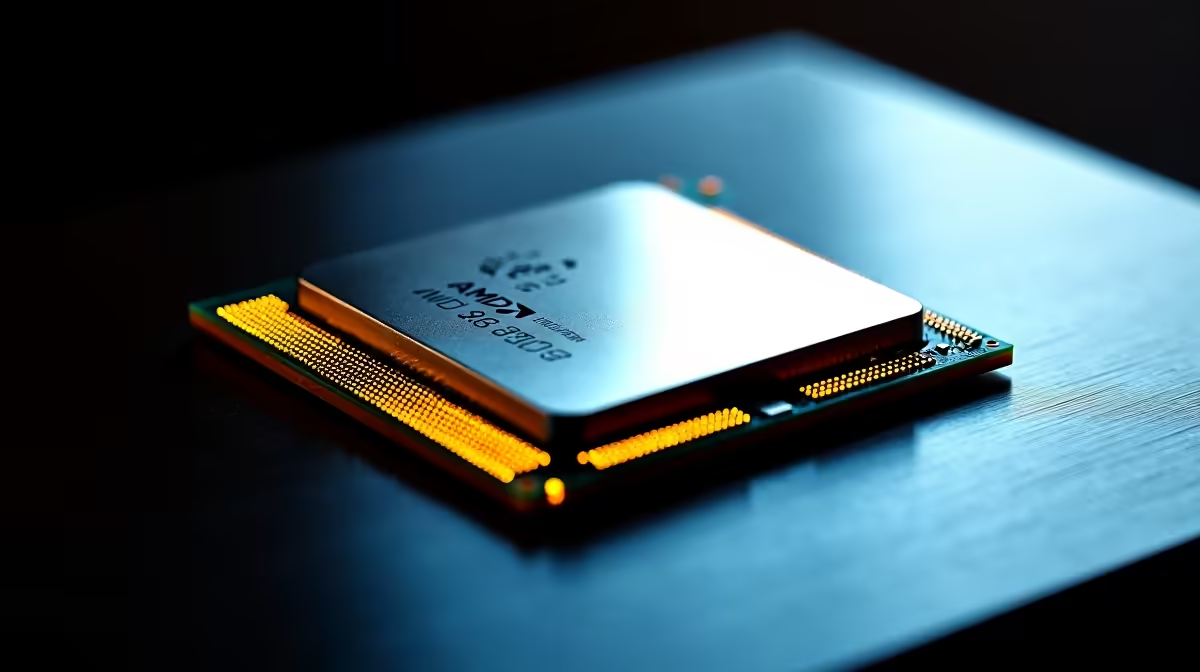
You just spent your hard-earned ZAR on the ultimate gaming CPU. You carefully drop the AMD Ryzen 7 9800X3D into your AM5 motherboard, hit the power button... and nothing happens. Your screen stays black. Before you panic and assume your hardware is dead and needs to be returned, take a deep breath. A Ryzen 7 9800X3D not detected by BIOS is a common hurdle for new builders, and the fix is surprisingly simple.
Why Your AM5 Motherboard Needs an Update
Motherboards manufactured months ago simply do not know how to talk to the newest silicon. The AMD X670 or B650 board you bought likely shipped with firmware designed for the older 7000 series chips. To get your board to recognise the latest AMD processors, you need to flash it to the most recent version.
Without this crucial update, the motherboard cannot properly communicate with the advanced 3D V-Cache technology... leaving you staring at a blank monitor while your fans spin at maximum speed.
The USB BIOS Flashback Method 🔧
Most modern AM5 boards feature a dedicated BIOS Flashback button on the rear I/O panel. This brilliant feature lets you update your firmware without needing a compatible CPU or RAM installed. You will just need a USB flash drive and access to a second computer... even everyday laptops will do the trick perfectly.
First, head to your motherboard manufacturer's official support page, whether that is ASUS, MSI, or Gigabyte. Double-check your exact motherboard model number and download the latest BIOS version that explicitly mentions support for the Ryzen 9000 series. Extract the downloaded folder and run the renamer tool if your brand provides one.
Next, copy that specific file onto the root directory of your flash drive. Plug it into the designated flashback USB port on your motherboard, connect your power supply, and hold the flashback button until the LED starts blinking. Once the light stops... your board is ready for the new CPU.
Flashback Pro Tip ⚡
Always ensure your USB drive is formatted to FAT32 before copying the BIOS file. Many modern drives default to exFAT or NTFS, which the motherboard flashback utility simply cannot read.
Alternative Solutions for Boot Issues 🚀
If your specific motherboard lacks a flashback button, the process becomes slightly more complex. You might need to borrow an older Ryzen 7000 series chip just to boot up, enter the BIOS menu, and run the update utility manually. If you want to avoid this hassle entirely in the future, looking at fully assembled premium gaming PCs guarantees the system is tested, updated, and optimised before it reaches your door.
Avoiding Future Hardware Headaches ✨
Building your own rig is incredibly rewarding, but it does occasionally come with troubleshooting moments like this. If you prefer a plug-and-play experience without the stress of firmware mismatches, exploring pre-built desktop setups removes the guesswork completely.
Remember to always double-check compatibility before purchasing parts, and keep an eye on our weekly tech specials to grab components or full systems at the absolute best prices in South Africa.
Want to Skip the Troubleshooting? If dealing with BIOS updates and black screens sounds like a nightmare, let our experts handle the technical heavy lifting. Explore our massive range of pre-built gaming PCs and get a fully updated, plug-and-play rig delivered straight to your door.











