

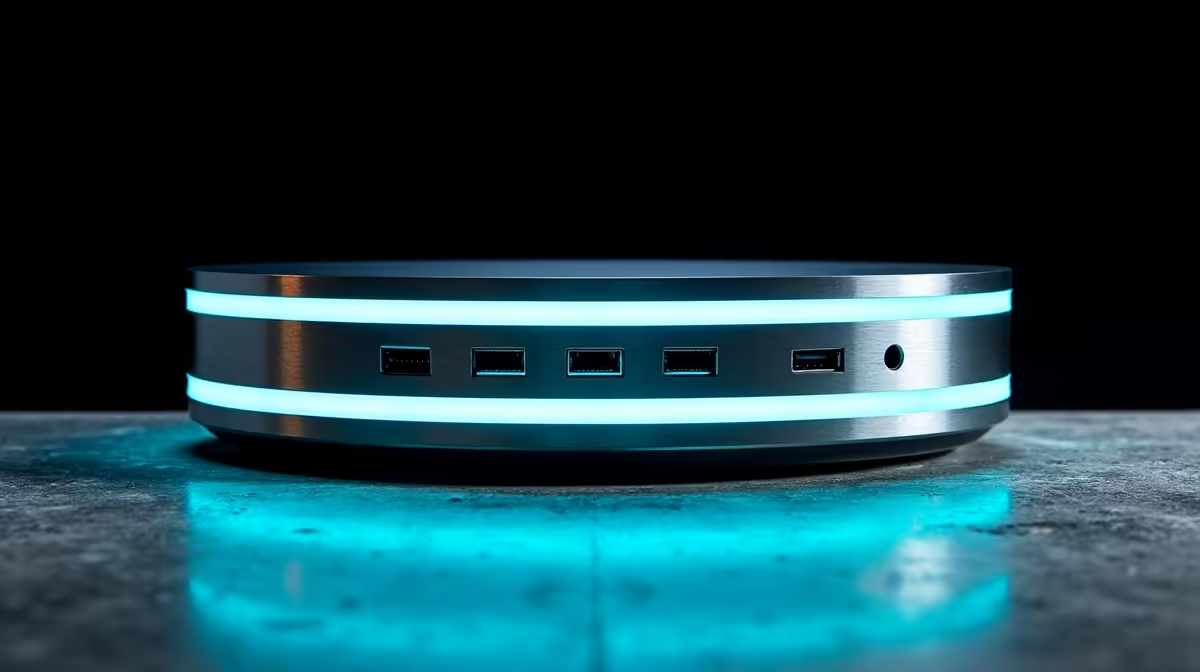
Juggling your laptop, monitor, keyboard, and mouse in a South African home office often feels like wrestling with an octopus. 🐙 You reach for that cheap, plastic USB hub you bought online, but a flicker of doubt crosses your mind... is this thing actually safe for my R20,000 laptop? That's where secure docking stations come in, offering not just convenience but crucial protection for the expensive tech you rely on every single day.
Why a Secure Docking Station Isn't Just a 'Nice-to-Have'
We’ve all heard the horror stories. A colleague plugs their laptop into a flimsy, no-name adapter during a loadshedding switchover, and zap... a fried USB-C port and a massive repair bill. The truth is, your devices are vulnerable. A cheap hub can fail to regulate power, leading to short circuits, data corruption, or permanent damage.
Investing in a proper, safe docking solution is about mitigating risk. It acts as a stable, reliable intermediary between the power outlet and your valuable equipment. Think of it as a surge protector and organiser in one, built to handle the demands of multiple high-powered peripherals without breaking a sweat. It's the foundation of a truly professional and protected setup.
Key Features That Protect Your Devices Safely
So, what separates a basic hub from a genuinely secure docking station? It comes down to a few critical features that manufacturers of quality hardware prioritise. When you're shopping, keep an eye out for these signs of a well-built, safe product.
Built-in Safety Protocols
The most important feature is internal protection. Look for docks that explicitly mention Over-Current Protection (OCP), Over-Voltage Protection (OVP), and Short-Circuit Protection (SCP). These systems actively monitor and manage the power flow, shutting down before a surge can damage your laptop or connected devices. Many trusted brands like Promate build these protections into their core design.
Robust Build Quality
A secure dock feels solid. Anodised aluminium casings aren't just for looks; they dissipate heat far more effectively than cheap plastic, preventing overheating under load. ⚡ Pay attention to the ports themselves. They should be firm, with no wiggle room. A loose connection is an unstable connection, creating a potential point of failure. You'll find that even great options under R1000 can offer excellent build quality if you know what to look for.
Check Your Wattage!
Before buying, check your laptop charger's wattage (e.g., 65W, 90W). Ensure the docking station's Power Delivery (PD) port matches or exceeds this number for stable, full-speed charging. A lower wattage dock will charge your device slowly... or not at all.
Finding the Right Secure Hub for Your Setup
You don't need to break the bank to protect your gear. The best docking station is the one that meets your specific needs and budget.
For a clean and simple work-from-home setup with a single 4K monitor and a few USB devices, you can find fantastic, secure hubs that get the job done without fuss. If you're a power user or gamer running multiple high-refresh-rate monitors, an external SSD, and a full suite of peripherals, you'll want to step up to a more powerful hub under R2000 to guarantee stable performance across the board. The key is to assess your daily workflow and choose a dock that can handle it with ease. ✨
Secure Your Setup, Simplify Your Life Stop risking your expensive hardware with unreliable adapters. Explore our complete range of secure docking stations and build a workspace that’s as safe as it is powerful. Shop docking stations at Evetech today!











