

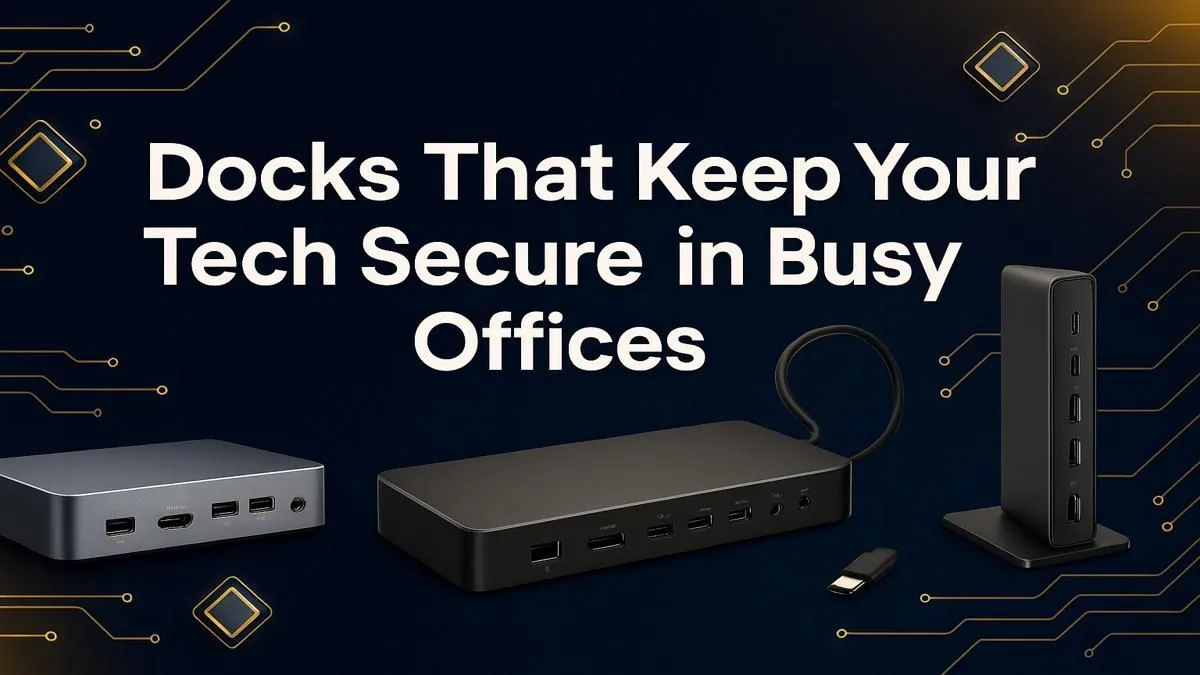
Is your office desk a battlefield of cables? In today's hybrid work world, you're constantly plugging and unplugging your laptop, creating clutter and a prime opportunity for would-be thieves. What if you could connect to your monitors, keyboard, and network with a single cable while physically locking your laptop in place? A secure tech dock isn't just a convenience; it's essential for a streamlined and safe workspace. Let's get your setup organised.
Why Your Busy Office Needs a Secure Docking Station
In a bustling South African office, especially with hot-desking or shared spaces, leaving your valuable tech unattended is a massive risk. This is where secure tech docks become a critical piece of your professional toolkit. They offer a two-pronged solution: organisation and security.
First, let's talk about physical security 🔒. Most quality docks come equipped with a Kensington Security Slot. This standardised lock slot allows you to tether the dock—and your connected laptop—to your desk. It’s a simple, effective deterrent against opportunistic theft, giving you peace of mind when you step away for a coffee or a meeting.
Second, they conquer cable chaos. Instead of fumbling with four or five different cables, you connect just one USB-C or Thunderbolt cable to your laptop. Everything else—your dual monitors, mouse, keyboard, and even your wired internet connection—plugs into the dock. It’s an instant productivity and aesthetic upgrade for any professional setup, and many reliable Promate docking solutions are built precisely for this purpose.
Choosing the Right Secure Tech Dock for Your Setup
Not all docks are created equal. Finding the perfect one means matching its capabilities to your specific needs. The key is to balance features, security, and budget to find a solution that will serve you well for years.
Connectivity and Ports 🔌
Before you buy, take stock of your peripherals.
- Displays: How many monitors do you use? Do they need HDMI or DisplayPort? Are you aiming for 4K resolution?
- USB Devices: Count your USB-A devices (keyboard, mouse, webcam) and any modern USB-C accessories.
- Networking: Does your office have spotty Wi-Fi? A dock with a dedicated Ethernet port provides a stable, fast connection.
- Power Delivery: Check if the dock can charge your laptop while connected. This feature, known as Power Delivery (PD), is a massive convenience.
You don't need to break the bank to get a great setup. There are excellent feature-packed options under R2000 that handle dual monitors and offer plenty of ports. For simpler workstations, you can find great budget-friendly choices under R1000 that still provide essential connectivity.
Check Your Laptop's Port!
Not all USB-C ports are the same. A Thunderbolt 3 or 4 port offers the highest performance for driving multiple 4K displays and high-speed data transfer. A standard USB-C port is still great for most setups, but always check your laptop's specifications to ensure it supports "DisplayPort Alternate Mode" for video output via USB-C.
Beyond Security… The Productivity Boost ✨
While the security aspect is crucial, the real daily benefit of a secure docking station is the workflow transformation. Imagine starting your day: you walk up to your desk, click one cable into your laptop, and instantly your entire workstation comes to life. No more wasted minutes reconnecting everything.
This efficiency is especially powerful in creative or data-heavy roles. A video editor can connect to multiple high-resolution displays and fast external storage simultaneously. A financial analyst can have several spreadsheets open across different screens without a hitch. This streamlined connection doesn't just save time; it reduces friction and lets you focus on what truly matters… getting the work done.
Ready to Secure & Streamline Your Workspace? Stop wrestling with cables and worrying about your gear. Explore our full range of docking stations and build the efficient, secure desk setup you deserve.











