

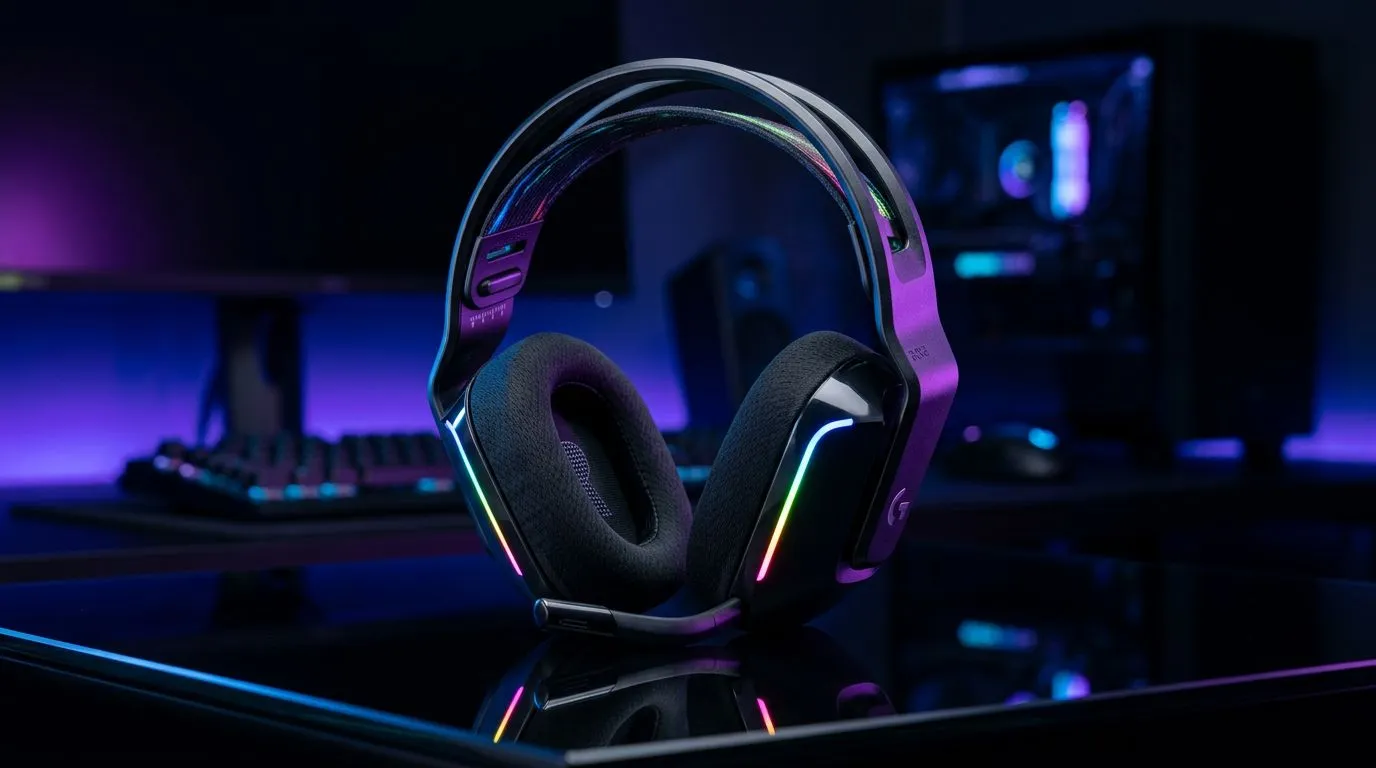
Customising Your Setup with RGB Lighting
There is nothing quite like the glow of a custom battlestation to get you in the zone for a late-night session. If you have picked up a new headset, you might be wondering how to set up RGB lighting on your gaming headset with LIGHTSYNC. While many gamers focus on their mouse or keyboard, syncing your audio gear adds that extra layer of immersion that makes your desk look truly pro. 🚀
Getting Started with Software Integration
The magic happens within the manufacturer's software suite. Whether you are rocking the latest Razer Barracuda X Chroma or another high-end peripheral, the process is usually straightforward. Once you have installed the drivers, the software should automatically detect your device. From there, navigate to the lighting tab to select your effects. You can choose from breathing, wave, or audio-reactive modes that pulse in time with your favourite track.
Why Sync Matters
Syncing your lighting isn't just about aesthetics; it is about creating a cohesive ecosystem. If you are looking to expand your collection, browsing Razer headphones is a great place to start, as they offer seamless integration with most desktop lighting controllers. By grouping your devices, you ensure that your entire desk setup reacts to the same triggers... providing a unified look that keeps your focus exactly where it needs to be: on the win.
Pro Lighting Tip ⚡
If your headset lighting feels too distracting during intense competitive matches, set your profile to a static dim colour or use the software to bind a 'Toggle Lighting' shortcut to a side button on your mouse. This lets you kill the glow instantly during clutch moments without tabbing out of your game.
Choosing the Right Hardware
Not all headsets are created equal, and some offer more granular control over individual LED zones than others. When you explore our full range of gaming headsets, look for models that explicitly support software-based customisation. Investing in gear that allows for deep personalisation ensures you won't be limited by default rainbow cycles. Remember, a well-lit setup is a happy setup... and it looks fantastic on stream, too. ✨
Ready to Find Your Perfect Match? The lighting debate is complex, but for maximum performance, choice, and value in South Africa, a synchronised setup is hard to beat. Explore our massive range of gaming headset specials and find the perfect gear to conquer your world.











