

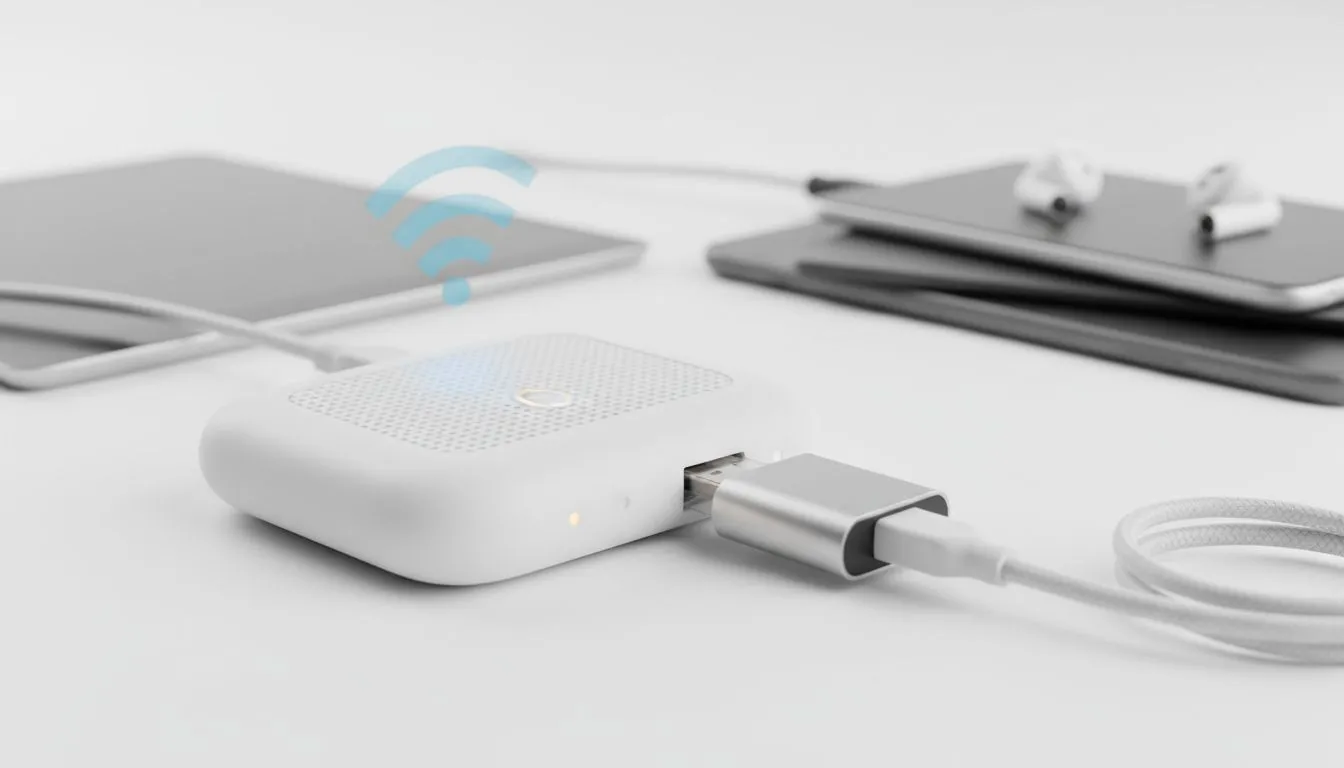
Why You Struggle to Share Hotel Wi-Fi with Multiple Devices
You have just checked into your hotel after a long drive across the Karoo or a flight to Cape Town. You want to connect your phone... then your laptop... then your tablet. Suddenly, the login screen stops you. Most hotel networks limit you to one or two devices per room. It is incredibly frustrating to share hotel Wi-Fi with multiple devices when you have an entire ecosystem of tech to manage. 🔧
The problem usually stems from a "captive portal." This is the web page that asks for your room number or a voucher code. It logs the MAC address of your device and blocks any others from joining the same session. If you are a gamer trying to get your console online or a professional with multiple screens, this restriction is a massive bottleneck.
Use a Dedicated Travel Router for Seamless Connection
The most effective way to bypass these limits is to use a dedicated travel router. These clever gadgets act as a bridge. They connect to the hotel's wireless signal and create a private, encrypted hotspot for all your gear. If you need a high-performance option, the Cudy LT700 AC1200 4G Cat6 Router is an excellent choice. It handles multiple high-speed connections without breaking a sweat... ensuring your Netflix stream does not lag while you work.
By using hardware from Cudy South Africa, you only have to sign into the hotel's portal once. The router authenticates the connection, and then every device you have previously paired with your router connects automatically. This saves you the hassle of re-entering tedious voucher codes every time you switch from your phone to your laptop. ✨
Optimise Your Setup with WISP Mode
Many modern networking devices offer a feature called WISP (Wireless Internet Service Provider) mode. This allows the router to function as a client to the hotel Wi-Fi while simultaneously acting as an access point for you. You can find this feature on many TP-LINK wireless routers available at Evetech. ⚡
This setup does more than just add convenience. It adds a layer of security. Public hotel networks are notoriously insecure... leaving your data vulnerable to anyone else on the same floor. A travel router creates a hardware firewall between your private devices and the rest of the hotel guests. It is a small investment for significant peace of mind.
Travel Security Tip ⚡
Always use a travel router to create a hardware firewall between your devices and the public hotel network. It prevents other guests from seeing your shared folders or local traffic... which is a common risk on open Wi-Fi setups in busy South African tourist hubs.
Stay Productive on the Move
Whether you are travelling for business or a local gaming LAN, having a reliable connection is non-negotiable. You shouldn't have to choose which device gets to stay online. By using a portable router, you can share hotel Wi-Fi with multiple devices effortlessly. This ensures your smart watch, tablet, and gaming rig all stay updated and ready for action. 🚀
Ready to Stay Connected Everywhere? Don't let restrictive hotel networks slow you down or compromise your digital security. Check out our latest networking deals and grab a travel-ready router that keeps all your gear online at once.











