

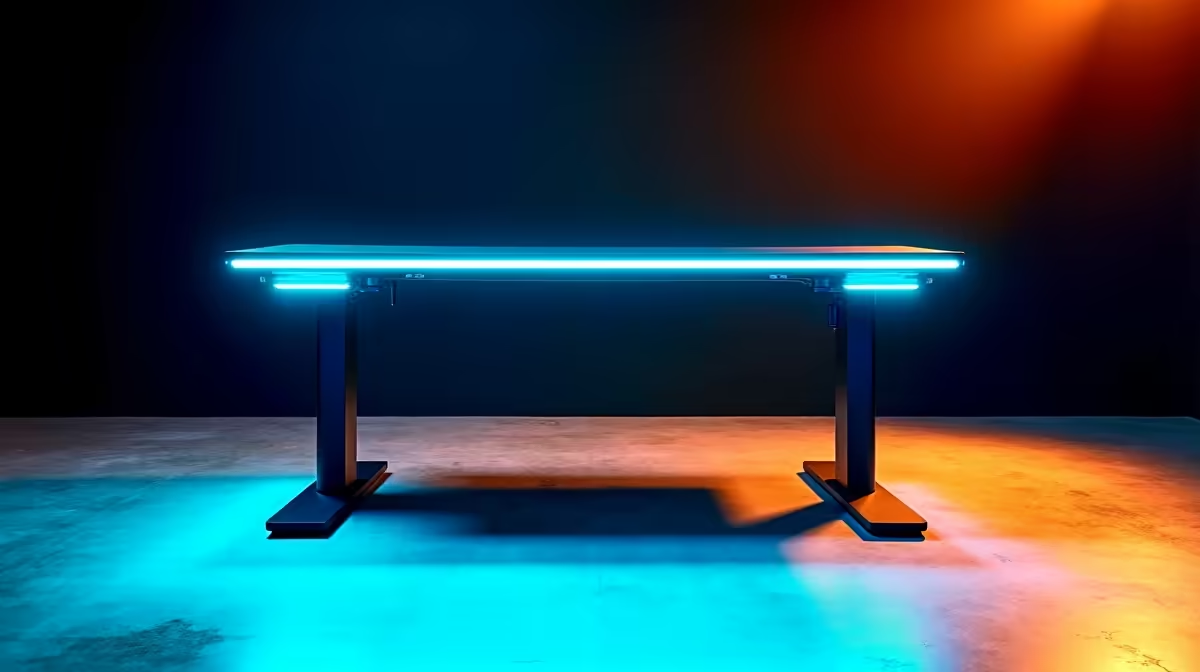
Standing desks have moved from executive luxury to practical home office furniture, and South African remote workers are increasingly making the switch. A height-adjustable desk reduces the musculoskeletal strain of an all-day seated posture, and in a market where quality varies widely, knowing what to look for before buying saves significant money and frustration.
Quick Answer
Standing Desk Guide for South African Home Offices: Electric sit-stand desks with dual motors, a minimum lifting capacity of 70kg, and a desktop depth of at least 70cm are the right targets for most SA home office users. Budget for R4,000–R8,000 for a quality mid-range option that will last; cheaper desks under R2,500 typically have underpowered motors and wobble at standing height.
🔧 What to Look for in a Standing Desk for SA Conditions
Motor type and lift capacity: Single-motor desks are cheaper but wobble more at standing height and under load. Dual-motor desks are significantly more stable and handle heavier desk setups - monitors, PC towers, large displays - without strain. For home offices with dual monitor setups, target a minimum 80kg lift capacity.
Desktop dimensions: Depth is more important than most buyers realise. A 60cm deep desk pushes monitors uncomfortably close to your face at standing height. A 70–80cm depth allows proper monitor distance whether sitting or standing.
Height range: SA adults span a significant height range. A desk that adjusts from 60cm to 125cm covers most users from 155cm to 200cm in height. Check the minimum height for sitting use - if you are shorter than average, ensure the desk goes low enough for comfortable seated posture.
Stability at standing height: This is where cheap desks fail. At maximum height extension, a dual-motor desk should have minimal side-to-side wobble. Read reviews specifically for wobble reports - a wobbly desk is unusable for extended standing periods.
📊 Standing Desk Price Tiers in SA
| Tier | Price Range | What You Get |
|---|---|---|
| Budget | R1,500–R2,500 | Single motor, basic controller, 60kg capacity, visible wobble |
| Mid-range | R3,500–R7,000 | Dual motor, programmable presets, 80–100kg capacity, stable |
| Premium | R8,000–R18,000 | Commercial-grade stability, cable management, wide desktop options |
For most South African home office users, the mid-range tier delivers the right balance. Budget desks frequently require replacement within 2–3 years. The premium tier is worth considering for users who stand for 4+ hours daily or run heavy workstation setups.
Programmable height presets are a practical convenience feature. Being able to press a button to move between your exact sitting and standing heights - without manually stopping the motor - removes friction from actually using the desk in both positions.
💡 Using a Standing Desk Effectively in SA Home Offices
Anti-fatigue mat: Standing on a hard floor for extended periods is fatiguing. An anti-fatigue mat (available from hardware and home stores across SA) makes a significant difference to standing comfort. Budget R300–R800 for a quality mat alongside your desk purchase.
Monitor arm compatibility: A standing desk without monitor arms means your monitor height stays fixed while your desk height changes, defeating the purpose. Plan for monitor arms with the desk - they allow the monitor to stay at eye level whether sitting or standing.
The sit-stand rhythm: Research consistently shows that alternating between sitting and standing in 30–45 minute blocks is more beneficial than standing for long continuous periods. A programmable desk with a reminder feature (some models include this) helps build the habit.
Cable management: A height-adjustable desk that moves up and down needs slack in its cables. Plan for cable organisers, cable trays, or a cable management box to keep wires tidy across the full range of motion. A cable conduit attached to the desk frame is the neatest solution.
SA-specific note: Most standing desks ship flat-packed and require assembly. Factor 1–2 hours of assembly time and verify that the power adapter supplied is rated for 220–240V South African mains voltage.
❓ Frequently Asked Questions
Are standing desks worth it for South African home offices? Yes, for users who spend 6+ hours daily at a desk. The reduction in lower back and hip flexor strain from alternating sitting and standing is well-supported by occupational health research. The productivity and comfort gains over a work-from-home setup that is used for years make the investment worthwhile.
What is the ideal standing desk height for working at a computer? At standing height, your elbows should be at roughly 90 degrees with your hands on the keyboard. For most adults, this is between 95–110cm from the floor. Your monitor's top edge should be at or slightly below eye level, requiring a monitor arm adjustment when switching from seated to standing.
How long should you stand at a standing desk each day? Occupational health guidelines generally recommend standing for no more than 1–2 hours total in the workday, distributed across several shorter periods. Starting with 15–20 minute standing sessions and gradually increasing is recommended for users new to standing desks. More standing is not always better - the goal is posture variation, not replacing sitting with extended standing.
Evetech stocks Graphics Card Deals and Evetech Best Sellers — great options for your gaming setup.
Ready to Find Your Perfect Match? Shop at Evetech











