

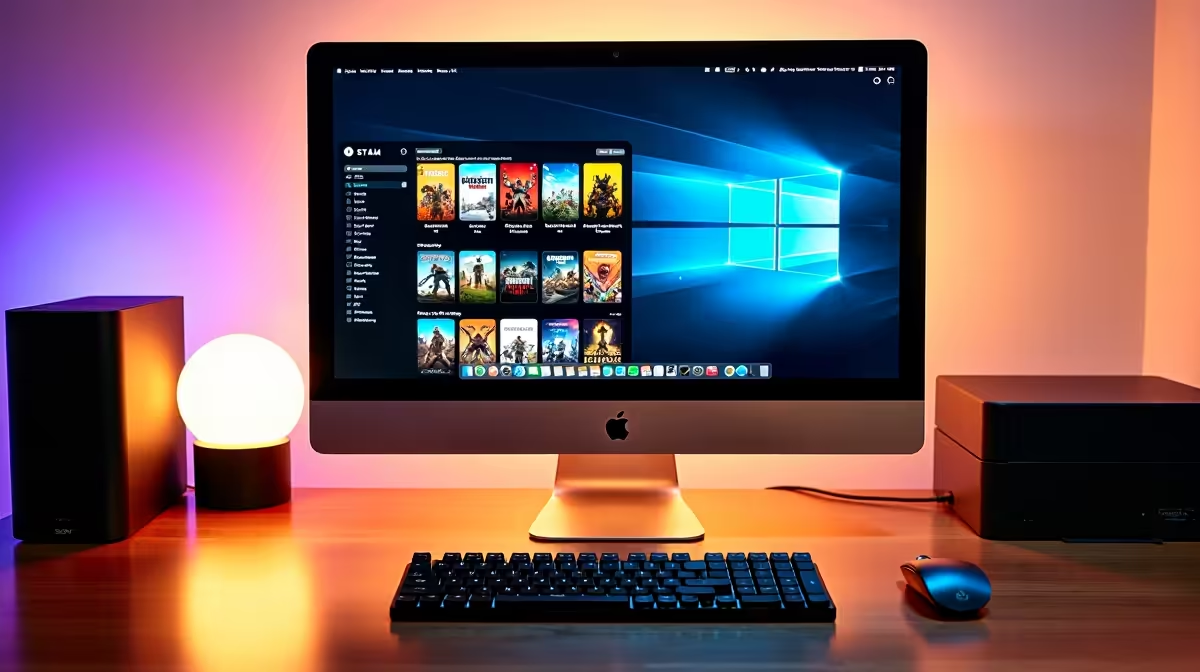
So you just dropped a hefty chunk of ZAR on a shiny new MacBook. It is brilliant for your daily workflow... but what happens when you want to play? Gaming on Apple silicon used to be a long-running joke. Today, getting Steam on Mac is surprisingly easy. Let us explore exactly how to install Steam on Mac. We will also uncover what games work best on your sleek new machine.
How to Install Steam on Mac 🚀
First things first. You need the official client to get started. Head over to the main Steam website. Click the green install button situated at the top right corner. The site automatically detects your macOS operating system. It then downloads the required installation file. Open this downloaded file up. Simply drag the logo directly into your Applications folder. You are now officially sorted.
It really is that simple. You do not need to be an IT specialist to get it running. Just log in with your account details. Your existing library will immediately sync up.
What Games Work on Mac? The Compatibility Check ✨
Now for the most important question... what games work on Mac? Apple Silicon chips are incredibly impressive for productivity. However, macOS is simply not natively built for most modern AAA gaming titles. You will find a dedicated Apple logo next to compatible titles in the storefront. Massive indie hits like Hades and Stardew Valley run flawlessly. Even heavier titles like Baldur's Gate 3 perform surprisingly well on newer chips.
Still, the available library is severely limited compared to a dedicated Windows environment. Many popular multiplayer shooters feature anti-cheat software that completely blocks macOS users. If you crave a totally unrestricted gaming library, exploring our pre-built PC deals is a very smart move. You can often find massive ZAR savings on our daily specials page.
Compatibility Pro Tip ⚡
To easily filter your library, click the small Apple icon right above your games list. This instantly hides any Windows-only titles. It saves you the frustration of downloading a massive game you cannot actually play on macOS.
Pushing Performance... When to Upgrade 🔧
Even with the absolute best software optimisation, MacBooks have limits. They lack the raw graphical brute force of a proper gaming rig. You cannot simply slot in new graphics cards when your frame rates start to drop. Apple devices are completely locked down by design. This makes future upgrades virtually impossible.
If you are tired of constantly checking system requirements, it might be time for a change. Dealing with complex compatibility layers gets old fast. Sometimes you just want to plug in and play. Investing in one of our best gaming PCs guarantees you never miss a major release again. You get maximum frame rates and glorious ray tracing. You also get absolute freedom to play whatever you want. If portability is non-negotiable, our laptops for sale offer incredible on-the-go power.
Ready to Find Your Perfect Match? The Mac vs Windows debate is complex, but for maximum power, choice, and value in South Africa, Windows is hard to beat. Explore our massive range of laptop specials and find the perfect machine to conquer your world.











