

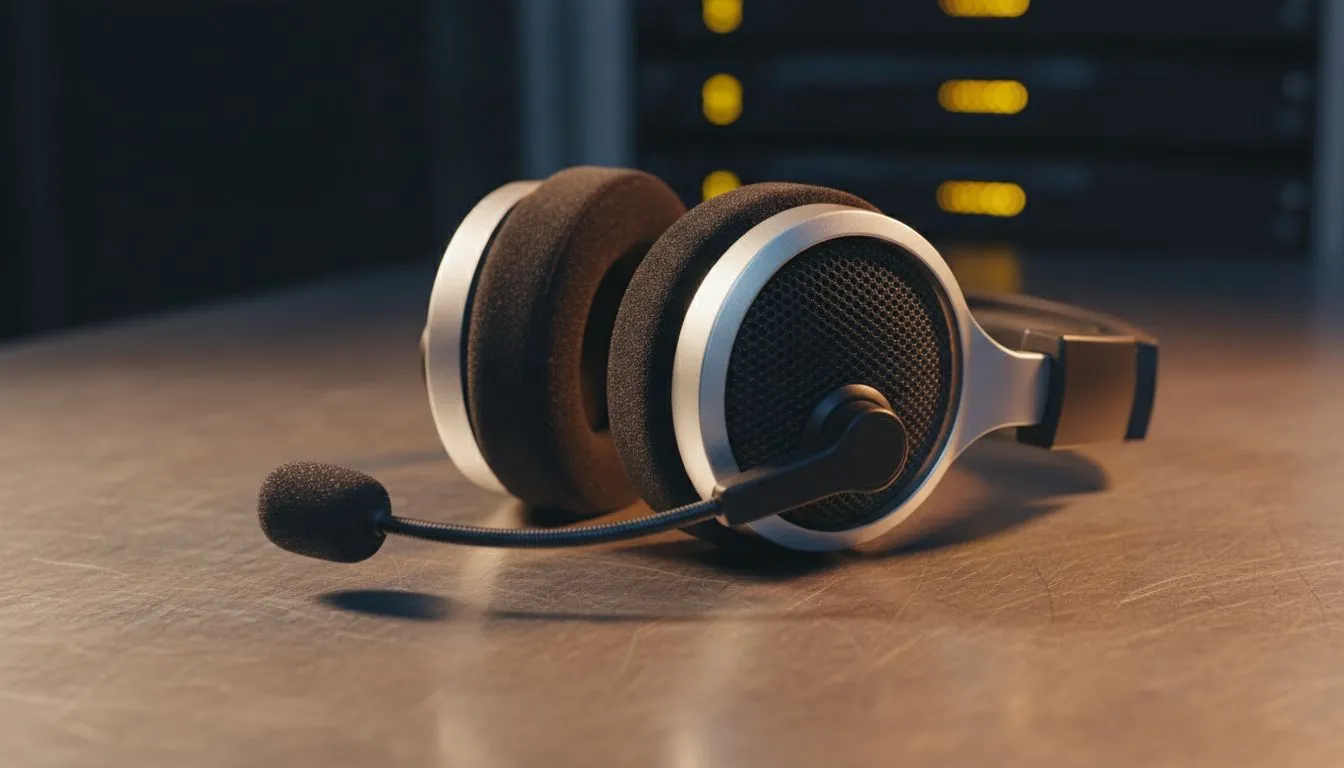
Why Headset Echo Happens During Gaming
There is nothing more frustrating than hearing your own voice bouncing back during a late-night Discord session. Whether you are clutching a 1v4 in CS2 or just catching up with mates, audio feedback ruins the immersion and irritates your teammates. If you want to stop headset echo, understanding the common causes and easy fixes is the first step toward achieving crystal-clear communication in every match.
Often, the culprit is not a broken device but rather a configuration error. Many players in South Africa rely on a wide variety of gaming peripherals that require specific calibration to function correctly. If your microphone is too sensitive, it might be picking up the sound leaking from your earcups. This "crosstalk" creates a loop where your friends hear themselves or you hear a delayed version of your own voice. 🔧
Software Fixes for Clear Audio
Before you assume your hardware is faulty, check your Windows settings. A common mistake is having the "Listen to this device" option enabled in the Sound Control Panel. This feature is meant for monitoring but often leads to a feedback loop. You should also check your gain levels... keeping your microphone boost at +10dB or lower usually prevents the sensitivity from spiking too high.
Windows Audio Pro Tip ⚡
Navigate to your Sound Control Panel, right-click your active microphone, and select Properties. Under the 'Levels' tab, ensure your Microphone Boost is not maxed out. Additionally, check the 'Advanced' tab and disable 'Hardware Acceleration' if your specific driver supports it, as this can sometimes cause processing echoes in VOIP apps like Discord or Teams.
If you are using dedicated Razer audio gear, ensure that Razer Synapse is updated to the latest version. Software-based noise cancellation can significantly reduce background hum and echo. Many local gamers find that simply enabling "Echo Cancellation" within Discord's Voice & Video settings solves 90% of their problems without costing a single Rand. 🚀
Hardware Solutions and Upgrades
Sometimes, the physical design of a budget headset is the issue. Thin wiring or poor shielding can cause electrical signals to bleed between the mic and speaker lines. If you have tried every software tweak and the echo persists, it might be time to look at a headset with better isolation.
The Razer Barracuda X Chroma is an excellent example of a device designed to prevent these issues. Its wireless connectivity eliminates the "crosstalk" often found in cheap 3.5mm splitters, while the cardioid microphone pattern ensures it only picks up your voice and not the game audio leaking from the drivers. Investing in a quality wireless setup is often the most permanent way to stop headset echo for good. ✨
Ready to Upgrade Your Audio Experience? Don't let poor comms hold your squad back. For the best deals on premium audio and the latest gaming gear in South Africa, Evetech has you covered. Explore our massive range of gaming headsets and find the perfect match to keep your comms clear and your gameplay sharp.











