

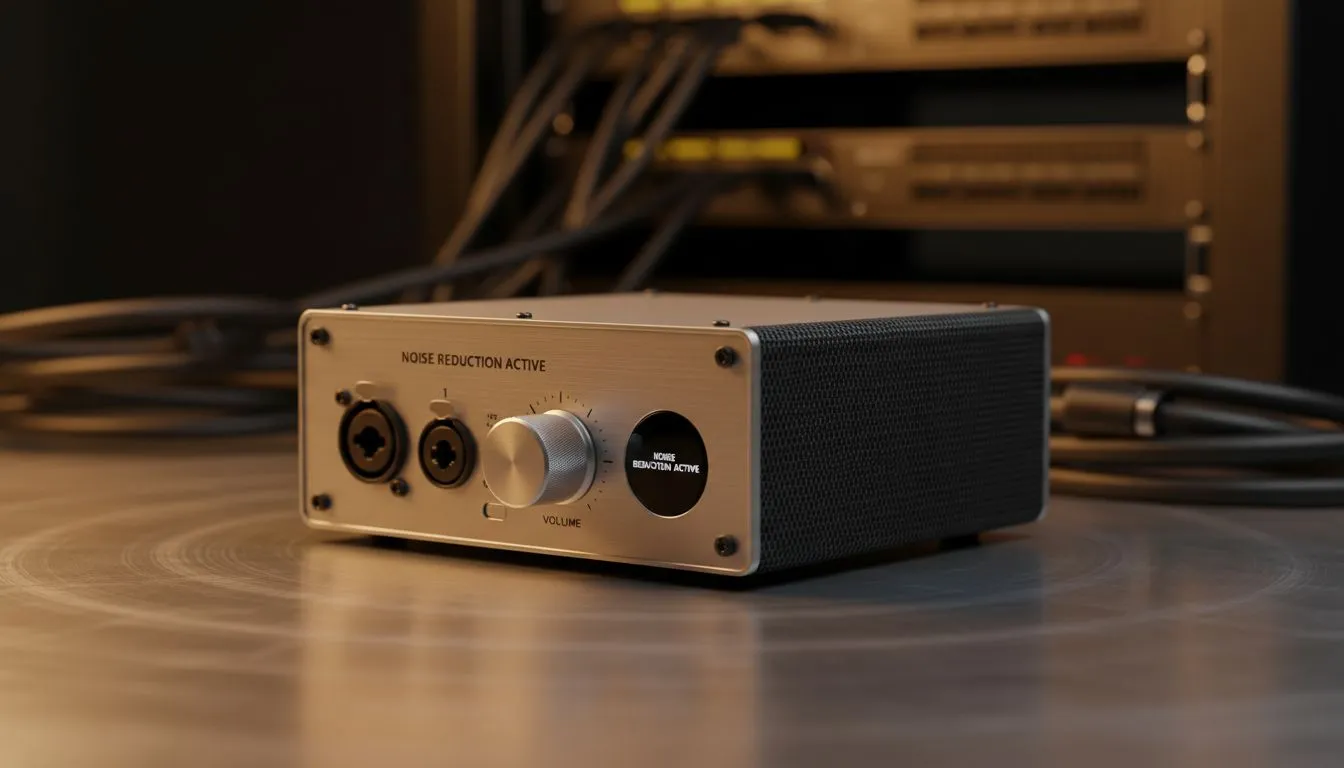
Silence the Power Cut: Stop Mic Inverter Beeps Today
Loadshedding hits... the lights flicker... and then it starts. That piercing, high-pitched beep from your inverter or UPS that broadcasts directly into your teammates' ears. It is the ultimate immersion killer for South African gamers. If you want to stop mic inverter beeps and keep your comms clear during power cuts, you need a strategy that handles both hardware and software interference ⚡.
Why Your Mic Picks Up Loadshedding Noise
Most inverters emit a loud "status beep" when switching to battery power. Others produce a constant electrical hum known as EMI (Electromagnetic Interference). If your microphone cable runs too close to your power backup system, it acts like an antenna. This picks up the unwanted signal and ruins your audio.
Upgrading to quality gaming headsets with better internal shielding can significantly reduce this electrical buzz. Cheaper units often lack the grounding needed to filter out the "dirty" power signals common during Stage 6 rotations.
Optimise Your Physical Setup
The easiest way to prevent loadshedding noise is distance. Try to move your inverter or UPS at least two metres away from your PC and audio cables. If your mic is on a boom arm, ensure the cable is not coiled around power bricks.
For those using Razer headphones, you often have access to superior cardioid pickup patterns. These mics are designed to ignore sounds coming from the sides and back... effectively muting the inverter sitting on the floor behind you.
Use Software to Filter the Beep
If moving your hardware isn't an option, software is your best friend. Apps like Discord have "Krisp" noise suppression built-in. This AI-driven tool is incredibly effective at identifying and muting sudden, sharp noises like an inverter’s low-battery alarm 🔧.
Audio Pro Tip ⚡
Use a digital noise gate in your streaming software. By setting a 'Threshold' level, your microphone will only activate when you speak. This ensures the constant hum of a UPS or the occasional beep doesn't trigger your mic while you are silent during a match.
Hardware Solutions for Clear Comms
Sometimes, the best way to handle interference is to go wireless. By removing the physical copper connection between your PC and your head, you eliminate the path for electrical interference to travel.
The Razer Barracuda X Chroma Wireless Headset is an excellent choice for this. Its HyperClear Cardioid Mic is specifically tuned to focus on your voice while suppressing background noise... making it much easier to stay focused when the power goes out 🎧.
Final Adjustments for South African Gamers
Check your Windows "Listen to this device" settings to hear exactly what your mic is capturing. If the beep is still there, try lowering the "Mic Boost" in your sound control panel. Increasing the digital gain often amplifies the background hiss of your power backup system. A clean, unboosted signal is always easier to clean up with software later 🚀.
Ready to Find Your Perfect Match? The battle against loadshedding noise is tough, but the right gear makes it easy to stay in the game. Explore our massive range of gaming headsets and find the perfect machine to conquer your world.











