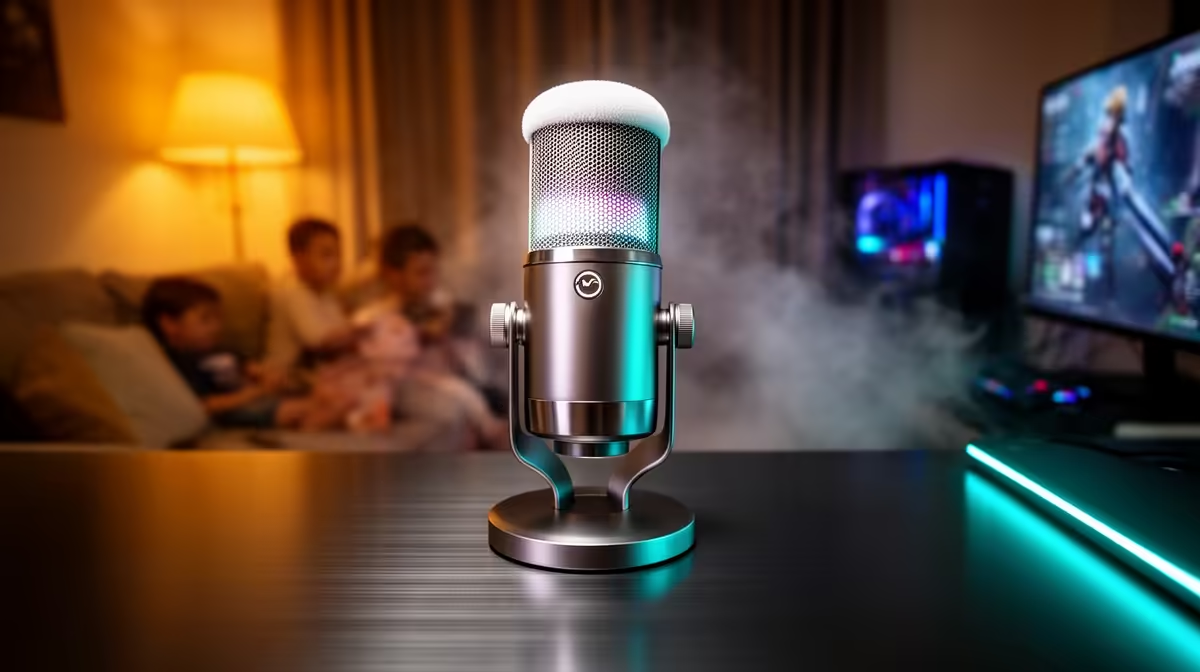
A family gaming room is busy and noisy: siblings nearby, a TV in the background and kids cycling through controllers. A streaming microphone here has to capture the active player clearly while ignoring the household around it. This checklist shows South African buyers what to compare so family chaos does not end up in every stream.
Quick Answer
For a family gaming room, choose a cardioid USB microphone with a strong noise gate and an easy mute button, around R1,200 to R3,500 in South Africa. A tight cardioid pattern plus a software gate set near -35dB keeps siblings, the TV and room echo out of the stream while the active player stays clear.
Prioritise Tight Pattern And Noise Rejection
In a shared family space, polar pattern is everything. A cardioid microphone captures the player in front and rejects the room behind, so a sibling on the couch or a TV across the room stays out of the mix. Avoid omnidirectional mics that grab the whole room. The Fifine A6 or HyperX SoloCast (R1,200 to R1,800) handle this well, while an Elgato Wave or Razer Seiren (R2,500 to R3,500) rejects background noise even more tightly.
Add A Software Noise Gate And Easy Mute
A noise gate in OBS, Discord or NVIDIA Broadcast set near -35dB means the mic only opens when the player talks, cutting the constant family hum between callouts. A quick physical mute button or tap-to-mute is essential when a parent calls or a younger sibling shouts. This combination keeps streams clean without anyone having to police the room mid-game.
Plan Placement For A Shared Room
Position the mic 15cm to 20cm from the player and angled away from the TV and main walkway to minimise reflections and footsteps. A boom arm keeps it off a shared desk where bumps are common, and a pop filter tames plosives from energetic young players. Hard family rooms echo, so a small foam screen and angling the mic toward a soft surface noticeably cleans up the sound.
FAQ
What microphone is best for a noisy family gaming room?
A cardioid USB microphone, because it captures the player in front and rejects siblings, the TV and room noise behind. Pair it with a software noise gate to silence the line between callouts.
How do I keep family noise out of my stream?
Use a tight cardioid mic, set a noise gate near -35dB so the mic only opens when you speak, and angle the mic away from the TV and walkway. An easy mute button handles sudden interruptions.
Do I need a boom arm in a family room?
It helps a lot. A boom arm keeps the mic off a shared, bump-prone desk and lets you position it close to the player and away from the room's noise and reflections.
Pick an Evetech cardioid USB microphone with a quick mute button, set a noise gate near -35dB, and mount it on a boom arm angled away from the TV to keep family noise out of your stream.